The Flow Wave Process diagram helps you present a five-stage journey through one clear and connected visual. Its continuous path guides the audience naturally from the first step to the final outcome. Each stage includes a numbered heading, a central visual placeholder, a short title, and supporting text. This balanced structure makes the diagram easy to scan during live presentations.
You can use the Flow Wave Process diagram in PowerPoint and Google Slides. It works well for workflows, project phases, strategic plans, customer journeys, and operational procedures. The flowing connector reinforces continuity, while the repeated circular structure keeps every stage visually consistent.
Diagram Preview
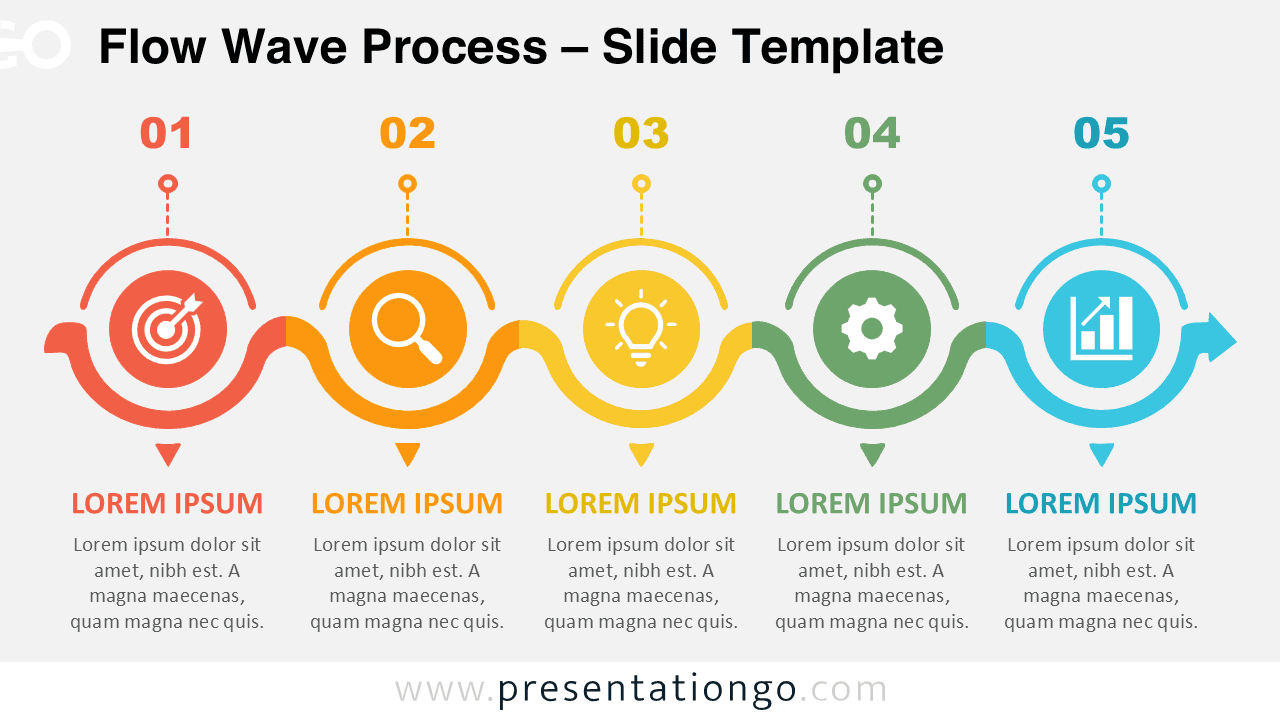
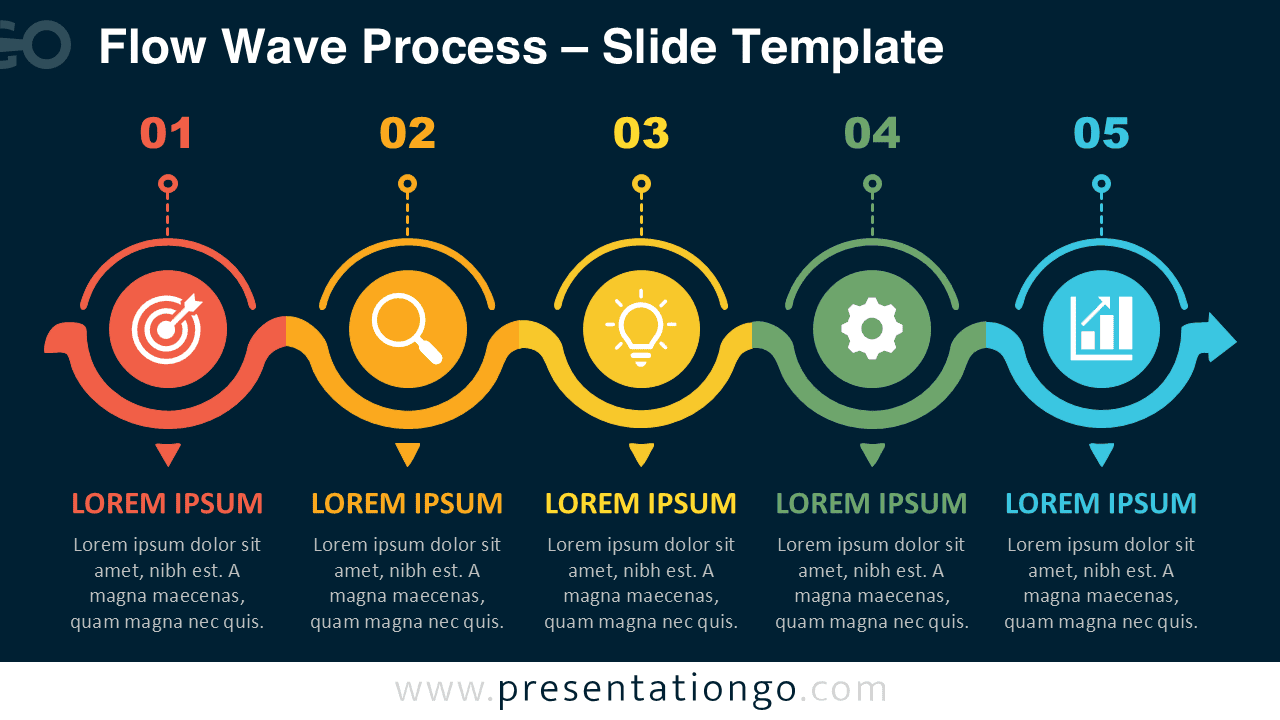
The layout presents five connected steps in a horizontal sequence. Each stage remains distinct, yet the continuous path links the full story. This approach helps viewers understand order, relationships, and progress without relying on dense explanations.
Features and Customization Options
- Five connected process stages
- Fully editable shapes
- Customizable text placeholders
- Adjustable connectors and arrows
- Editable numbering and labels
- Office library icons
- Icons used for illustration only
- Icons are easily modifiable
- Replaceable icon placeholders
- PowerPoint and Google Slides compatibility
Design and Structure
The Flow Wave Process diagram uses a continuous wave-shaped path to connect five circular stages. The composition creates a steady visual rhythm from left to right. Numbered markers establish the sequence immediately, while the central placeholders support quick recognition of each topic.
Each stage offers enough room for a concise heading and a short explanation. This encourages focused messaging and prevents overcrowded slides. You can edit the wording, resize the elements, adjust the spacing, or replace the example icons with options from the Microsoft Office icon library.
The included icons serve illustration purposes only. They provide practical examples for goals, research, ideas, operations, and results. You can modify them, recolor them, delete them, or replace them with other Office library icons that better match your message.
Practical Applications
- Explain a five-step business workflow
- Present project phases and milestones
- Map a customer journey
- Outline a product development process
- Structure a marketing campaign
- Summarize an operational procedure
- Introduce a strategic roadmap
- Describe a training sequence
- Show a continuous improvement cycle
- Communicate a sales process
Summary
The Flow Wave Process diagram turns a five-stage sequence into a simple and engaging visual story. Its connected structure makes relationships clear, while its editable elements support many business and educational topics. Use it to replace text-heavy explanations with a polished process graphic that audiences can follow quickly.
Because every major element can be modified, the diagram adapts easily to different brands, industries, and presentation goals. Update the text, refine the structure, and replace the Office library icons to create a focused process slide for PowerPoint or Google Slides.