The Gear Process Diagram displays five interconnected steps in a horizontal workflow format designed for PowerPoint and Google Slides presentations.
Illustrate Seamless Progression Using Interlinked Gear Icons
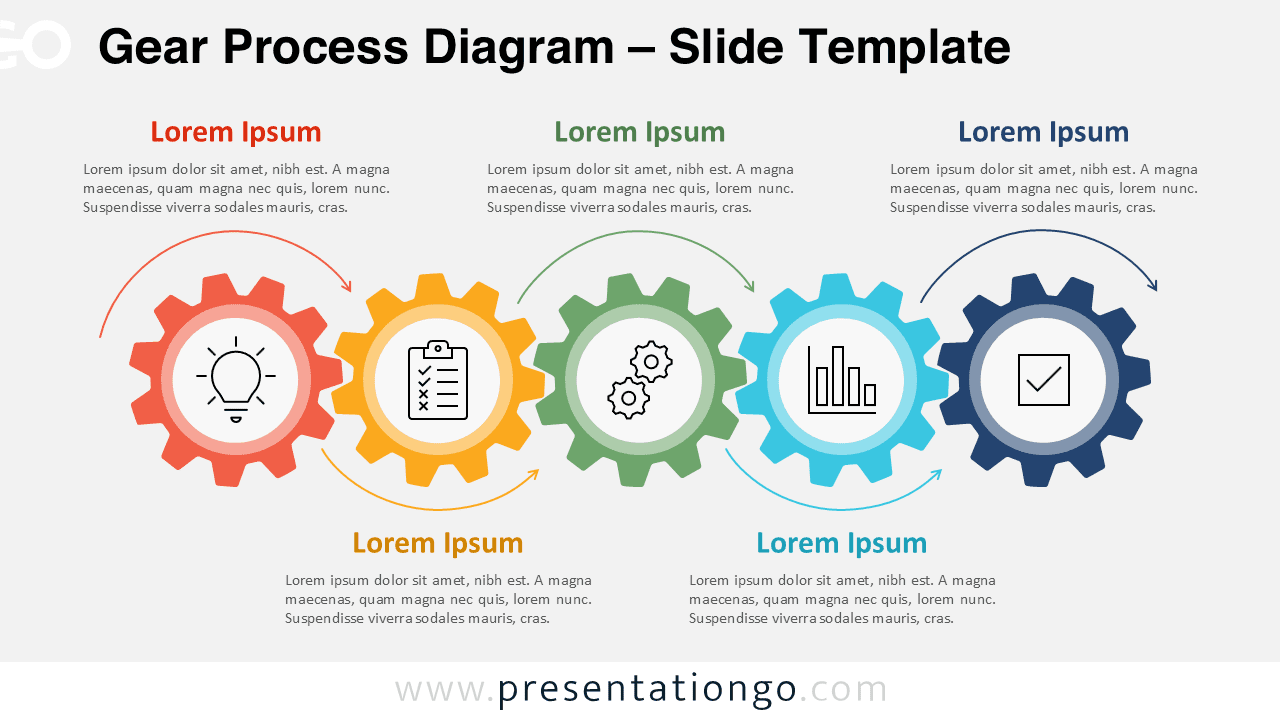
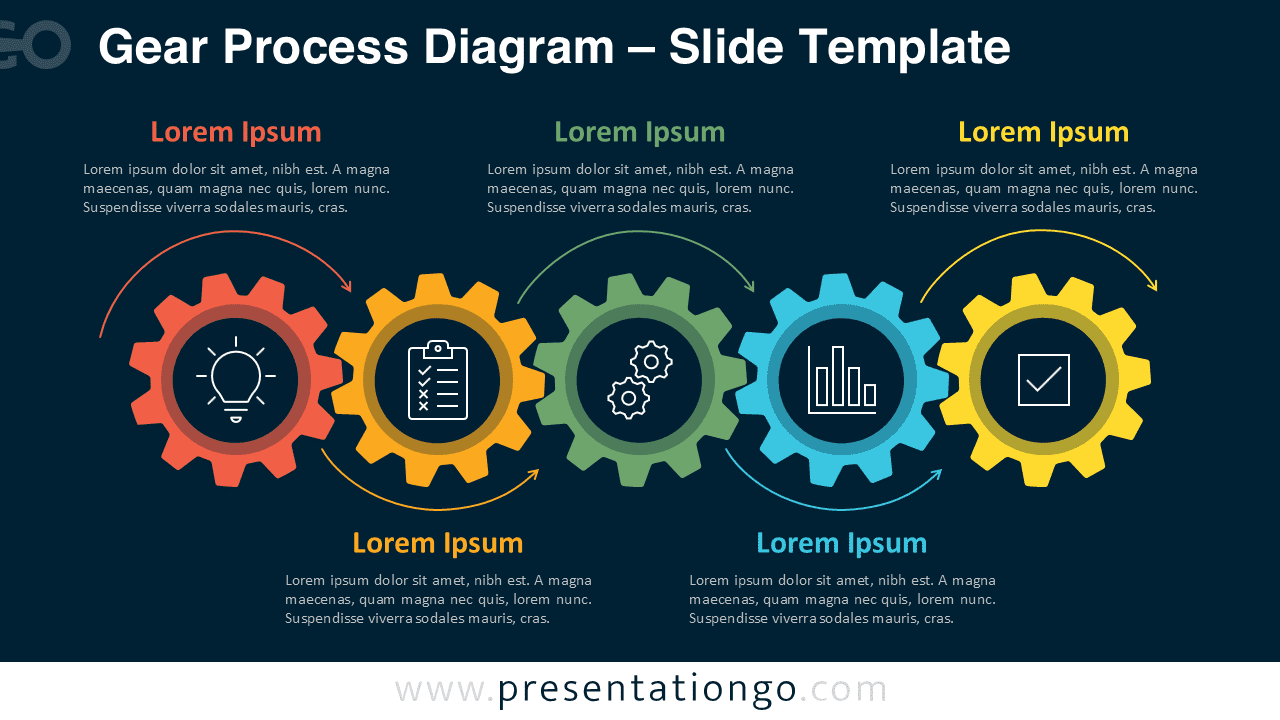
This template showcases five color-coded gear shapes aligned horizontally, each representing a distinct step in a process. The gears interlock, reinforcing ideas of mechanical continuity and mutual dependence. They stretch across the center of the slide, creating a symmetrical and visually balanced design. Directional arrows link the gears from left to right, emphasizing progression. Text containers appear above and below the gears in alternating positions, guiding the viewer’s eye and enhancing space efficiency. Each gear features a central icon that visually communicates the step it represents, adding clarity and focus to the message.
Presenters often rely on process diagrams to turn complex workflows into clear, digestible steps. Gear shapes work well as metaphors because they express interdependence, coordination, and movement. This diagram helps illustrate a five-phase strategy, a timeline, or a development cycle. For example, a project manager might use it to show how departments collaborate to achieve a shared goal, while a product team could outline the journey from concept to launch. The alternating text placement directs attention logically across the diagram and supports easy comprehension.
The file includes two unique slides that feature editable shapes, icons, and text placeholders. Users can customize each element by changing colors, swapping icons, or modifying content. The template supports both light and dark themes and offers layouts in Standard (4:3) and Widescreen (16:9) formats. It works seamlessly in both PowerPoint (.PPTX) and Google Slides, allowing smooth integration into any workflow.
Download this five-step gear diagram to present linked processes or workflows with clarity and consistency.
Widescreen (16:9) size preview:


This template offers:
- 2 unique slides
- Options for both light and dark themes
- Pre-populated with icons and text placeholders
- Fully customizable shapes for complete control
- Available in both Standard (4:3) and Widescreen (16:9) ratios
- Offered in both PowerPoint PPTX and Google Slides formats