The Interlocking Business Gears diagram explains how teams, functions, goals, and processes work together within one connected system. Six meshed gears create a clear mechanical metaphor for coordination and shared progress. Each gear includes a bold label, supporting text, and an editable icon placeholder. The balanced layout helps audiences understand relationships without presenting them as a strict sequence.
Use this diagram in PowerPoint or Google Slides to organize several connected ideas around one central theme. The middle gear can represent a shared objective, core strategy, or coordinating function. The surrounding gears can show departments, responsibilities, resources, priorities, or business drivers. Replace the sample content with your own information and adapt the structure to your presentation.
Diagram Preview
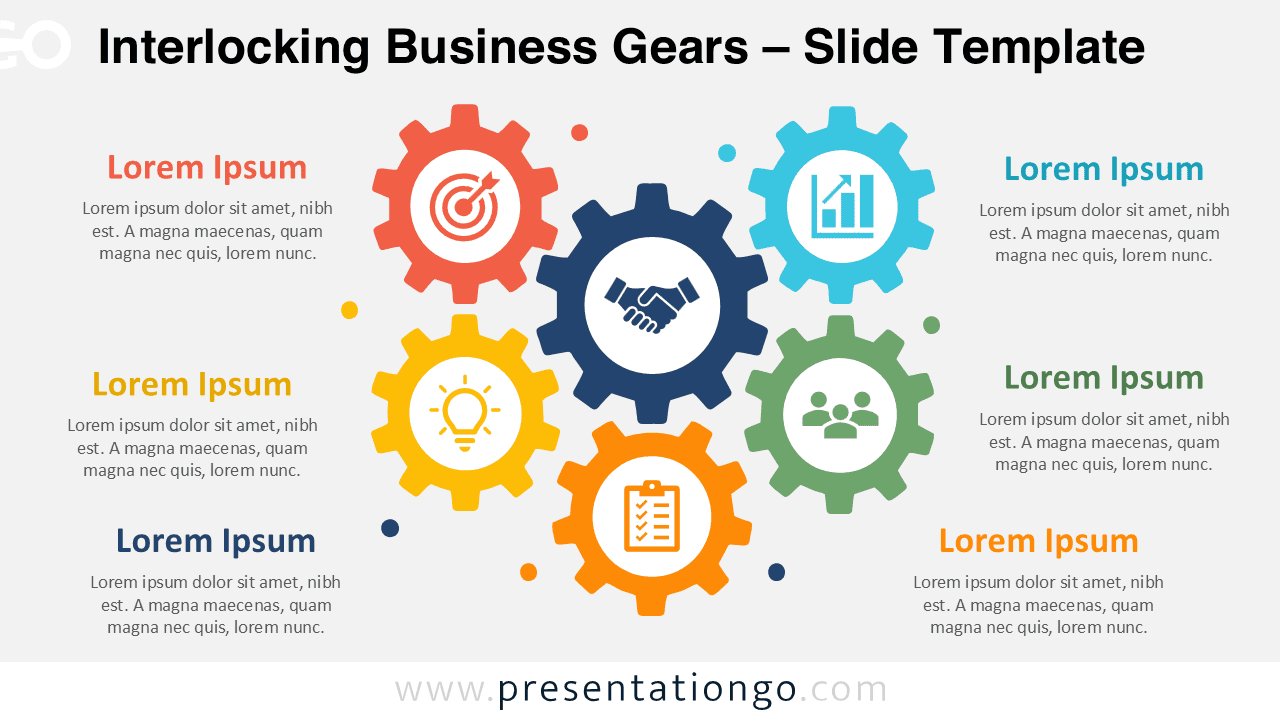
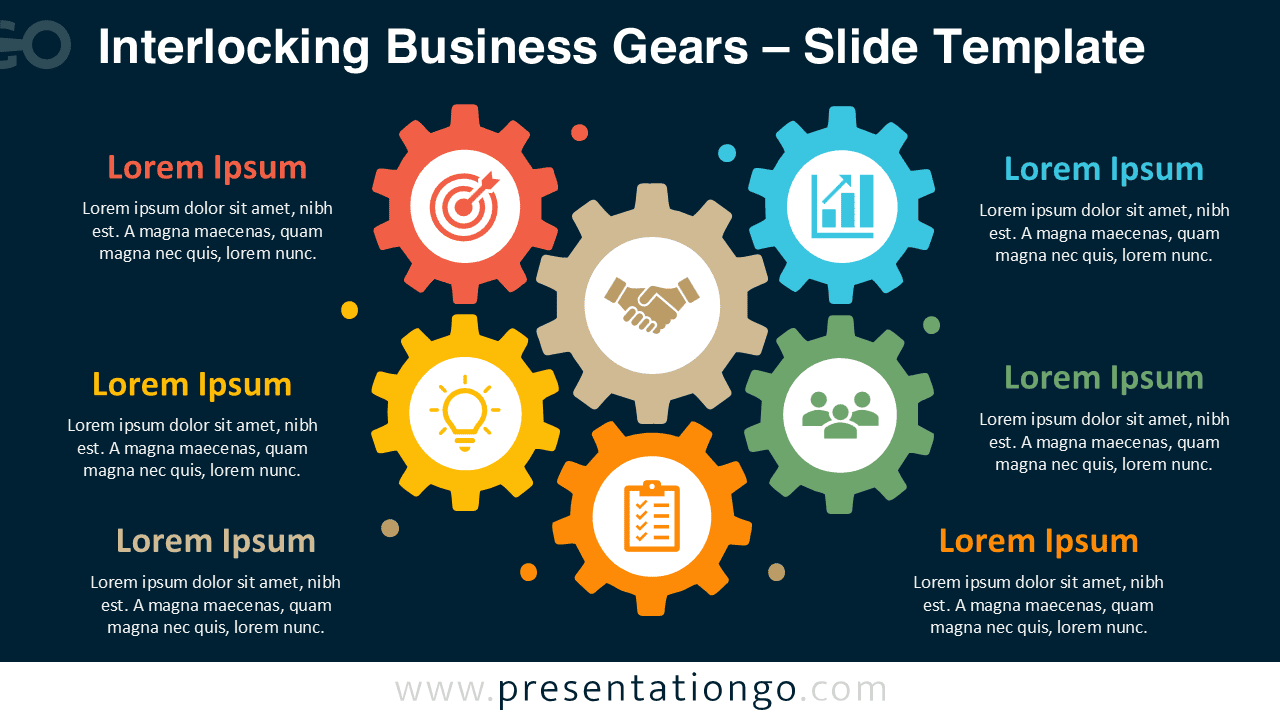
The Interlocking Business Gears preview shows the same six-part composition in two background versions. A central gear anchors the design, while five surrounding gears create a compact and unified system. Small dot accents fill the open spaces and support the mechanical theme. Nearby text blocks provide enough room for short explanations without overwhelming the visual. This arrangement makes every component easy to identify during meetings, workshops, lessons, or strategic discussions.
Features and Customization Options
- Compatible with PowerPoint and Google Slides — 16:9 widescreen
- Includes 2 editable slides in 1 layout
- Editable text, shapes, labels, and icon placeholders
- 100% editable vector shapes — no quality loss when resized
- Microsoft Office library icons for illustration only
- Icons are easy to modify, resize, recolor, or replace
- Includes both light and dark background versions
Design and Structure
The diagram places six bold gears within one compact composition. Their interlocking teeth immediately communicate connection, coordination, and mutual dependence. The central gear naturally receives the greatest attention, making it ideal for the main subject. Five surrounding gears support related ideas and show how each part contributes to the whole. Every section combines an icon, a heading, and one short block of supporting text. This repeated structure gives the slide a consistent rhythm and helps viewers compare the components quickly. The flat vector design keeps the layout clean, professional, and easy to edit. You can move, resize, duplicate, or remove elements directly within your presentation software. The included Office library icons serve illustration purposes only. Modify them easily or replace them with symbols that better match your topic, audience, or organization.
Practical Applications
- Explain connected departments or business functions
- Present the parts of an operational system
- Show relationships between project teams
- Organize strategic priorities around one shared goal
- Connect planning, innovation, performance, and execution
- Introduce systems thinking during workshops or training
- Map the factors behind organizational success
- Present interdependent services, resources, or responsibilities
Summary
The Interlocking Business Gears diagram provides a practical way to explain systems with several dependent parts. Its six-part layout combines visual impact with enough space for meaningful content. Use the central gear for the unifying idea, then assign the surrounding gears to related components. Edit the labels, supporting text, shapes, and Office library icons to match your message. The polished mechanical structure works well for business, education, consulting, operations, and project presentations. Both background versions make the diagram easy to reuse across different slide decks.