The Concentric Tier Cards PowerPoint diagram offers a simple way to present information from broad context to central priority. Three nested rounded cards create a natural visual hierarchy. Each level gives the audience a clear sense of progression and importance. The layout works especially well when several ideas belong within one larger strategic framework.
The outer card can introduce a broad scope or general market. The middle card narrows the discussion to a focused area. The central card highlights the core priority. This structure helps presenters show relationships without relying on complex charts or lengthy explanations. The diagram is compatible with PowerPoint and Google Slides.
Diagram Preview
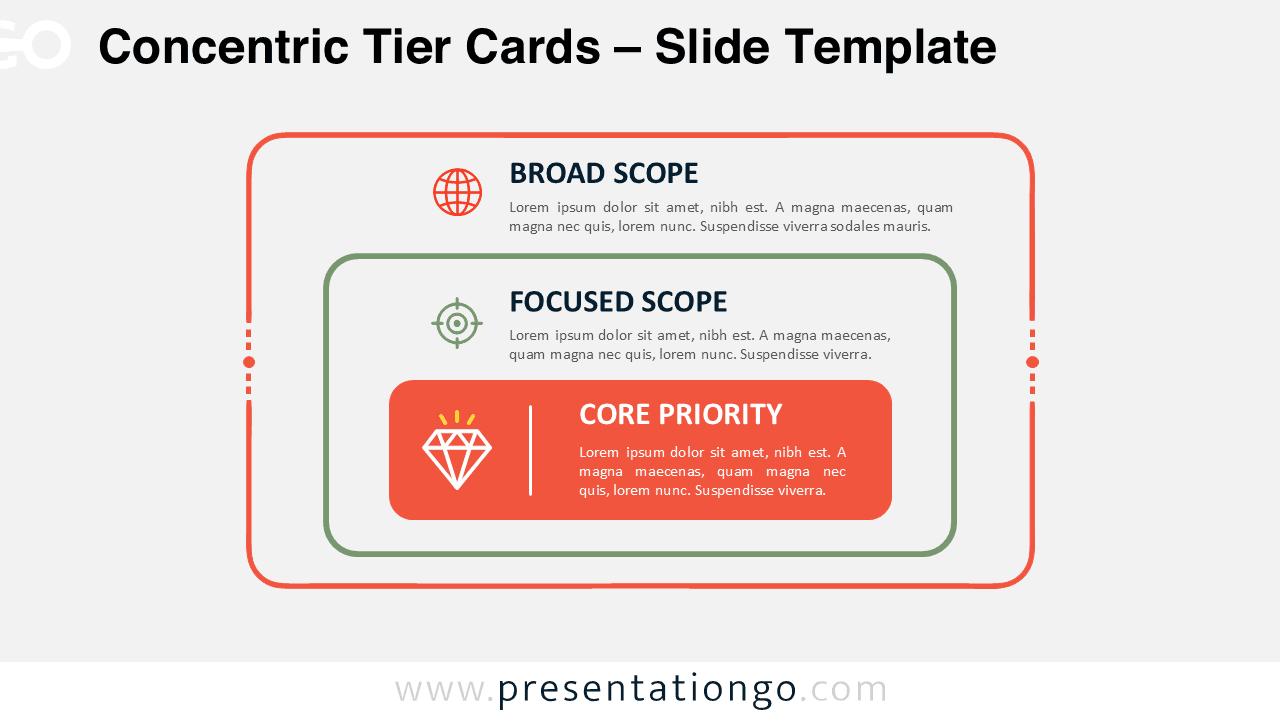
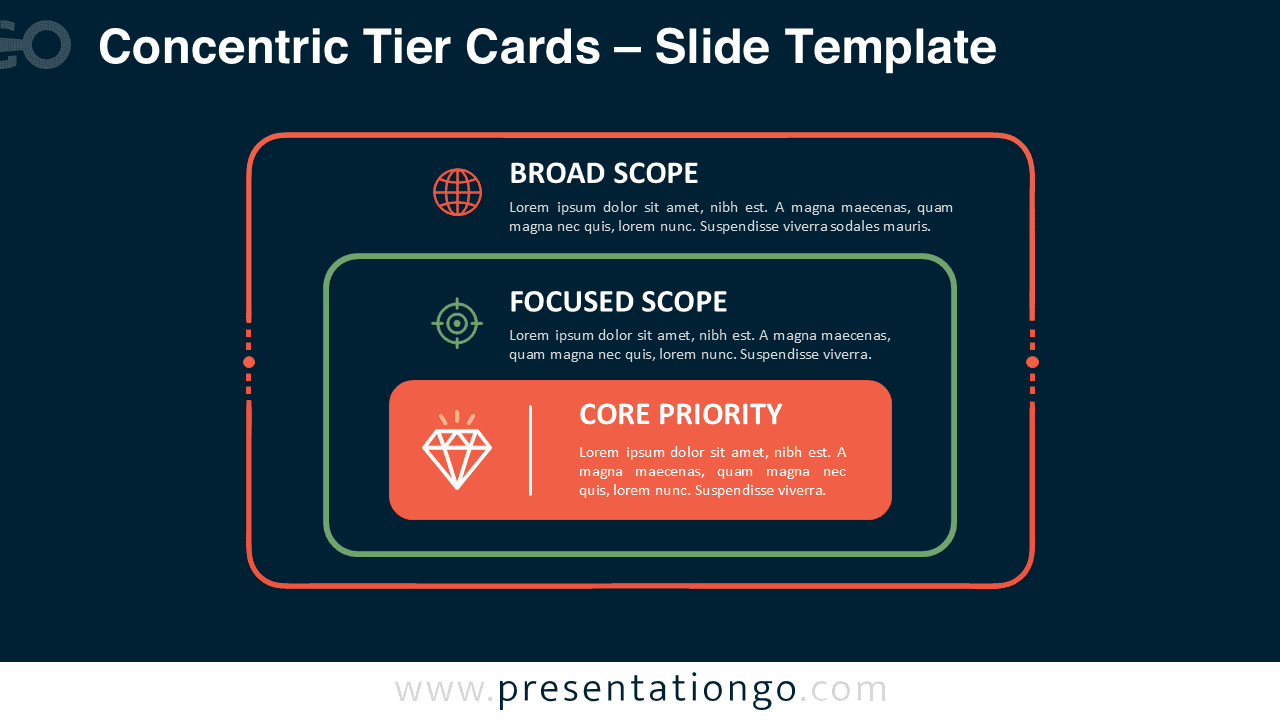
The Concentric Tier Cards PowerPoint diagram uses three nested text boxes arranged from outside to inside. Each card represents a different level of focus. The visual sequence guides attention toward the center while keeping the surrounding context visible. This makes the relationship between broad and targeted information easy to understand.
Features and Customization Options
- Compatible with Microsoft PowerPoint and Google Slides
- Three nested rounded text cards
- Editable text, shapes, and icon placeholders
- Office library icons are for illustration purposes only
- Office library icons are easy to resize or replace
- Fully editable in just a few clicks
- Includes both light and dark background versions
Design and Structure
The layout follows a clear outside-to-inside reading pattern. The largest card provides the broadest context, while the second level introduces a more specific focus. The smallest central card identifies the key message or highest priority. Because all three levels remain visible, viewers can understand both hierarchy and relationship at once.
The rounded rectangular format keeps the composition structured without making it feel rigid. Text areas provide enough room for short explanations at each level. Presenters can adapt the wording, resize the elements, or change the hierarchy to fit different topics. The nested structure also makes the slide useful for both strategic and operational discussions.
Practical Applications
- Compare broad markets with targeted customer segments
- Show organization-wide goals and core priorities
- Present strategic focus from general to specific
- Explain layered products, services, or business areas
- Organize operational priorities by level of importance
- Visualize nested categories or audience segments
- Highlight a central initiative within a wider strategy
Summary
The Concentric Tier Cards PowerPoint diagram turns three levels of information into one compact visual. Its nested structure makes broad scope, focused scope, and core priority easy to distinguish. The format supports presentations that need to show hierarchy while preserving the relationship between each level.
Use it for strategy, segmentation, planning, positioning, or organizational discussions. Every text card can be adapted to your content, while the simple layout remains easy to read. PowerPoint and Google Slides compatibility also makes the diagram practical for different presentation workflows.