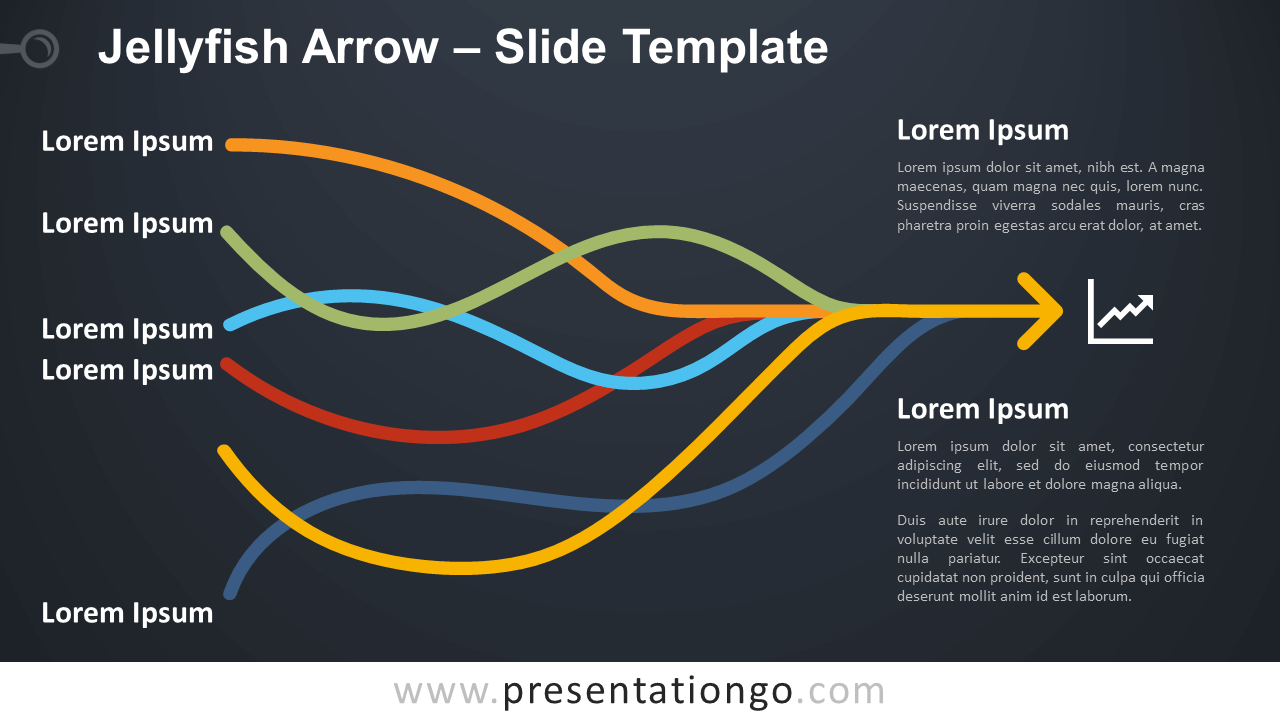
Free jellyfish arrow for PowerPoint and Google Slides. A series of swaying and undulating arrows that converge to a common head. Editable graphics with icons and text placeholders.
Jellyfish Arrow
You must know the proverb: “All roads lead to Rome”. In fact, this colorful graphic could perfectly illustrate this famous proverb. Indeed, all the six arrows, each with an undulating shaft, converge to the same location. That means that in the end, they share the same arrowhead.
You can use this jellyfish arrow to show how different events or actions can lead to a common result. Also, it helps understand what could influence a phenomenon (a dependent variable). In general, you can use it to show causes and consequences. For example, you can explain what elements can improve your revenues.
Shapes are 100% editable: colors and sizes can be easily changed.
Includes 2 slide option designs: Standard (4:3) and Widescreen (16:9).
Widescreen (16:9) size preview:

This ‘Jellyfish Arrow for PowerPoint and Google Slides’ features:
- 2 unique slides
- Light and Dark layout
- Ready to use template with icons and text placeholders
- Completely editable shapes
- Uses a selection of editable PowerPoint icons
- Standard (4:3) and Widescreen (16:9) aspect ratios
- PPTX file and for Google Slides
Free fonts used:
- Helvetica (System Font)
- Calibri (System Font)