
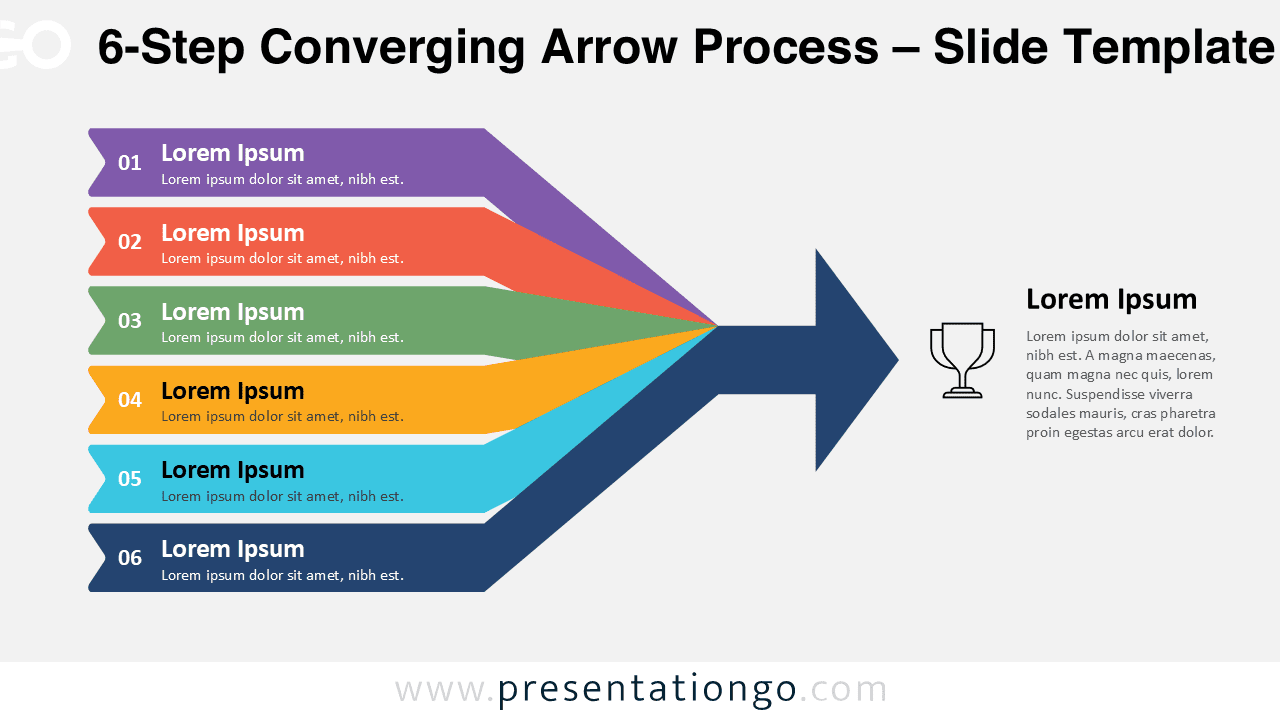
The 6-Step Converging Arrow Process template helps you present extended workflows, strategies, and project roadmaps in a clear and engaging manner. Each of the six arrows merges into one main direction, symbolizing alignment, teamwork, and shared goals. This diagram is fully editable and available for PowerPoint and Google Slides.
Template Preview


Template Features and Customization Options
- Includes 2 slides with a 6-step process design
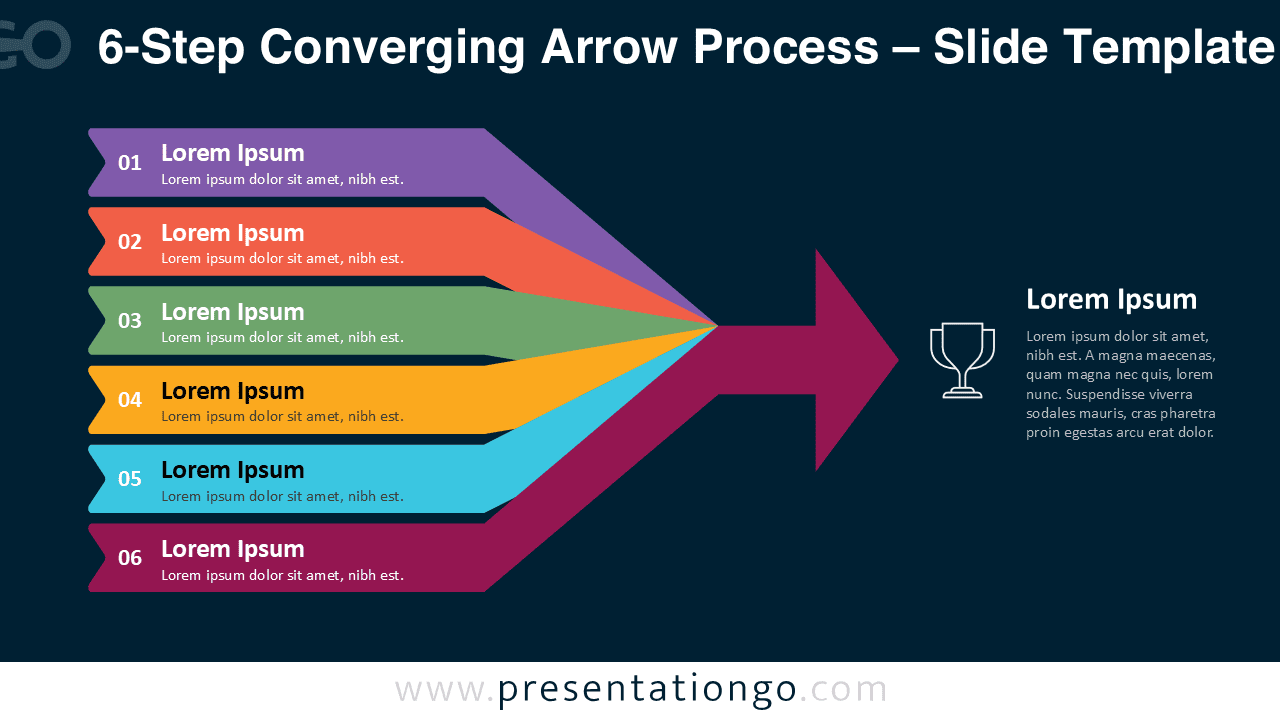
- Available in both light and dark background versions
- Editable text, shapes, and colors for full customization
- Compatible with PowerPoint and Google Slides
- Designed in widescreen (16:9) layout
Design and Layout Overview
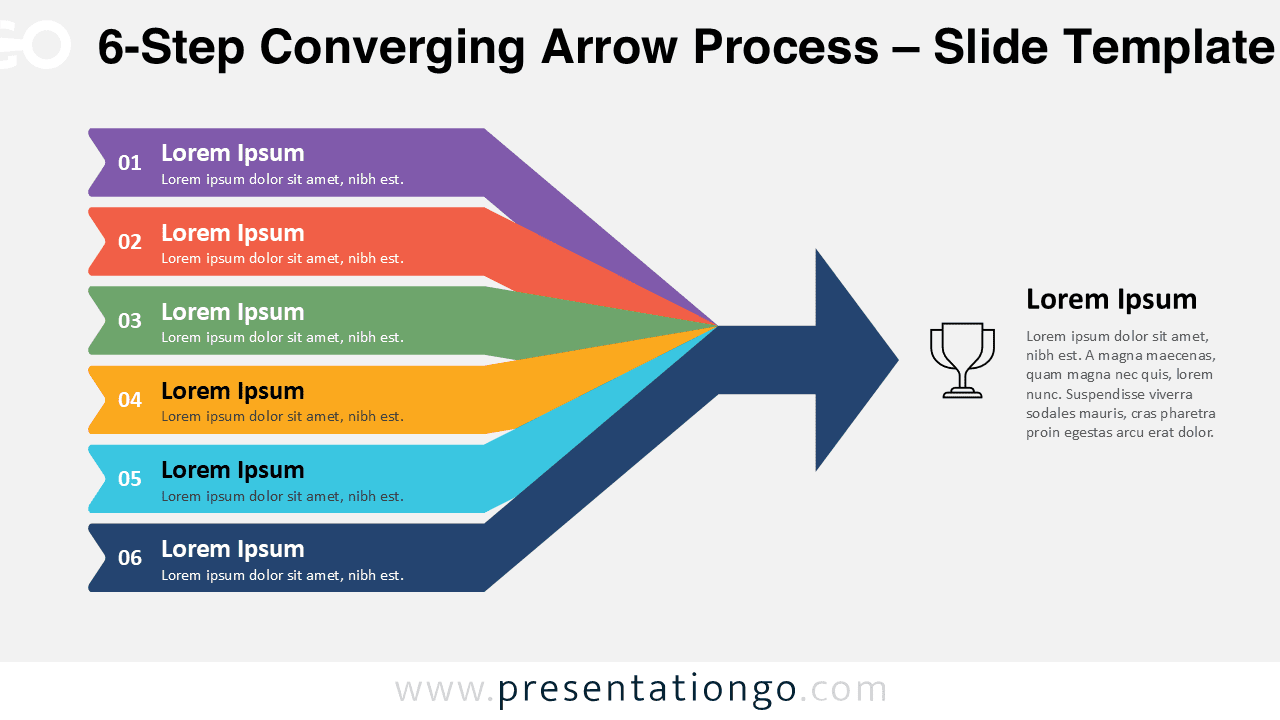
This six-step diagram features horizontal arrows of different colors converging into a dark blue arrowhead, directing attention toward one goal. The structured layout provides a clear visual of sequential steps and unified results. Each step includes a label, description area, and icon space.
Practical Applications
- Business and corporate process presentations
- Project management timelines or workflows
- Strategy, goal alignment, and performance tracking
How to Edit
- Open the template in PowerPoint or Google Slides.
- Edit text placeholders and adjust arrow colors.
- Replace or resize icons to match your theme.
- Customize layout directly from the Slide Master if needed.
Summary
This 6-step version expands the Converging Arrow Process for more detailed workflows or team-based strategies. A versatile and modern design for any business presentation.



