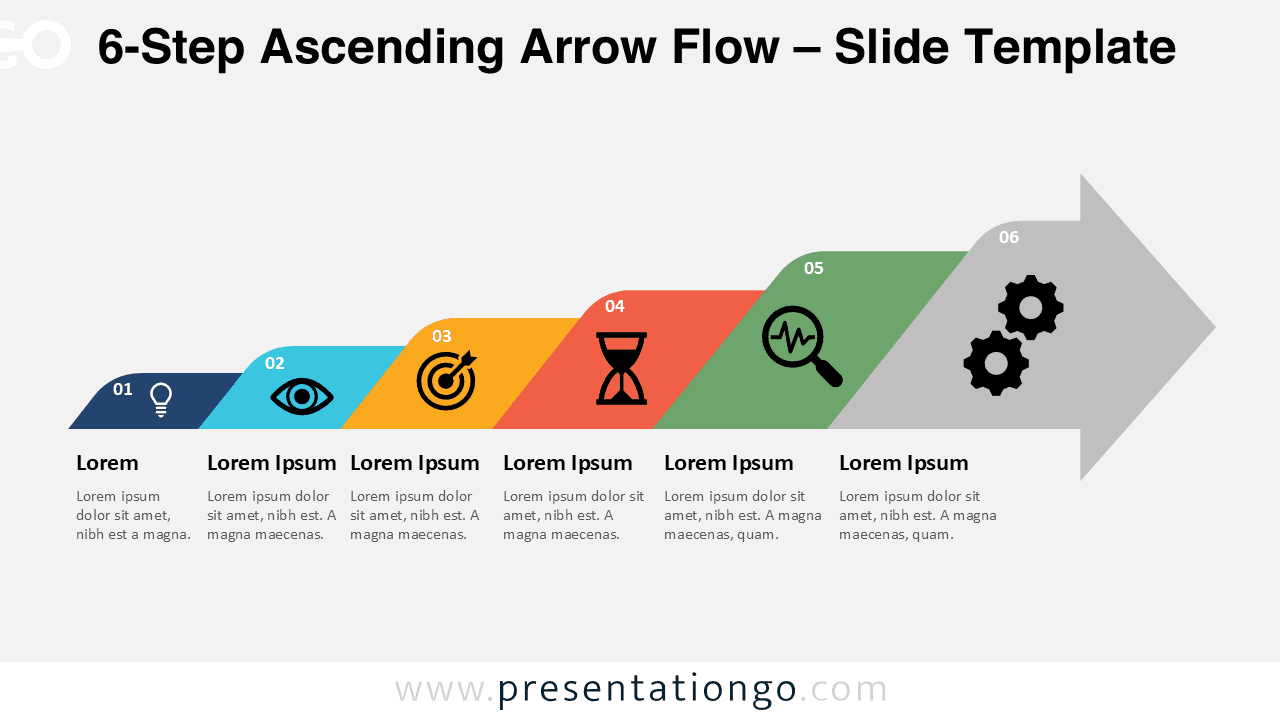
The 6-Step Ascending Arrow Flow is a free presentation template designed to illustrate growth, progress, and success. Ideal for business, education, or project management, this linear flow diagram helps presenters showcase a process or roadmap in a visually engaging way. Available for PowerPoint and Google Slides, it includes fully editable shapes, icons, and text placeholders for easy customization.
Widescreen (16:9) Preview


Template Features and Customization Options
- Comes with 2 unique slides, offering various layouts and design options
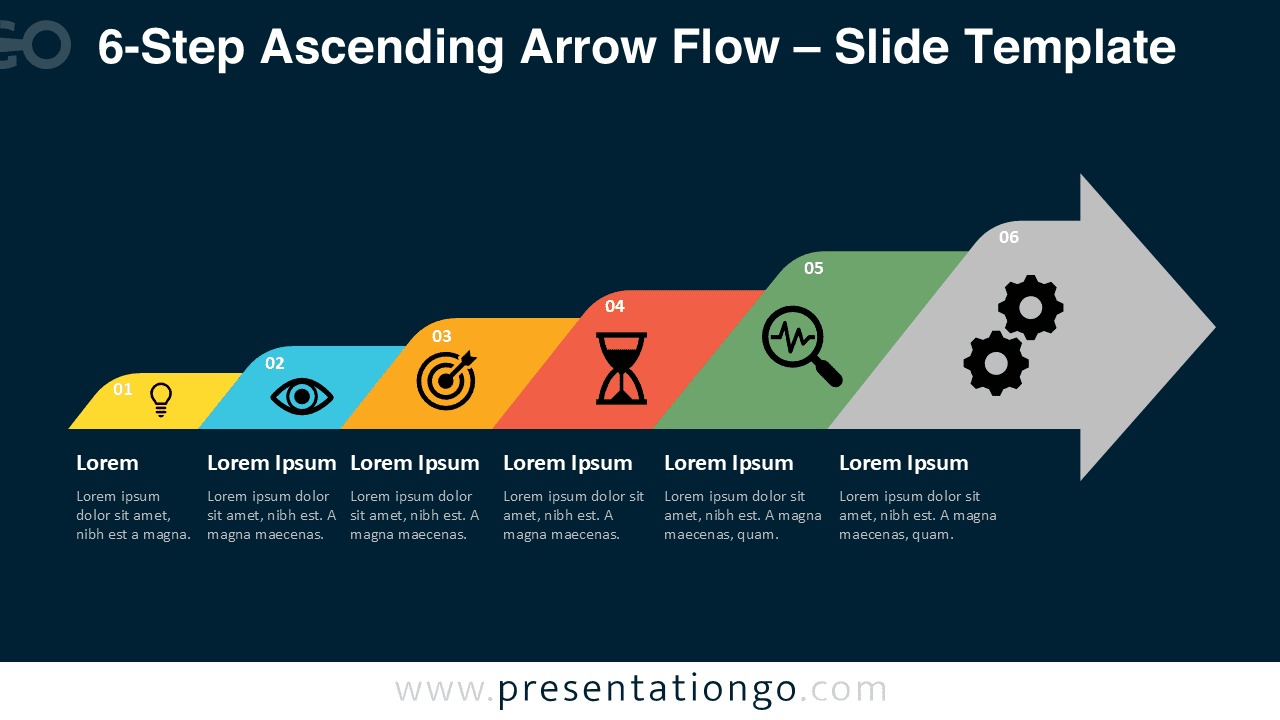
- Includes both light and dark themes for flexible presentation styles
- Features fully customizable shapes so you can adjust colors, sizes, and layouts with ease
- Available in Standard (4:3) and Widescreen (16:9) formats
- Compatible with both PowerPoint (PPTX) and Google Slides
- Pre-formatted for consistent spacing and alignment across slides
- Includes numbers, icons, and text placeholders that can be easily replaced or removed
Design and Layout Overview
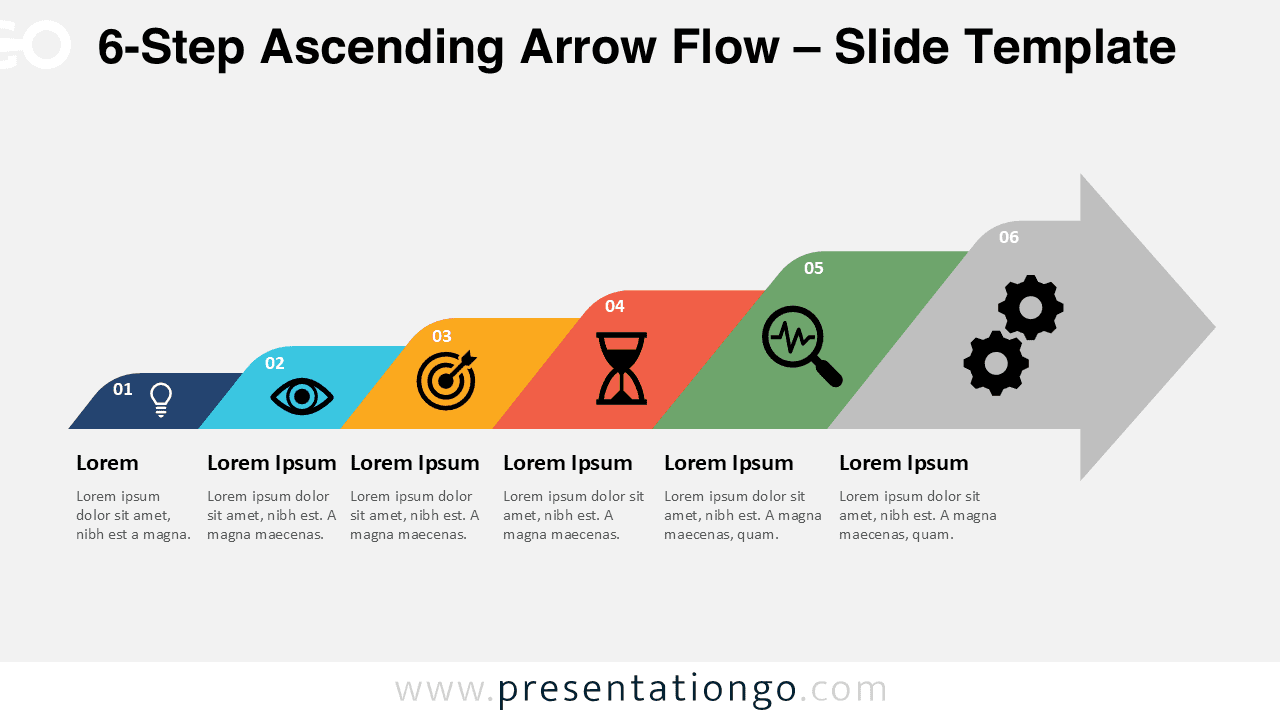
This diagram features a clean horizontal structure of six connected arrow shapes, each ascending step representing progress or achievement. It visually conveys an upward journey, ideal for illustrating success, growth, or conversion processes. Each arrow block includes editable icons, titles, and text areas, making it simple to tailor the design to your specific message.
The template applies a flat and geometric design style with vibrant colors for each step. Its minimalist aesthetic ensures readability and clarity, allowing your audience to follow each stage of your presentation with ease. The ascending motion of the arrows adds a motivational and forward-looking visual tone.
Practical Applications
- Business Process or Workflow Visualization
- Project Roadmap or Implementation Timeline
- Marketing Funnel or Customer Journey
- Career Progression or Professional Development Path
- Educational or Training Sequence
How to Edit
- Open the file in PowerPoint or Google Slides.
- Replace any titles, descriptions, or placeholder text with your own content.
- Swap the default icons for symbols from the built-in Office or Google icon libraries.
- Adjust colors, fonts, and shapes to match your brand identity or presentation theme.
- Optionally add animations or transitions to create smooth visual flow and highlight key points.
Summary
The 6-Step Ascending Arrow Flow helps you present your linear process, growth stages, or performance milestones in a simple, modern way. Its editable, step-up arrow design makes it perfect for showcasing upward movement and success.
The Complete Ascending Arrow Flow Collection
Discover the full series of Ascending Arrow Flow diagrams available in 4-step, 5-step, and 6-step versions to suit your presentation needs.


Frequently Asked Questions (FAQ)
It’s designed to illustrate growth, improvement, or sequential processes in business or project presentations.
Yes, all shapes and colors are fully editable in both PowerPoint and Google Slides.
Simply right-click on any icon, select “Change Graphic,” and choose the source (for example, from Icons, Stock Images, or This Device). You can easily replace it with a new icon from the built-in Office library or your own files.