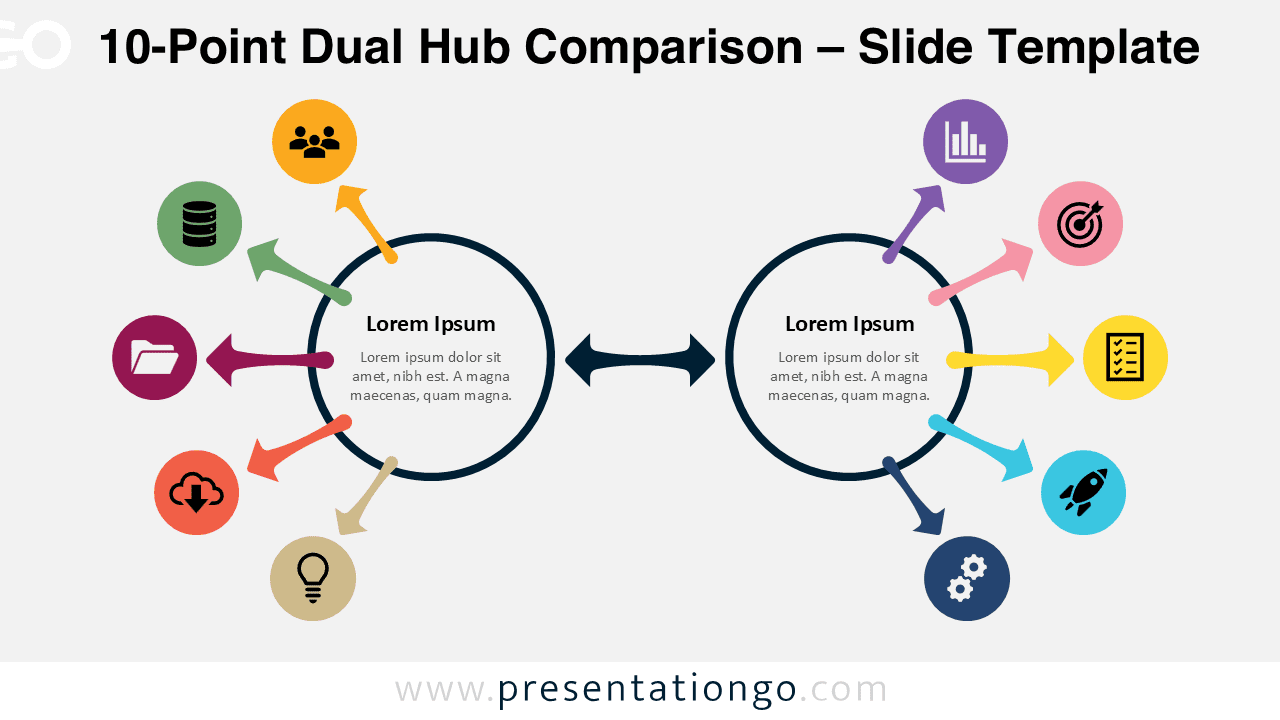
The 10-Point Dual Hub Comparison diagram is designed for presenting complex relationships and detailed systems. Built for PowerPoint and Google Slides, this layout enables you to organize large amounts of information while maintaining clarity and visual balance.
Diagram Preview


Features and Customization Options
- Fully editable shapes and text elements
- Includes ten connected points for in-depth comparisons
- Two central hubs to highlight key concepts or entities
- Uses icons from the Office icon library for consistency
- Icons are easy to change directly within PowerPoint or Google Slides
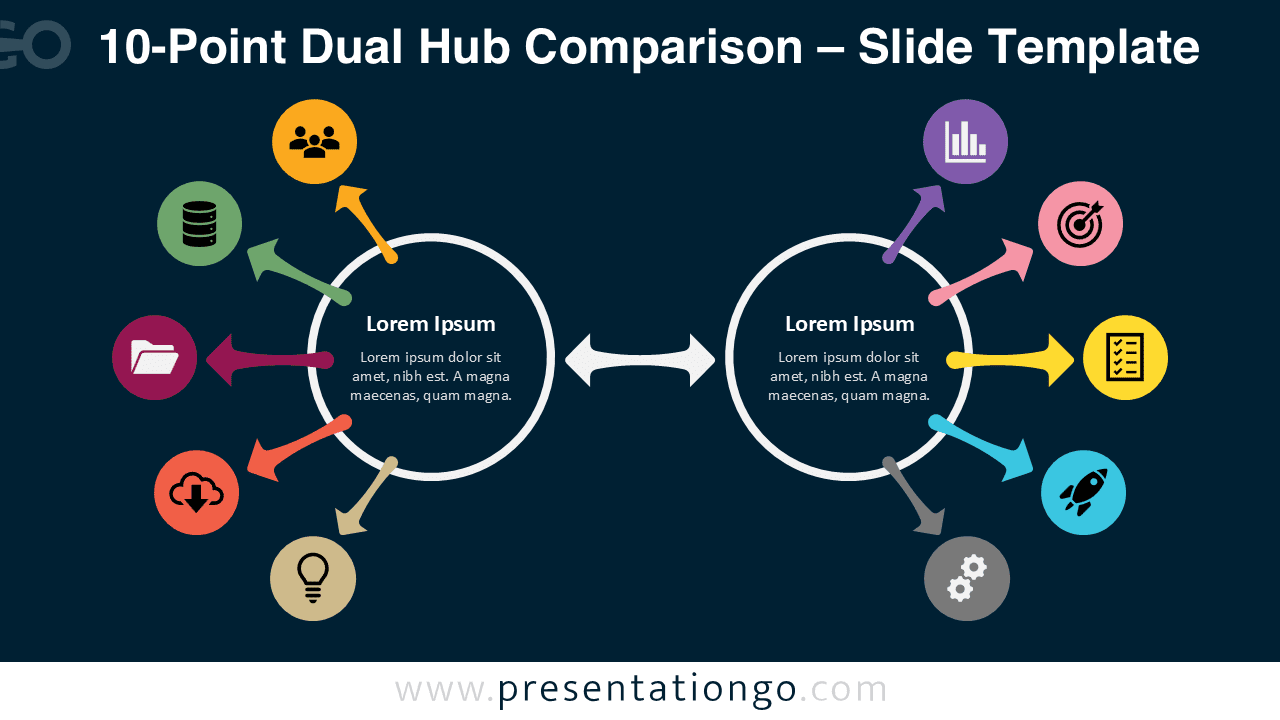
- Available in light and dark background versions
- Compatible with PowerPoint and Google Slides
Design and Structure
This diagram features two central circular hubs connected by a bidirectional arrow, representing interaction or comparison. Each hub connects to five surrounding points, resulting in a total of ten elements. Each point includes a colored circular node with an icon placeholder to visually organize content.
Despite the increased number of elements, the radial layout maintains clarity through symmetry and spacing. The use of distinct colors helps differentiate each point, while the central connection reinforces the relationship between the two main concepts. This makes the diagram ideal for presenting complex systems or detailed comparisons.
Practical Applications
- Analyzing complex business ecosystems
- Presenting multi-factor strategies or frameworks
- Mapping detailed workflows or processes
- Comparing multiple variables between two entities
- Visualizing comprehensive systems and relationships
Summary
The 10-Point Dual Hub Comparison diagram provides a powerful and flexible solution for presenting complex information. Its structured design and customizable elements make it suitable for advanced professional and educational presentations. Use it to deliver detailed insights with clarity and impact.