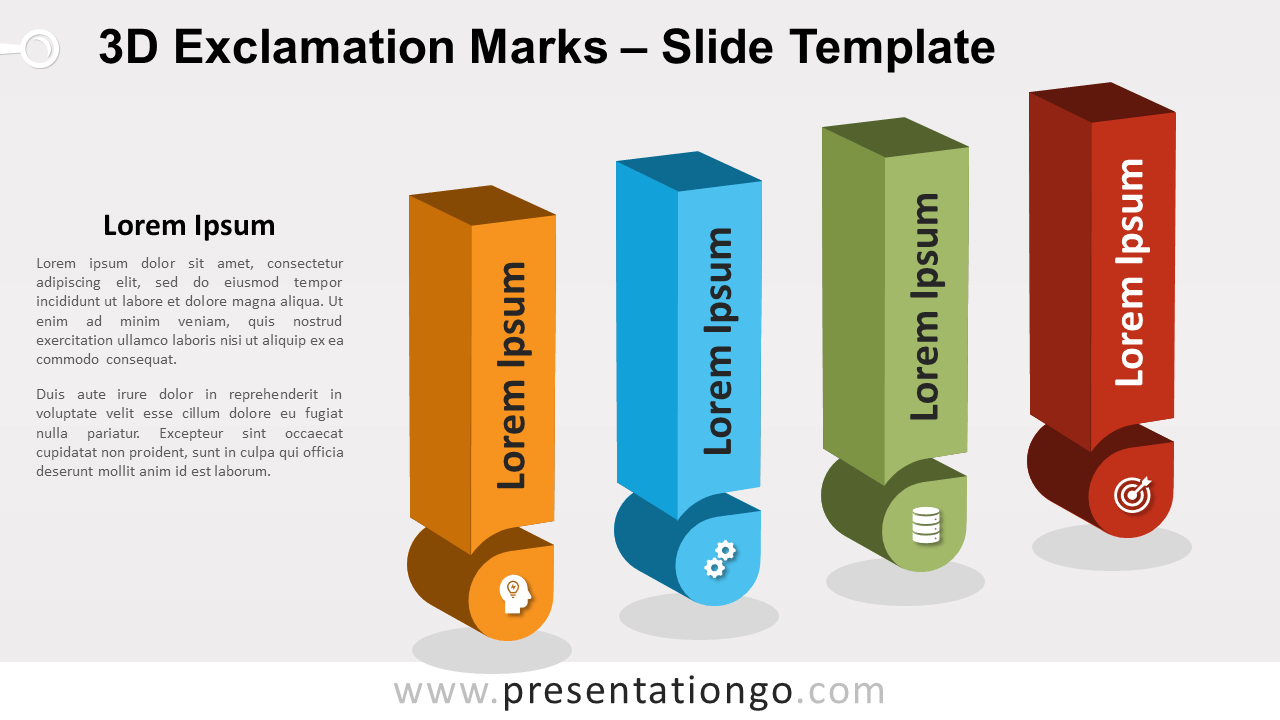
Free 3D exclamation marks for PowerPoint and Google Slides. Four horizontally-aligned three-dimensional exclamation marks. Symbolize threats, warnings, risks, or dangers. Editable graphics with icons and text placeholders.
3D Exclamation Marks
Instead of just telling your ideas, why don’t you exclaim them to your audience? This free 3D Exclamation Marks slide template will help you do this visually and metaphorically!
More specifically, this colorful and professional design showcases four horizontally-aligned exclamation marks in which you can insert a title. You can also add an icon inside the point below. Moreover, you have enough text space on the left to explain your main idea and the 4 options represented by the exclamation points.
Exclamation marks can represent surprise, emotion, or an order. However, when used alone, they are symbols of threats and warnings. That is why this free 3D Exclamation Marks is ideal to expose the risks or dangers you might see coming in a project.
Shapes are 100% editable: colors and sizes can be easily changed.
Includes 2 slide option designs: Standard (4:3) and Widescreen (16:9).
Widescreen (16:9) size preview:

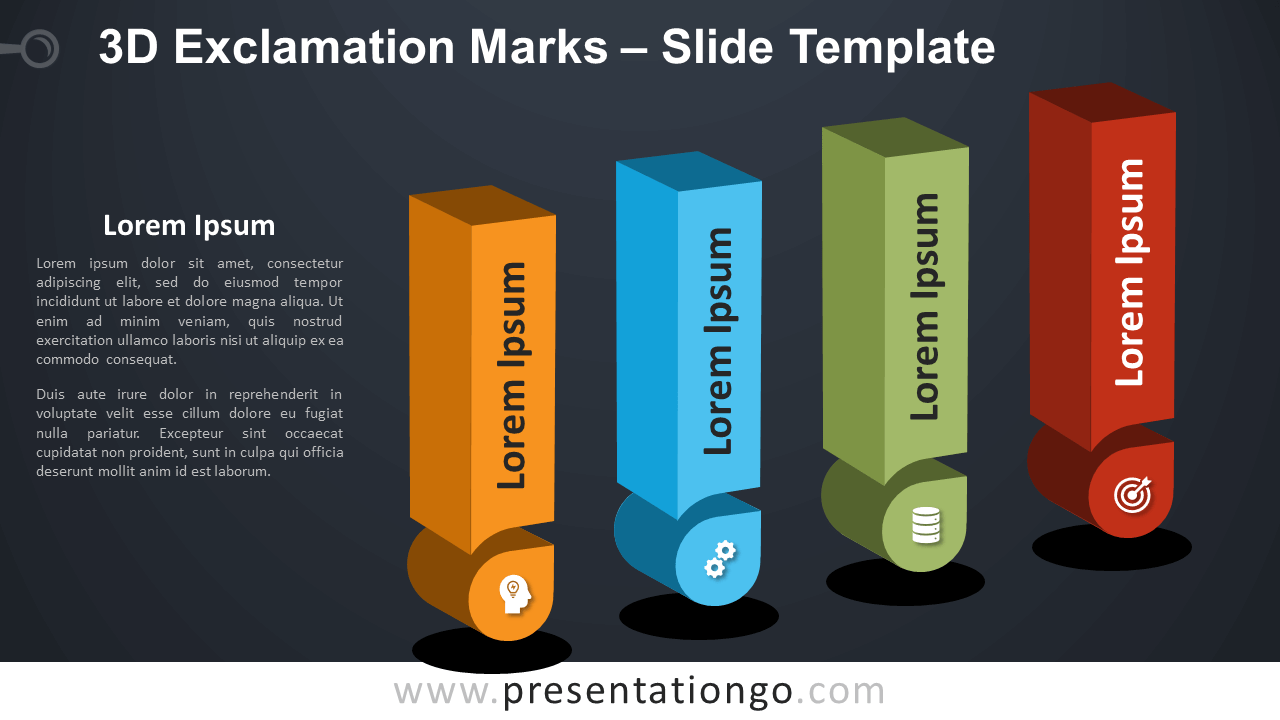


This ‘3D Exclamation Marks for PowerPoint and Google Slides’ features:
- 2 unique slides
- Light and Dark layout
- Ready to use template with icons and text placeholders
- Completely editable shapes
- Uses a selection of editable PowerPoint icons
- Standard (4:3) and Widescreen (16:9) aspect ratios
- PPTX file and for Google Slides
Free fonts used:
- Helvetica (System Font)
- Calibri (System Font)