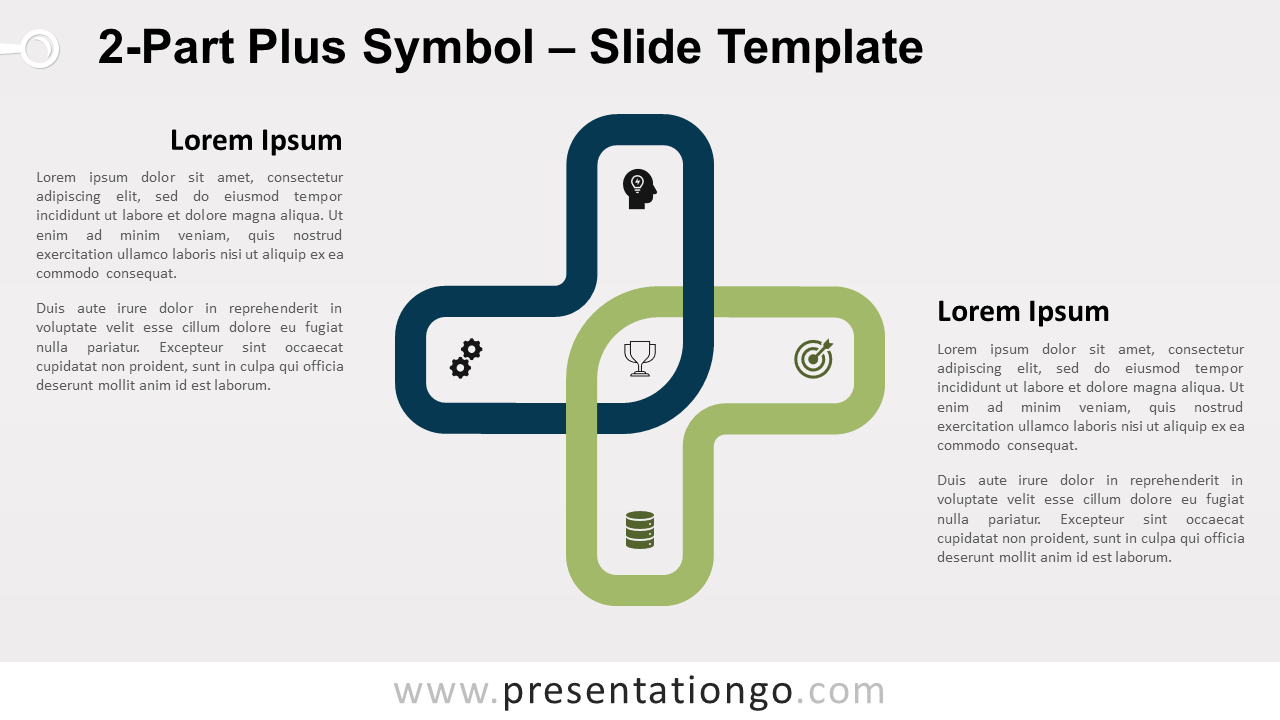
Free 2-part Plus symbol for PowerPoint and Google Slides. A simple cross, designed with two overlapping corner L-shapes. Editable graphics with icons and text placeholders.
2-Part Plus Symbol
If you need a slide that includes a cross or addition sign, this free 2-Part Plus Symbol for PowerPoint is the ne plus ultra! It is indeed ideal to display positive elements in both a clear and creative way.
The image that we find on this slide is the outline of a cross made up of two parts of green and blue colors. They overlap in the center to form an oval shape. This is actually the place where you can insert an icon to represent your main idea or topic. You can also add another 4 icons on each branch of the Plus symbol to illustrate your concepts. Finally, you can insert text and titles in the two text placeholders on each side of the cross.
You can use this free 2-Part Plus Symbol to state and compare two positive elements or ideas (2 options). Since the picture reminds us of a pharmacy cross, it is also ideal for presentations linked to the pharmaceutical world.
Shapes are 100% editable: colors and sizes can be easily changed.
Includes 2 slide option designs: Standard (4:3) and Widescreen (16:9).
Widescreen (16:9) size preview:

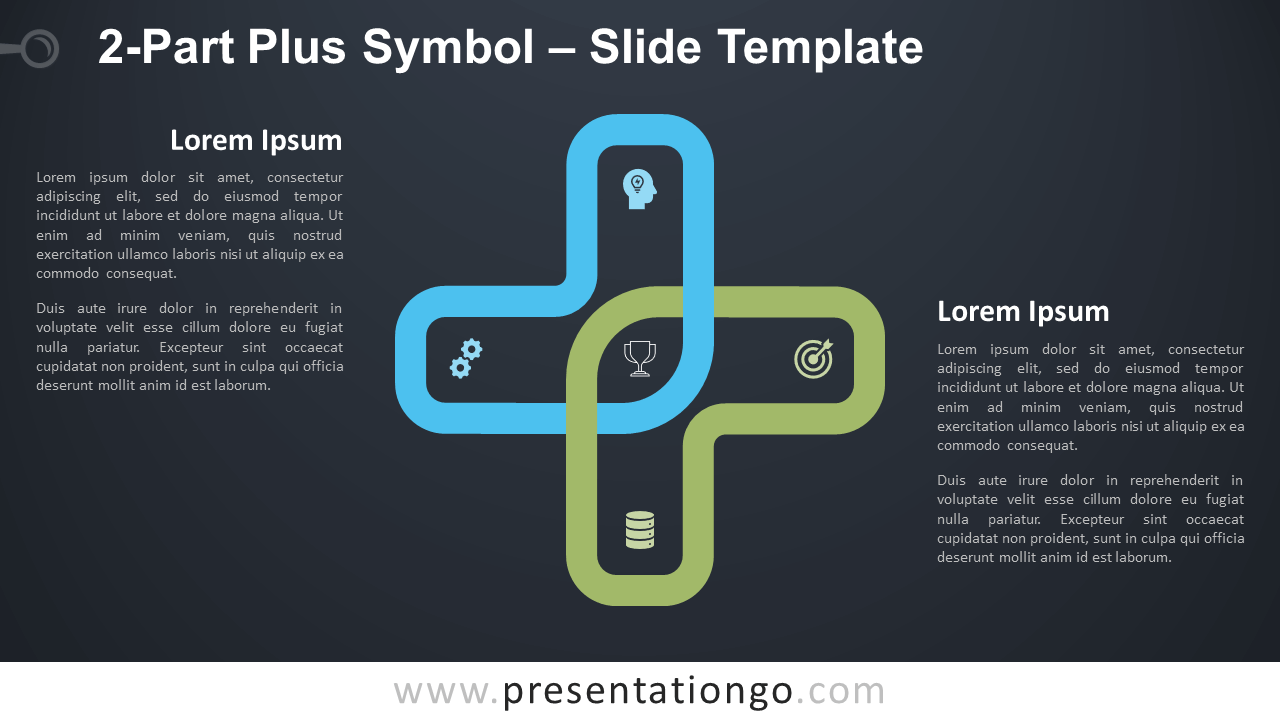


This ‘2-Part Plus Symbol for PowerPoint and Google Slides’ features:
- 2 unique slides
- Light and Dark layout
- Ready to use template with icons and text placeholders
- Completely editable shapes
- Uses a selection of editable PowerPoint icons
- Standard (4:3) and Widescreen (16:9) aspect ratios
- PPTX file and for Google Slides
Free fonts used:
- Helvetica (System Font)
- Calibri (System Font)