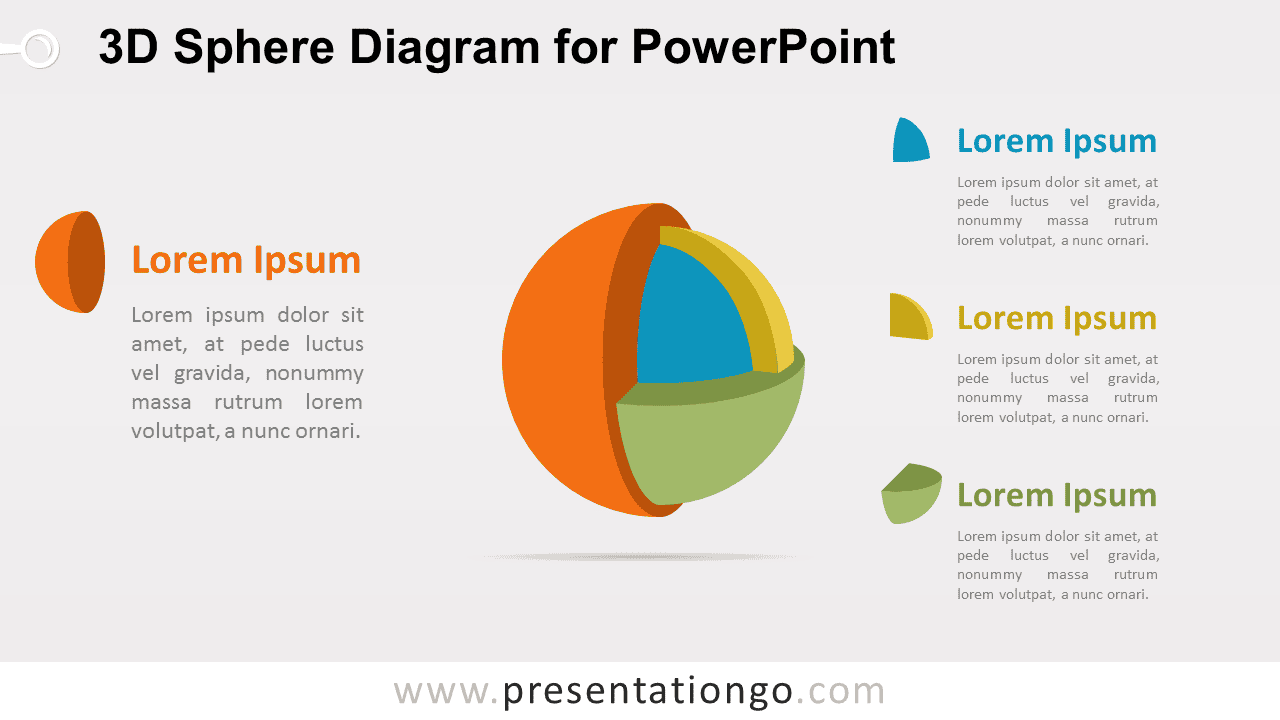
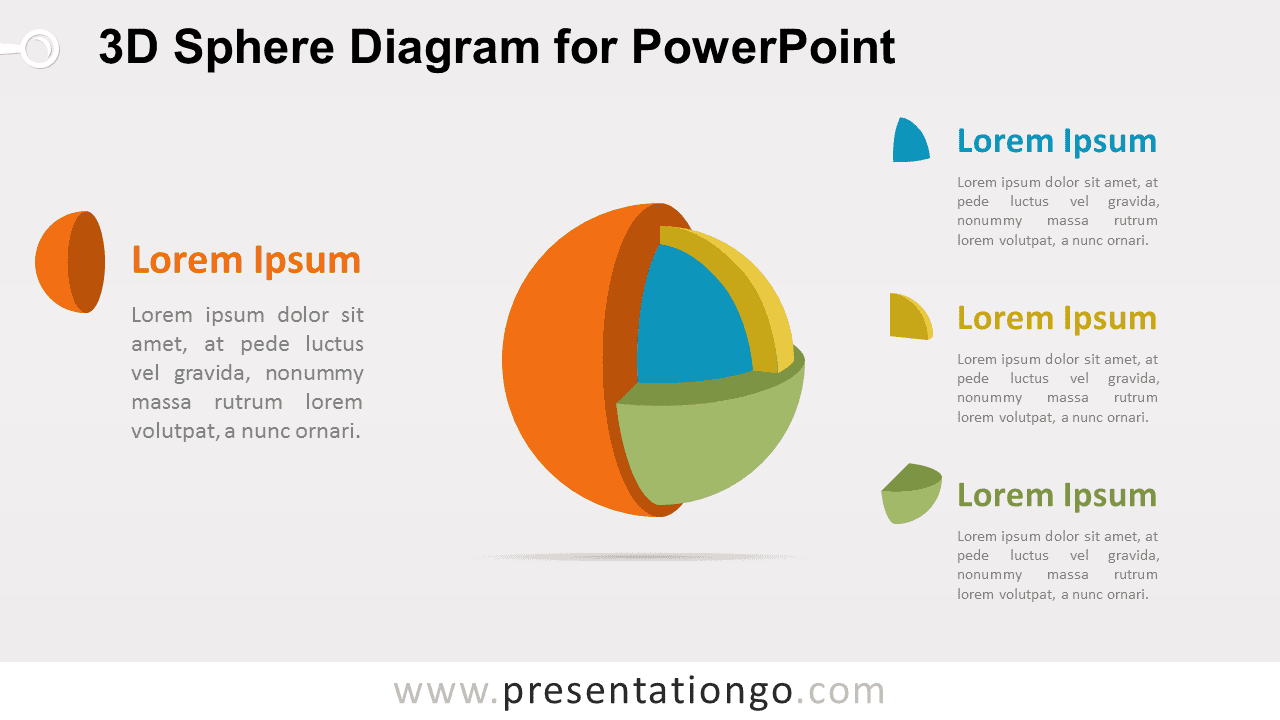
The 3D Sphere Diagram for PowerPoint breaks one concept into four distinct but connected segments. The exploded sphere structure makes each component easy to identify, while four supporting text areas provide room for headings and concise explanations. The layout works well for frameworks, systems, product structures, strategic models, and component-based presentations.
Diagram Preview


Features and Customization Options
- Includes 16:9 and 4:3 versions for Microsoft PowerPoint
- Includes 2 editable slides with matching layouts
- 4-part segmented sphere diagram, fully editable
- Editable text, shapes, colors, and sizes
- 100% editable vector shapes — no quality loss when resized
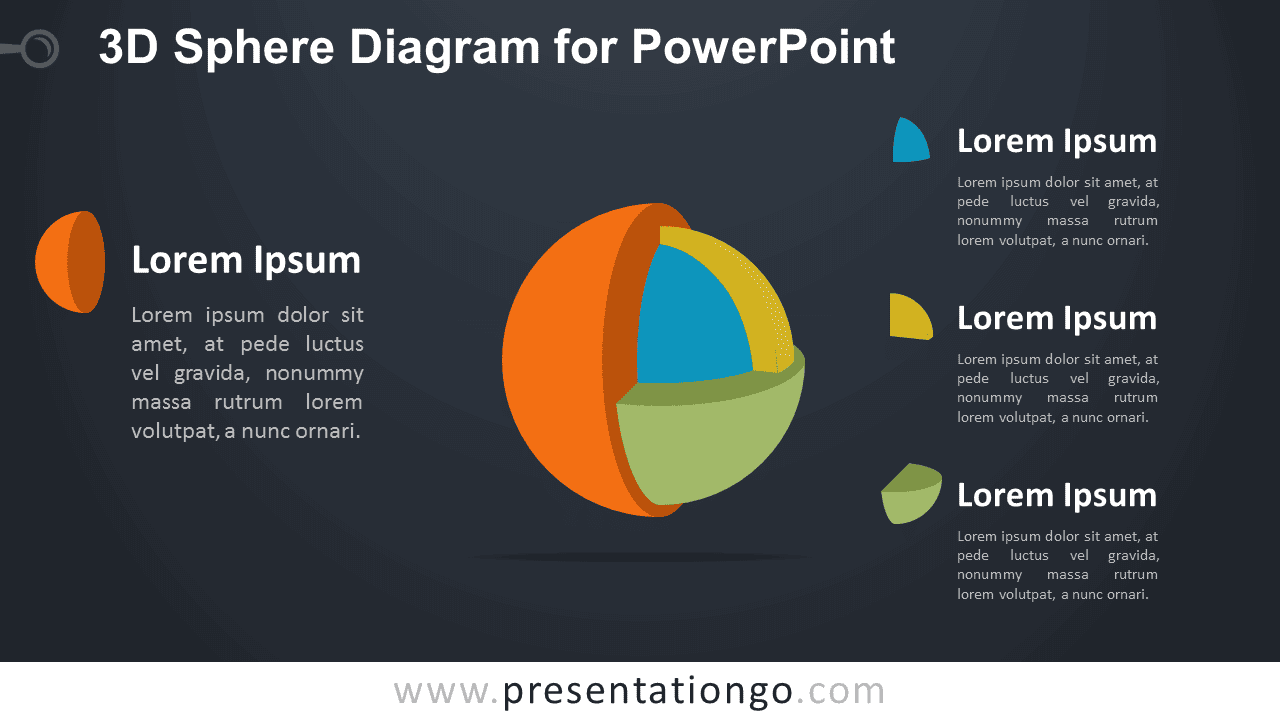
- Includes both light and dark background versions
Design and Structure
The 3D Sphere Diagram uses four curved segments arranged around a shared center. The separated pieces create an exploded view that shows how each part belongs to the same overall structure. Four matching text areas surround the main visual, giving every segment a dedicated place for a heading and supporting explanation.
The dimensional arrangement works well when you need to show parts of a system without losing the relationship between them. You can edit the labels, descriptions, shapes, and sizes directly in PowerPoint. The package also includes both 16:9 and 4:3 presentation sizes for different slide setups.
Practical Applications
- Break down a four-part business model
- Present components of a system
- Explain four strategic focus areas
- Organize product or service categories
- Show four parts of a framework
- Present related concepts within one structure
Summary
The 3D Sphere Diagram provides an editable PowerPoint layout for presenting four connected components within one visual structure. Its segmented form works well for systems, frameworks, strategic models, product structures, and other four-part concepts.