The 4-Step Chevron Workflow is a horizontal process diagram for PowerPoint and Google Slides. It organizes four consecutive stages into numbered, directional blocks, making it easier to explain workflows, project phases, and structured procedures. Each stage provides space for a heading and supporting information.
Diagram Preview
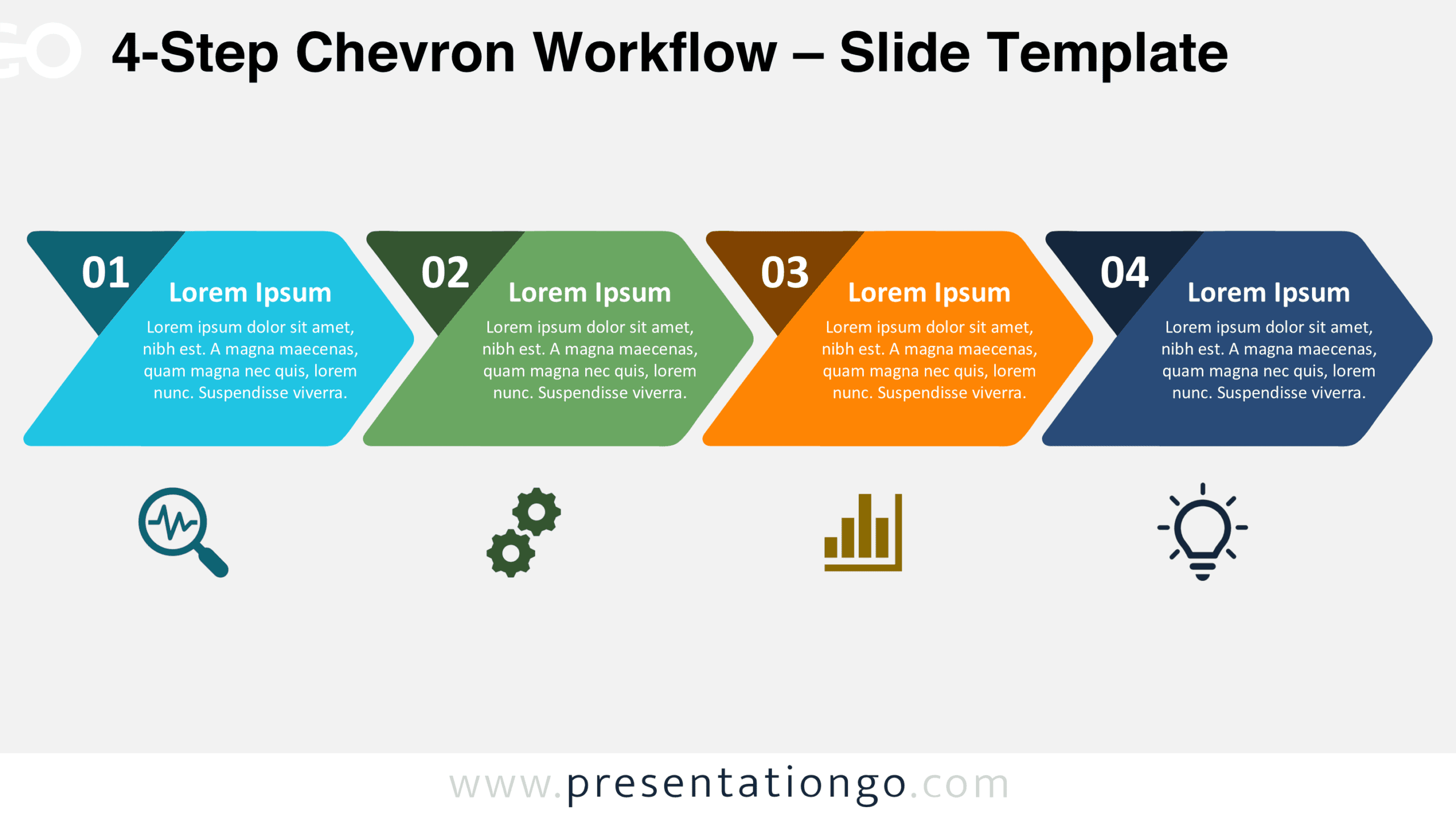
The preview shows two slide designs with Light and Dark backgrounds. Both display the same four-stage chevron arrangement, numbered sections, centered text areas, and illustrative icon placeholders beneath the main diagram.

Features and Customization Options
- Slides: 2 slides with Light and Dark backgrounds
- Customization: Editable shapes, colors, and text
- Graphics: Scalable vector elements and replaceable illustrative icons
- Format: 16:9 widescreen
- Compatibility: Microsoft PowerPoint (.PPTX) and Google Slides
Design and Structure
The diagram features four large chevron-style blocks arranged horizontally across the slide. Each block combines a wide central section with angled sides and a pointed right edge. Rounded outer corners soften the geometric appearance while preserving a clear sense of forward movement. The four blocks share consistent proportions and spacing, creating a balanced composition. Their directional shapes establish a natural reading order from left to right, allowing viewers to follow the sequence without additional connecting arrows.
Each stage includes a prominent two-digit number positioned inside a contrasting corner section. The numbers run from 01 to 04, identifying the order of the workflow. A centered heading introduces each stage, followed by several lines of supporting text. This arrangement maintains a consistent information hierarchy throughout the diagram. Four illustrative icon placeholders appear in a separate row beneath the main blocks, aligned with their corresponding stages. The generous space between the main diagram and the icon row helps distinguish the primary information from supporting graphical elements. Together, these features create a structured presentation layout that accommodates both brief labels and more detailed explanations.
Practical Applications
- Project workflows: Outline four consecutive project phases, from initial planning and preparation through execution and final review.
- Business processes: Explain a standardized four-step procedure, assigning a clear description to each operational stage.
- Implementation plans: Present the major steps required to introduce a new system, service, or organizational initiative.
- Customer journeys: Organize four successive customer interactions and describe the actions or expectations associated with each stage.
- Training procedures: Break a complex instruction into four manageable steps that participants can follow in the correct order.
- Project milestones: Display four key checkpoints and summarize the deliverables or decisions required at each point.
Summary
The 4-Step Chevron Workflow provides a practical way to communicate sequential information without overwhelming the slide. Its consistent directional blocks, prominent numbering, and dedicated text areas help audiences identify each stage and understand how the complete process develops.