The 4-Step Pill-Shaped Process Diagram offers a structured way to present four consecutive stages in PowerPoint and Google Slides. Its horizontal arrangement combines rounded step blocks, curved connectors, and supporting text areas to guide the audience through a clear sequence.
Diagram Preview
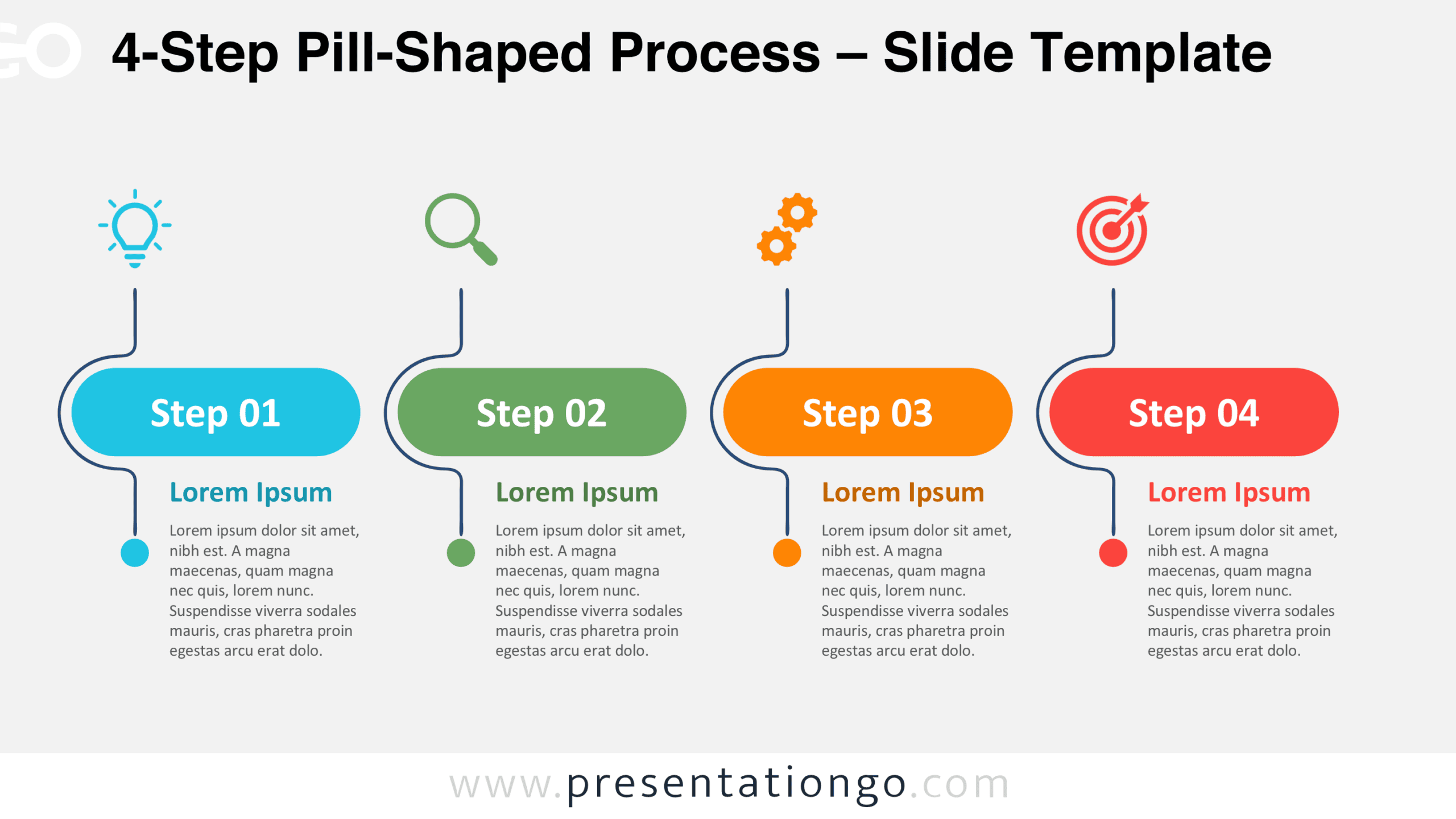
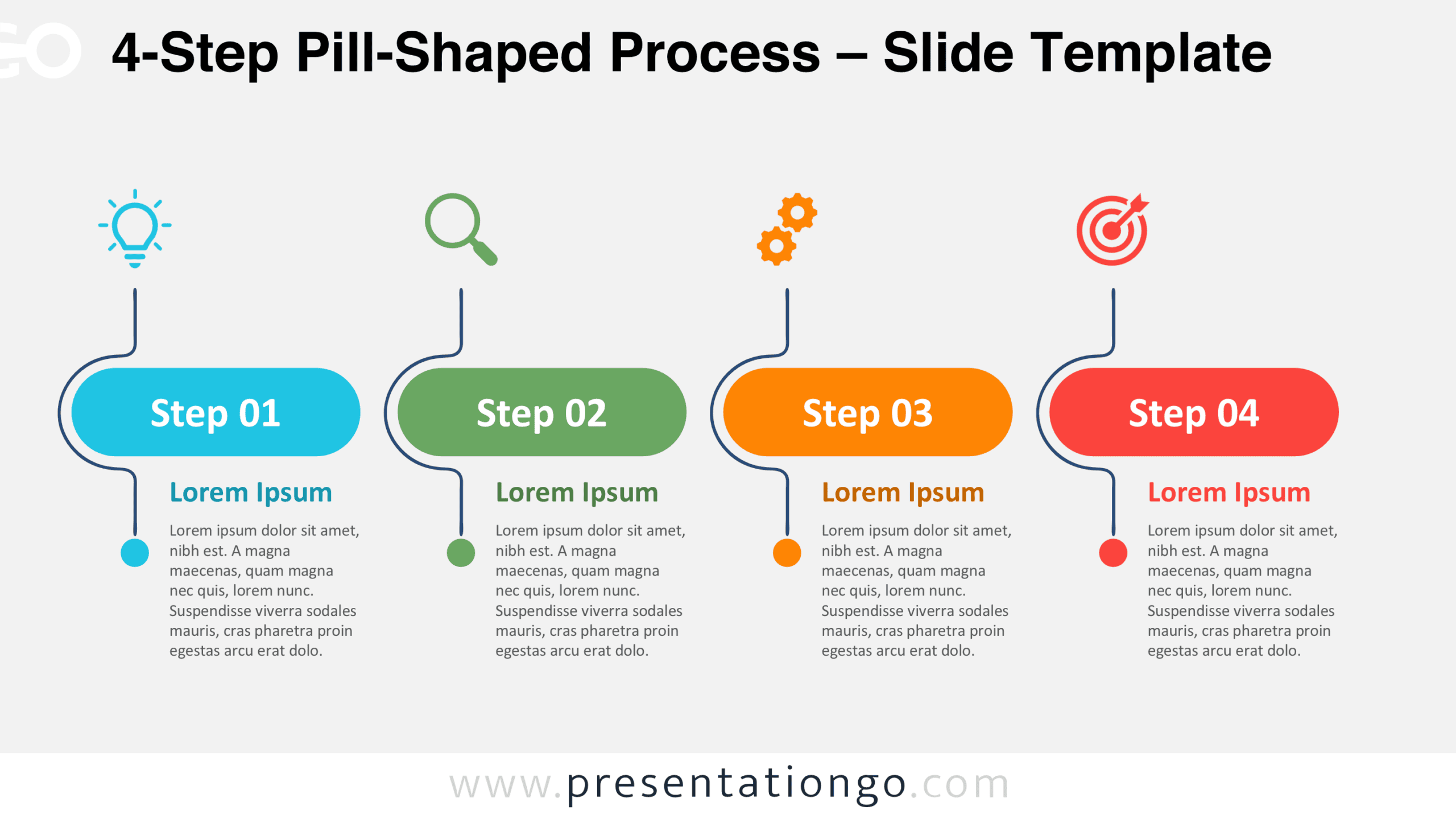
The preview shows two background variations of the same four-stage layout. Each numbered block has an illustrative icon placeholder above it, while a heading and descriptive text appear below. Curved bracket-like connectors and small circular endpoints provide consistent visual organization.


Features and Customization Options
- Slides: Four numbered process stages displayed in two background previews, with Light and Dark themes.
- Customization: Dedicated text areas for step headings and supporting descriptions; editing capabilities require file verification.
- Graphics: Rounded pill-shaped blocks, curved connectors, circular endpoints, and illustrative icon placeholders.
- Format: Horizontal four-column composition with a consistent left-to-right reading order.
- Compatibility: Designed for PowerPoint and Google Slides presentations.
Design and Structure
The diagram uses four evenly spaced columns, each organized around a prominent horizontal pill shape. Large numbered labels identify the stages from Step 01 through Step 04. Above each block, an illustrative icon placeholder sits at the upper end of a curved connector. The line bends around the block’s left edge before continuing downward to a small circular endpoint. This repeated arrangement establishes a consistent rhythm across the composition.
Directly beneath each numbered block, a bold heading introduces the corresponding content area. A smaller paragraph provides room for additional explanation, allowing each stage to communicate more than a short label. The aligned blocks establish a clear visual hierarchy, while the repeated connectors create continuity between the upper and lower elements. Generous spacing separates the four columns and helps readers follow the sequence without confusing neighboring descriptions.
Practical Applications
- Project implementation: Divide an implementation plan into four phases, describing the objectives and activities of each stage.
- Workflow documentation: Present four consecutive tasks and explain what happens at each point in an operational procedure.
- Strategic planning: Organize a four-part strategy into successive stages, with supporting information beneath each numbered block.
- Process improvement: Explain the main steps of a proposed workflow and identify the purpose of each action.
- Training presentations: Break a procedure into four manageable instructions, pairing each step with a concise explanation.
Summary
The 4-Step Pill-Shaped Process Diagram provides a balanced layout for explaining consecutive activities and structured plans. Its repeated shapes, numbered stages, and supporting content areas help presenters communicate a four-part sequence while maintaining a consistent visual flow.