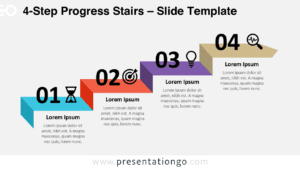
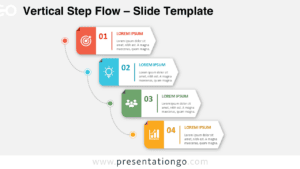
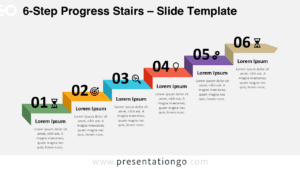
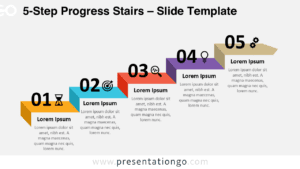
The 4-Step Rising Arch Flow presents a progressive four-stage process through ascending curved blocks, specifically designed for PowerPoint and Google Slides presentations.
Visualize Growth with Multi-Stage Arches
This infographic diagram presents a dynamic sequence of four curved block shapes, each resembling an upward arched ribbon. Starting from the bottom left and ascending to the upper right, these arches convey a clear visual journey through rising stages. Each arch is numbered from 01 to 04 and paired with a representative icon above the number. Alternating sides feature corresponding title areas and descriptive placeholders, creating a rhythm that enhances visual balance. This design leverages symmetry and directional flow to guide the viewer naturally along the progression, while the icons offer immediate conceptual associations.
Increasing or step-up diagrams play a vital role in presentations that require a clear illustration of growth, change, or movement through phases. The 4-Step Rising Arch Flow excels in communicating this kind of progress with its upward curvature and sequenced elevation. It is ideal for mapping out development phases, team strategies, or customer journeys. For instance, a marketing plan could detail four rising action points, each supported by a title and icon. Likewise, project managers might showcase quarterly goals or milestones, providing clarity and impact with each step.
The template includes two pre-designed slides that come with fully editable shapes, customizable colors, and replaceable icons. It is formatted in both light and dark themes and supports Standard (4:3) and Widescreen (16:9) layouts. All content is compatible with PowerPoint (PPTX format) and Google Slides, ensuring flexible use across presentation platforms. Placeholder text fields and graphical icons help simplify content input, streamlining the design process for presenters.
Download this 4-step diagram to present upward trends or progressive sequences using adaptable design and visual clarity.
Widescreen (16:9) size preview:


This template offers:
- 2 unique slides
- Options for both light and dark themes
- Pre-populated with icons and text placeholders
- Fully customizable shapes for complete control
- Available in both Standard (4:3) and Widescreen (16:9) ratios
- Offered in both PowerPoint PPTX and Google Slides formats