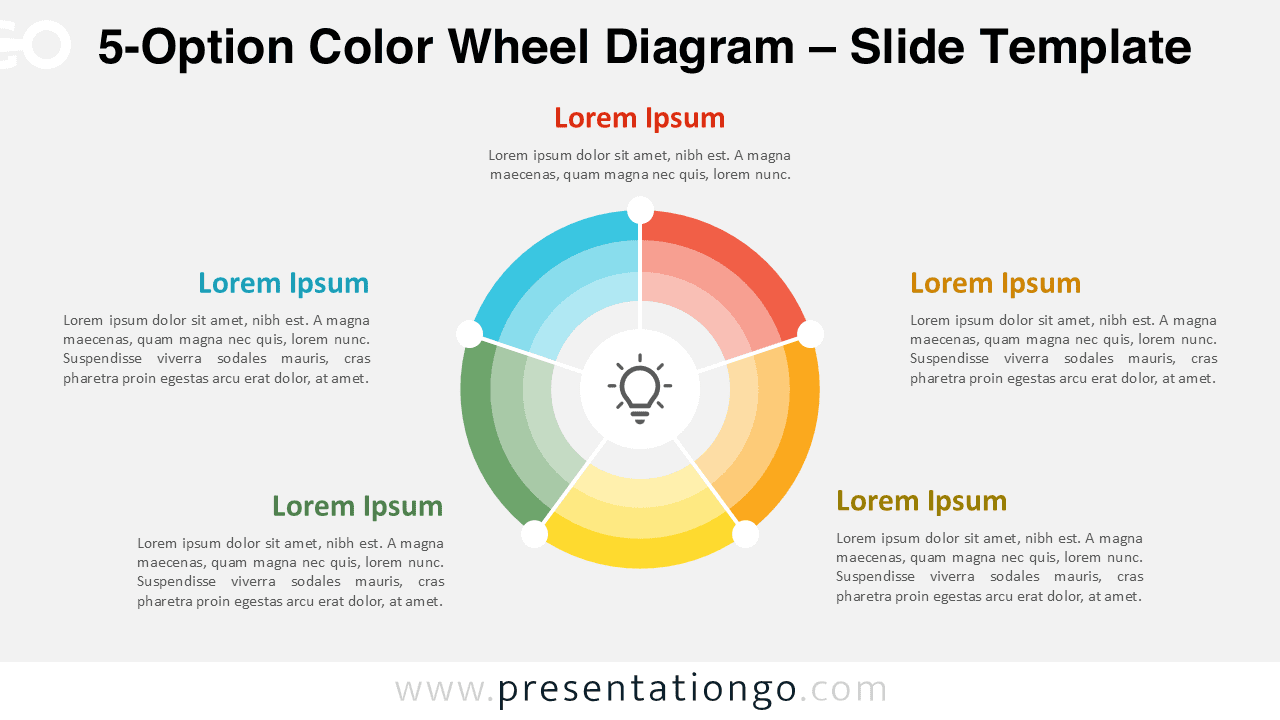
The 5-Option Color Wheel Diagram helps you communicate five related ideas or steps through a smooth radial composition. Its vivid segments form a continuous loop around a central concept. Fully editable for PowerPoint and Google Slides.
Template Preview


Features & Customization
- Editable circular diagram with five connected sections
- Adjust text, colors, and shapes easily
- Compatible with PowerPoint and Google Slides
- Clean, modern design suited for any topic
- Central icon emphasizes the main concept
Design Overview
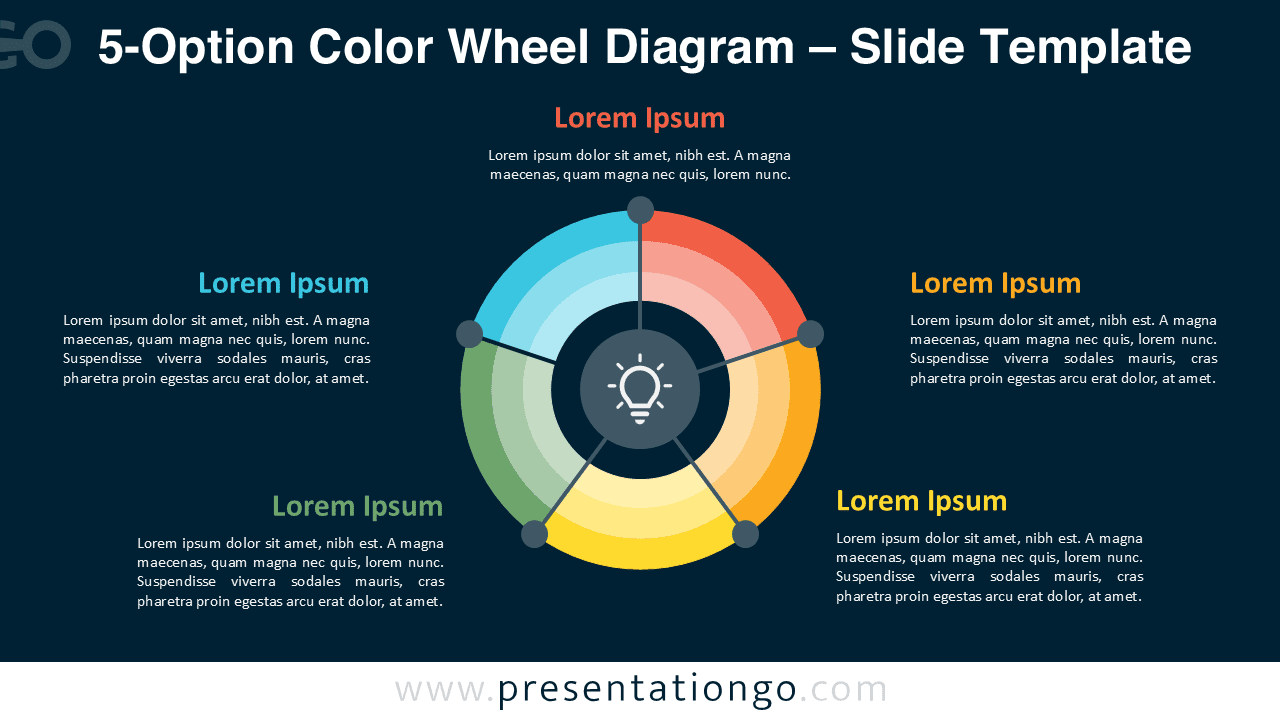
This diagram uses five equal segments arranged in a color wheel. Each section uses a distinct hue to differentiate steps or categories while maintaining visual harmony. A light bulb icon or central graphic draws attention to the key theme.
Soft gradients and subtle shadows bring depth without clutter. The radial symmetry reinforces continuity, progress, and balance—ideal for cycles, frameworks, or strategic models.
Practical Applications
- Five-phase processes and continuous improvement models
- Balanced scorecards or business frameworks
- Education, planning, or product development stages
How to Edit
- Open the file in PowerPoint or Google Slides.
- Replace the placeholder text with your own content.
- Change colors and fonts to suit your theme.
- Adjust or replace the central icon if desired.
Summary
A colorful five-part diagram for presenting steps or related ideas. Ideal for illustrating circular processes and frameworks with a central focus.
Frequently Asked Questions (FAQ)
Definitely—replace or recolor icons freely.
In PowerPoint, select the icon, right-click, and choose “Change Graphic → From Icons” or “From File” to insert a new one.
In Google Slides, delete the current icon, go to “Insert → Image” or “Insert → Shape → Icons” to add your own symbol.
Resize and recolor it to match your design.