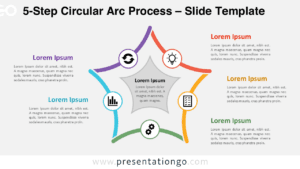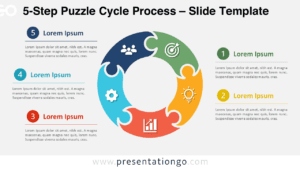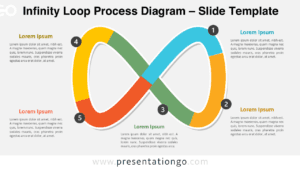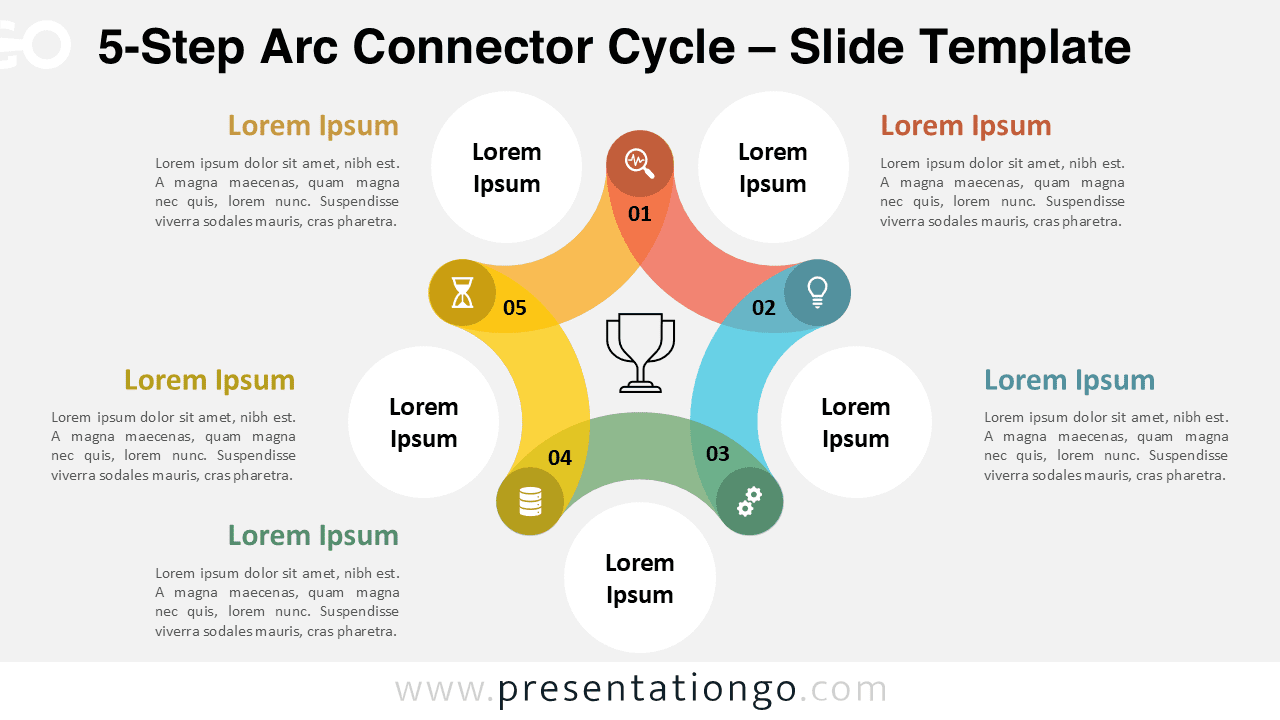
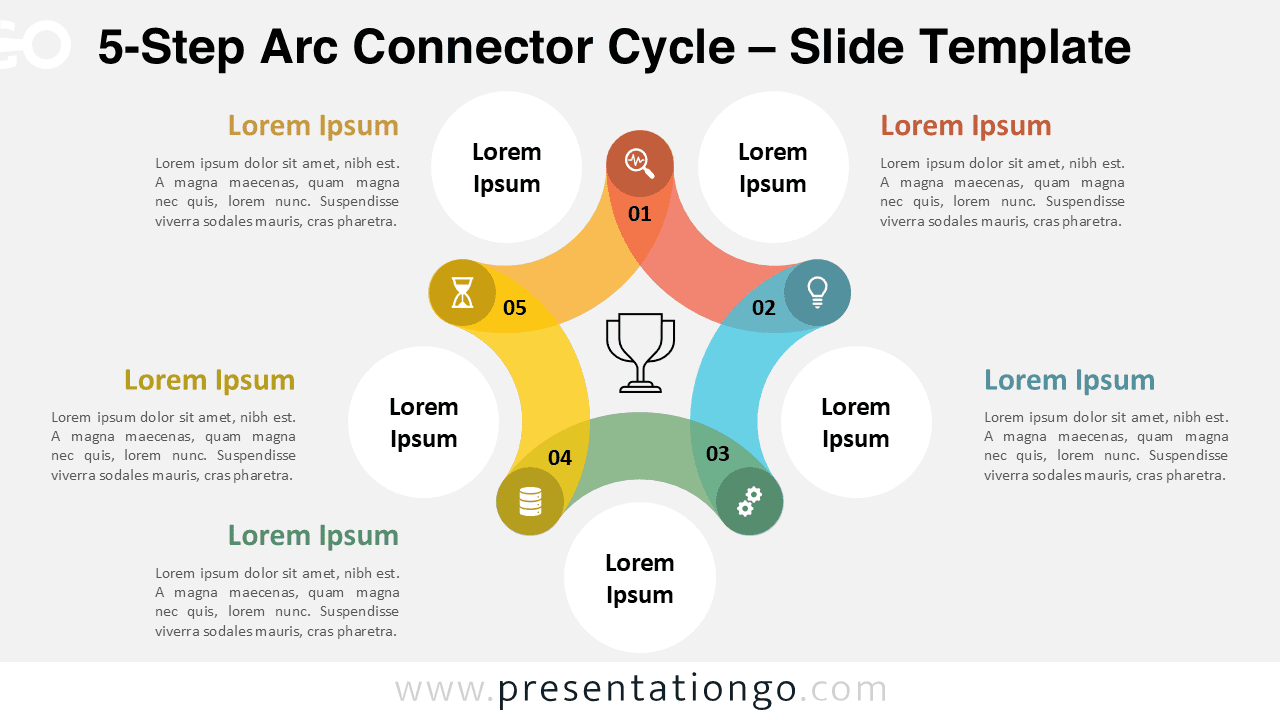
The 5-Step Arc Connector Cycle is a free presentation diagram designed to showcase cyclical processes and recurring workflows in a clear, engaging way. It works in both PowerPoint and Google Slides and comes with icon placeholders and text placeholders ready for quick customization. The interconnected arcs lead your audience through each stage while a central hub keeps the focus on the overall objective. Use this template to simplify complex information and present it as an easy-to-follow circular flow for business, education, or project storytelling.
Widescreen (16:9) preview:


Template Features and Customization Options
- Comes with 2 unique slides, offering various layouts and design options
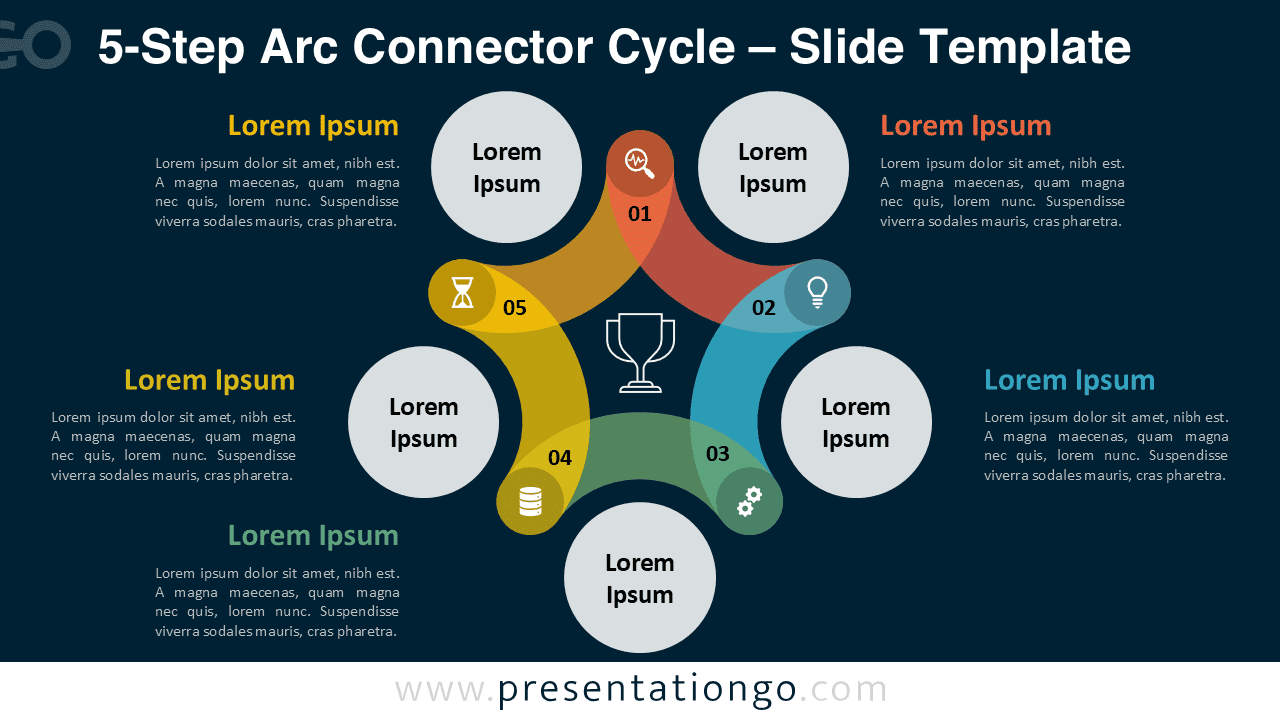
- Includes both light and dark themes for flexible presentation styles
- Features fully customizable shapes so you can adjust colors, sizes, and layouts with ease
- Available in Standard (4:3) and Widescreen (16:9) formats
- Compatible with both PowerPoint (PPTX) and Google Slides
- Pre-formatted for consistent spacing and alignment across slides
- Include numbers, icons, and text placeholders that can be easily replaced or removed
Design and Layout Overview
This diagram arranges five curved segments around a centered circle to create a continuous, clockwise loop. Each segment uses a distinct color to differentiate steps and improve scannability, while generous spacing keeps labels and icons legible on slides or large screens. The icons act as placeholders, so you can replace them with symbols that fit your topic. The flat, minimalist, geometric styling favors clarity and balance, making the graphic suitable for professional and educational contexts alike.
Practical Applications
- Business workflows and continuous improvement cycles
- Marketing funnels and product development stages
- Project management checkpoints and retrospectives
- Training modules and classroom step-by-step lessons
- Strategy loops, feedback cycles, and operations playbooks
How to Edit
- Open the file in PowerPoint or Google Slides.
- Replace the placeholder titles and descriptions with your own text.
- Swap the default icons for symbols from the Office or Google libraries.
- Adjust colors and fonts to align with your brand or theme.
- Optionally add animations or transitions to emphasize the flow.
Summary
Showcase your project’s progression or recurring stages with this editable 8-step circular chart. The Arc Connector Cycle makes complex sequences simple, visual, and easy to follow.
The Complete Arc Connector Cycle Collection
Explore the entire Arc Connector Cycle collection for PowerPoint and Google Slides.
Each diagram offers the same clean circular design, available in multiple step options to match your presentation needs.


Frequently Asked Questions (FAQ)
Yes. Icons are placeholders that can be replaced with any from PowerPoint or Google Slides.
Colors, fonts, and shapes can be modified, but the number of steps is fixed per file. This collection includes ready-to-use versions with 5, 6, 7, and 8 steps.