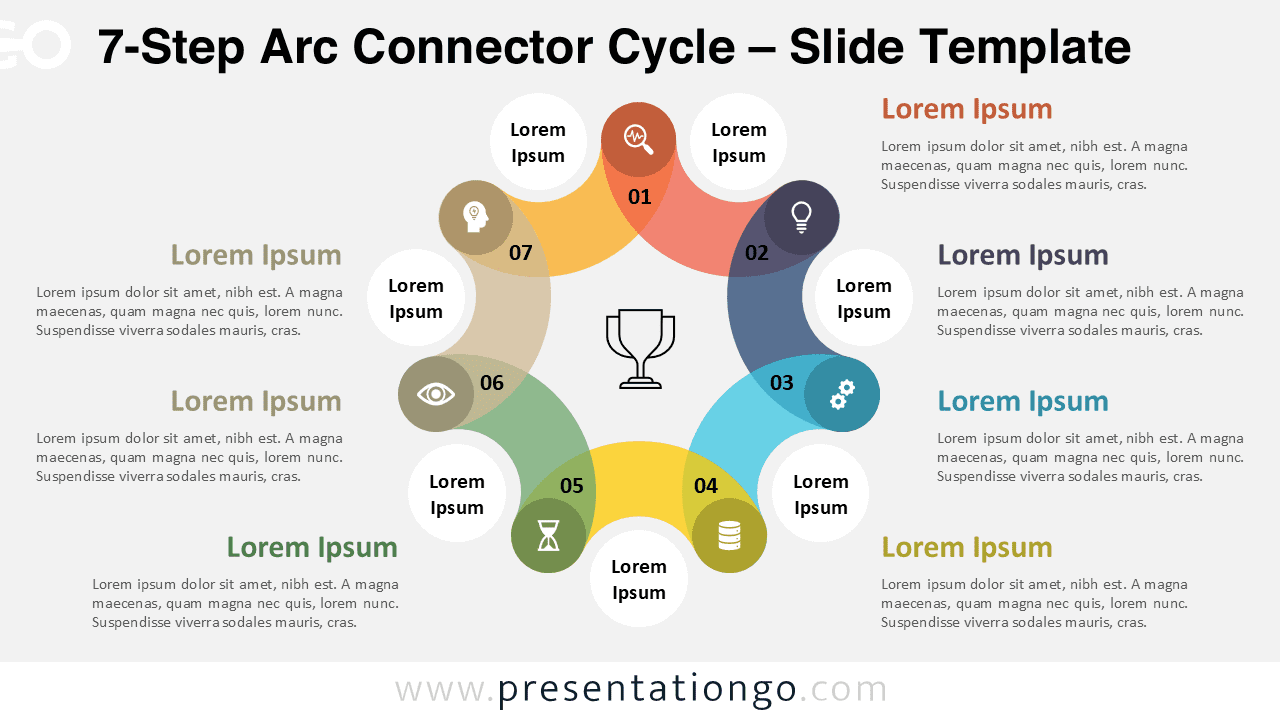
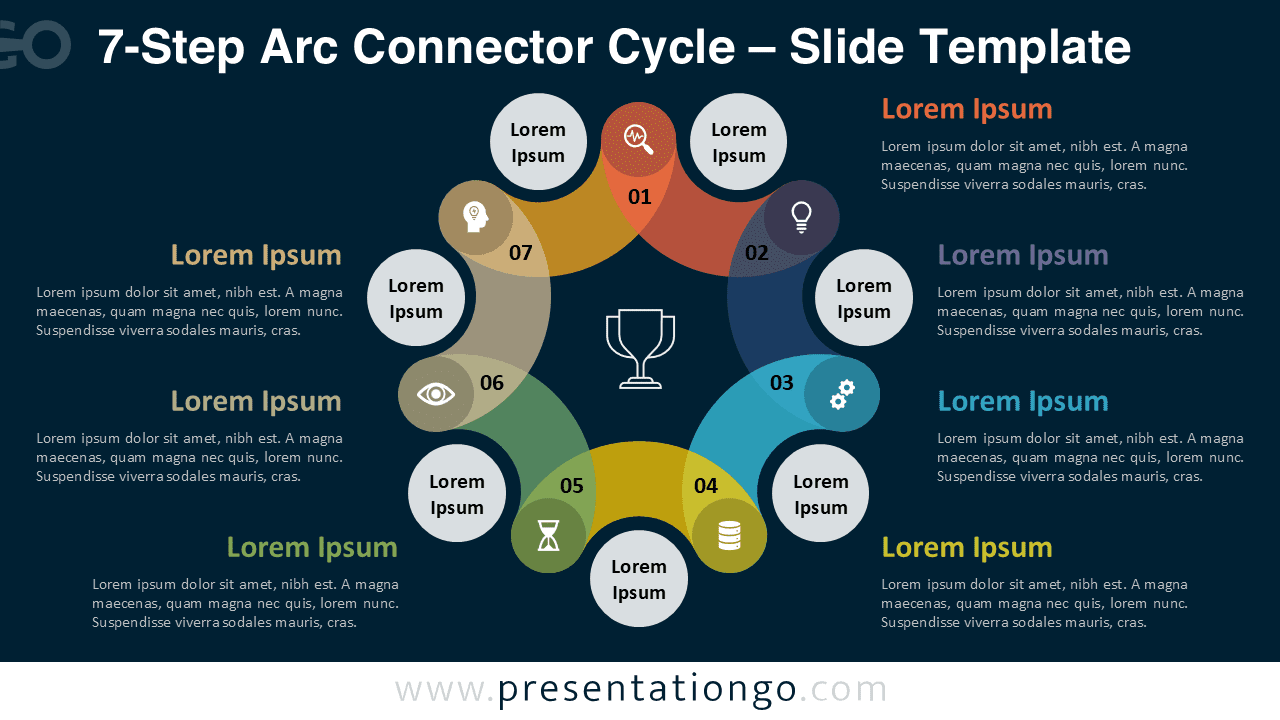
The 7-Step Arc Connector Cycle template for PowerPoint and Google Slides helps you present processes, workflows, and continuous cycles in a visually engaging way. Its circular layout emphasizes progression, connection, and repetition—ideal for project management, business planning, or learning sequences. You can fully edit this diagram to suit any topic or presentation style. The template is available for both PowerPoint (PPTX) and Google Slides.
Widescreen (16:9) Preview


Template Features and Customization Options
- Comes with 2 unique slides, offering various layouts and design options
- Includes both light and dark themes for flexible presentation styles
- Features fully customizable shapes so you can adjust colors, sizes, and layouts with ease
- Available in Standard (4:3) and Widescreen (16:9) formats
- Compatible with both PowerPoint (PPTX) and Google Slides
- Pre-formatted for consistent spacing and alignment across slides
- Includes numbers, icons, and text placeholders that can be easily replaced or removed
Design and Layout Overview
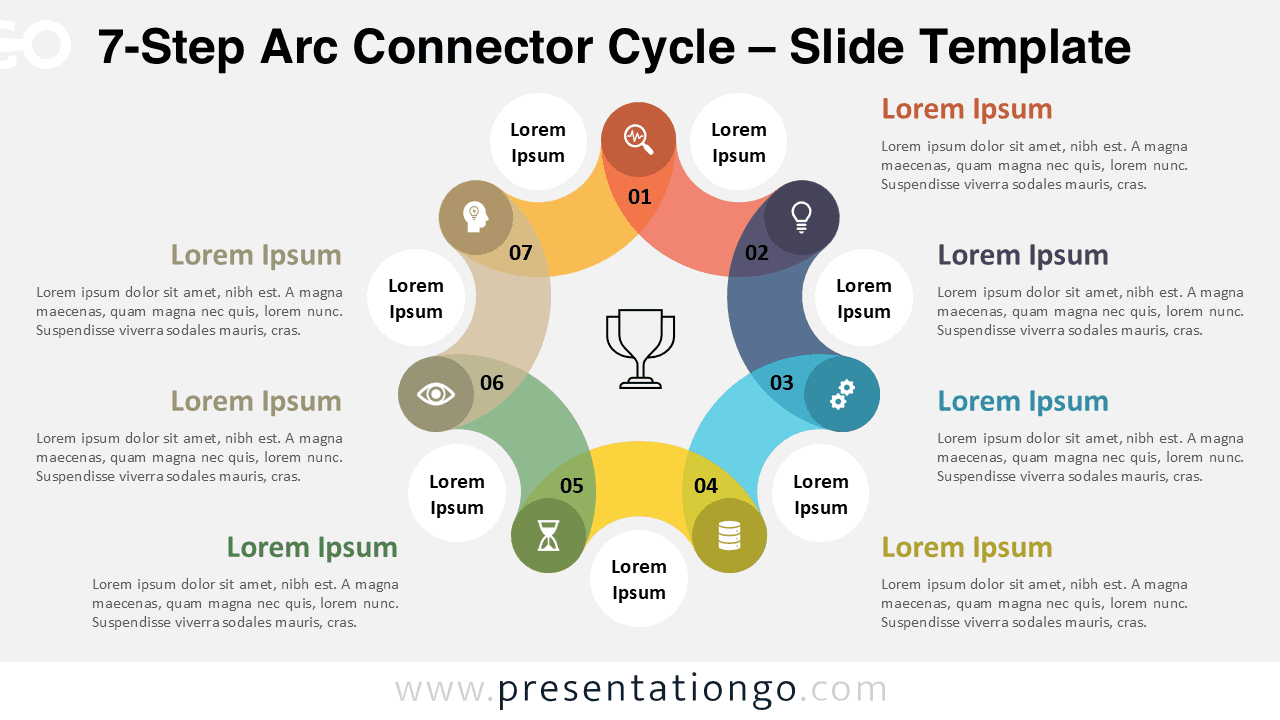
This circular infographic design features seven colorful arcs smoothly interlinked around a central icon symbolizing achievement. The flow moves clockwise, representing continuity and progression. Each step includes an editable number, icon, and text area for titles and descriptions. The flat, geometric layout and balanced color palette make this design ideal for professional and academic presentations. Moreover, you can easily modify colors and icons to match your brand or theme.
Practical Applications
- Business workflow or project roadmap
- Marketing or education slides
- Strategic planning or performance analysis
- Visual storytelling or conceptual explanation
How to Edit
- Open the file in PowerPoint or Google Slides.
- Replace any titles, descriptions, or placeholder text with your own content.
- Swap the default icons for symbols from the built-in Office or Google icon libraries.
- Adjust colors, fonts, and shapes to match your brand identity or presentation theme.
- Optionally add animations or transitions to create smooth visual flow and highlight key points.
Summary
This 7-Step Arc Connector Cycle offers a dynamic way to display continuous workflows or processes. Its minimalist yet colorful circular layout ensures clarity and visual appeal.
The Complete Arc Connector Cycle Collection
Explore the entire Arc Connector Cycle series, available in multiple step options to suit your presentation needs.


Frequently Asked Questions (FAQ)
Yes. Icons are placeholders that can be replaced with any from PowerPoint or Google Slides.
Colors, fonts, and shapes can be modified, but the number of steps is fixed per file. This collection includes ready-to-use versions with 5, 6, 7, and 8 steps.