The 6-Step Cycle Diagram for PowerPoint presents six connected stages in a continuous circular structure. Each numbered section forms part of the same loop, while six surrounding text areas provide room for headings and concise explanations. The layout works well for workflows, recurring processes, strategic cycles, project stages, and continuous improvement models.
Diagram Preview

Features and Customization Options
- Includes 16:9 and 4:3 versions for Microsoft PowerPoint
- Includes 2 editable slides with matching layouts
- 6-step cycle diagram, fully editable
- Editable text, shapes, colors, and sizes
- 100% editable vector shapes — no quality loss when resized
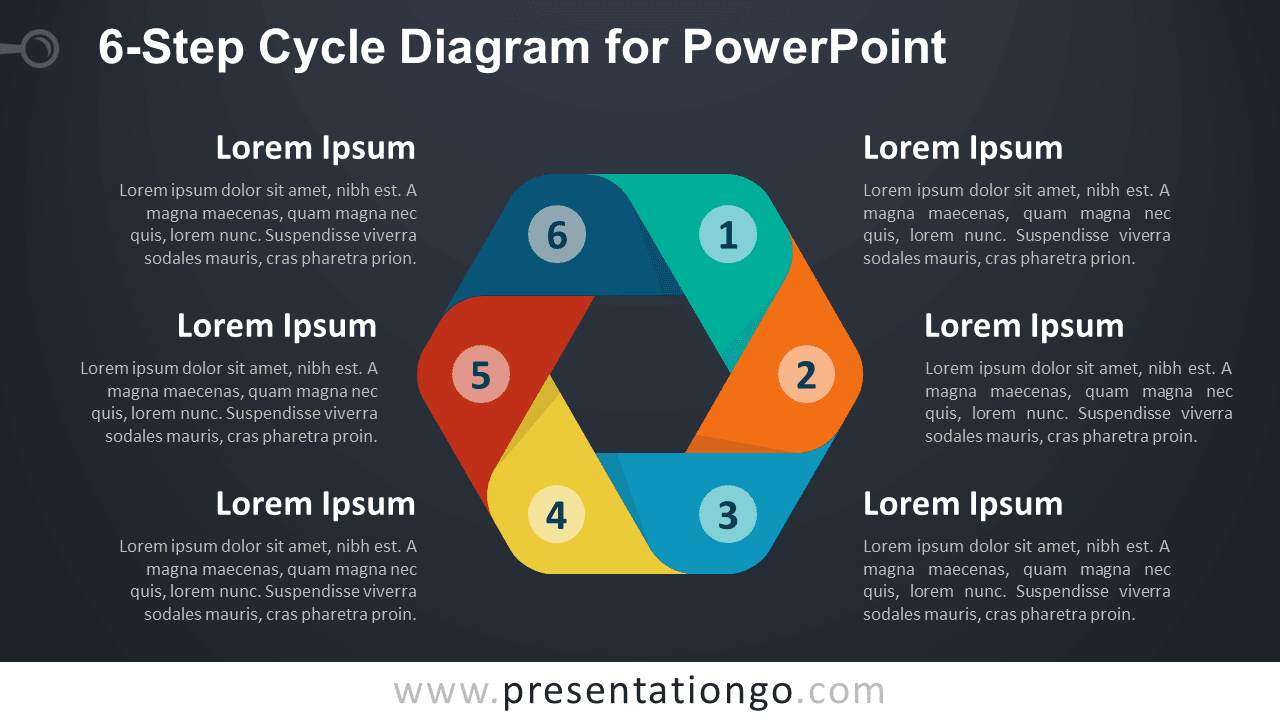
- Includes both light and dark background versions
Design and Structure
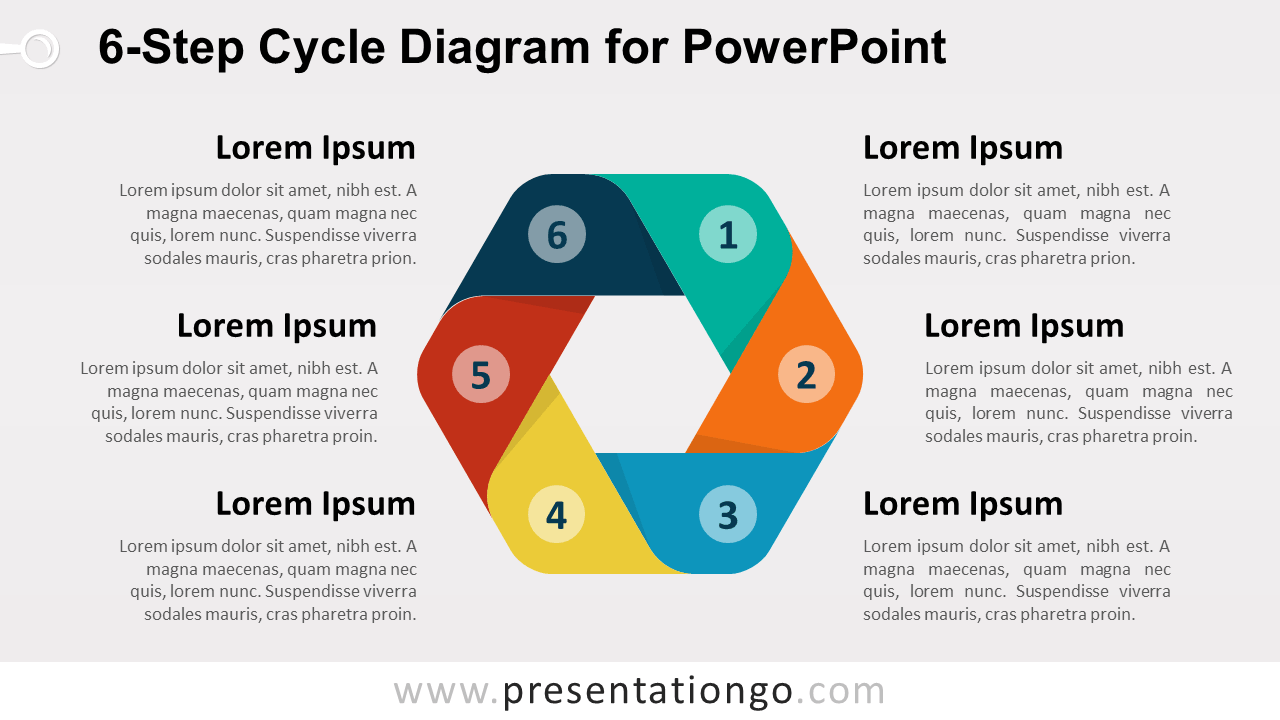
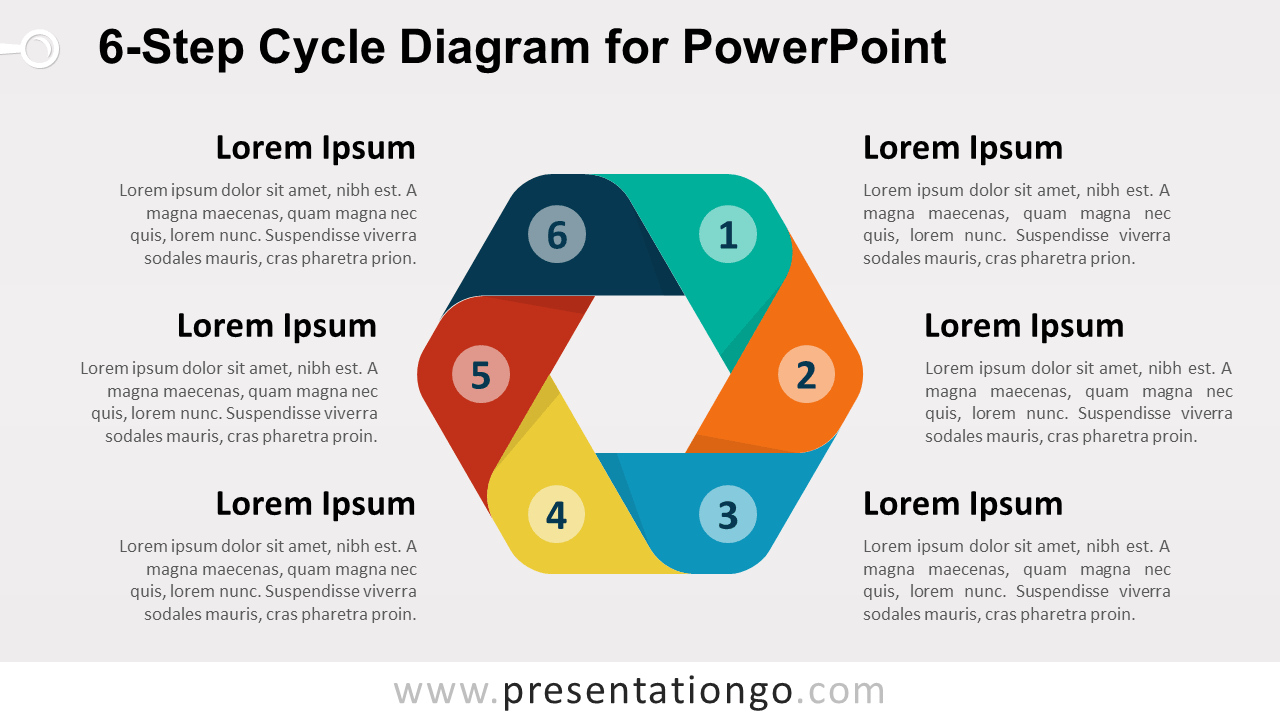
The 6-Step Cycle Diagram uses six folded ribbon-style segments arranged around an open center. The numbered sequence runs from Step 1 through Step 6, creating a natural sense of progression while preserving the continuous nature of the cycle. Each segment connects visually to the next, making the structure suitable for processes that repeat or feed back into earlier stages.
Six supporting text areas surround the central cycle and give every stage room for a heading and short explanation. You can edit the numbers, labels, descriptions, shapes, and sizes directly in PowerPoint. The package also includes both 16:9 and 4:3 presentation sizes for different slide setups.
Practical Applications
- Present a six-step business process
- Explain a recurring workflow
- Map a continuous improvement cycle
- Show six project or operational stages
- Structure an iterative planning process
- Present a strategic or management cycle
Summary
The 6-Step Cycle Diagram provides an editable PowerPoint layout for presenting six connected stages within a continuous process. Its ribbon-based loop and supporting text areas suit workflows, strategic cycles, project stages, recurring processes, and continuous improvement models.