
The 7-Week Gantt Chart is a free, editable project scheduling diagram for PowerPoint and Google Slides. It displays five workstreams across seven weeks, combining task timelines with completion percentages. Use it to track ongoing activities, review project status, and communicate schedules during team meetings or stakeholder presentations.
Diagram Preview
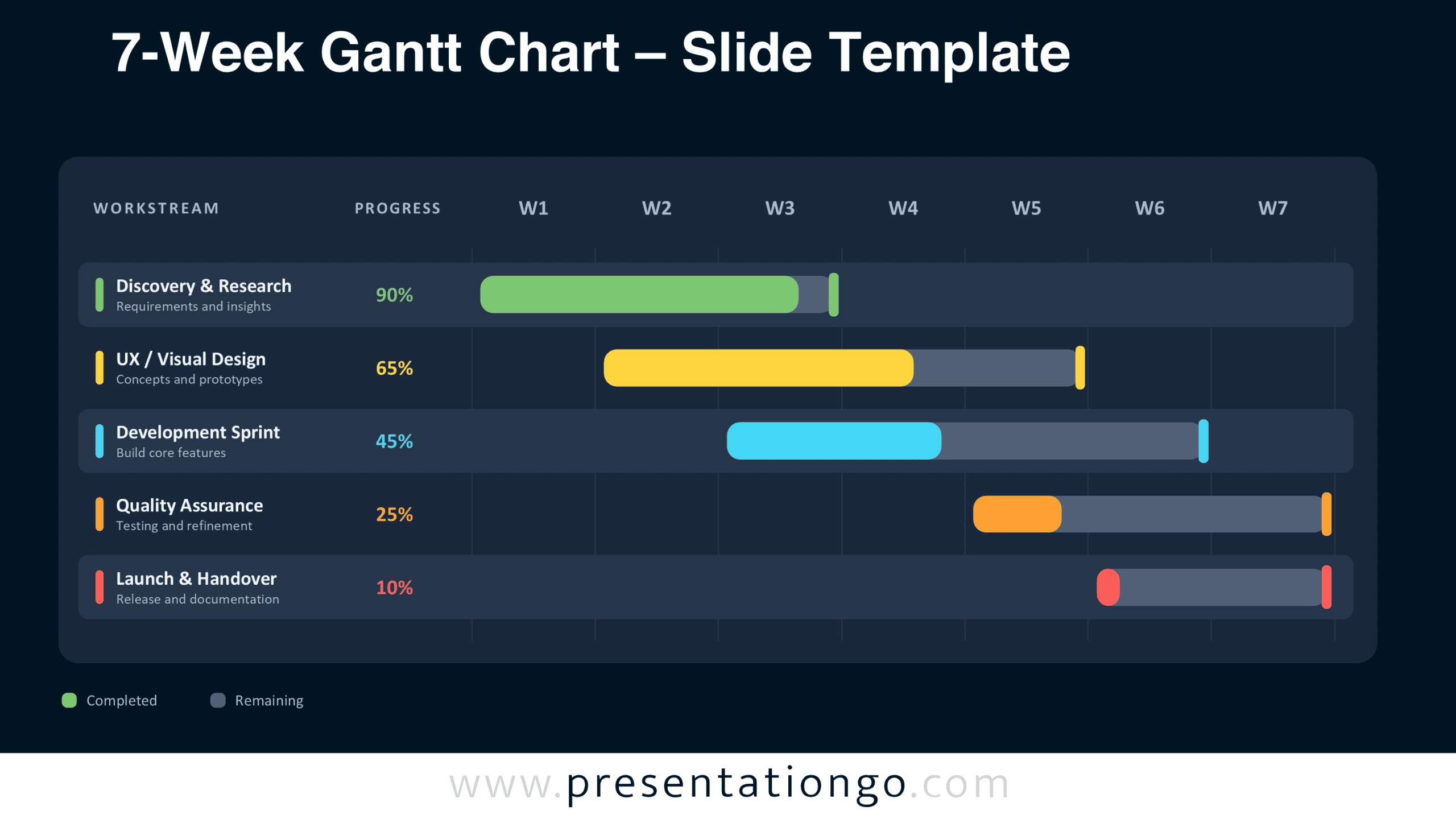
The 7-Week Gantt Chart comes in two slide versions with the same layout and information hierarchy. Both display a complete project schedule, making it easy to choose the version that fits your existing presentation.


Features and Customization Options
- Compatible with Microsoft PowerPoint and Google Slides
- Seven-week timeline with five editable workstreams
- Editable Gantt bars — drag to reschedule
- Editable timeline with adjustable dates and milestones
- Editable text, shapes, and progress percentages
- Add or remove project phases as needed
- Includes both light and dark background versions
Design and Structure
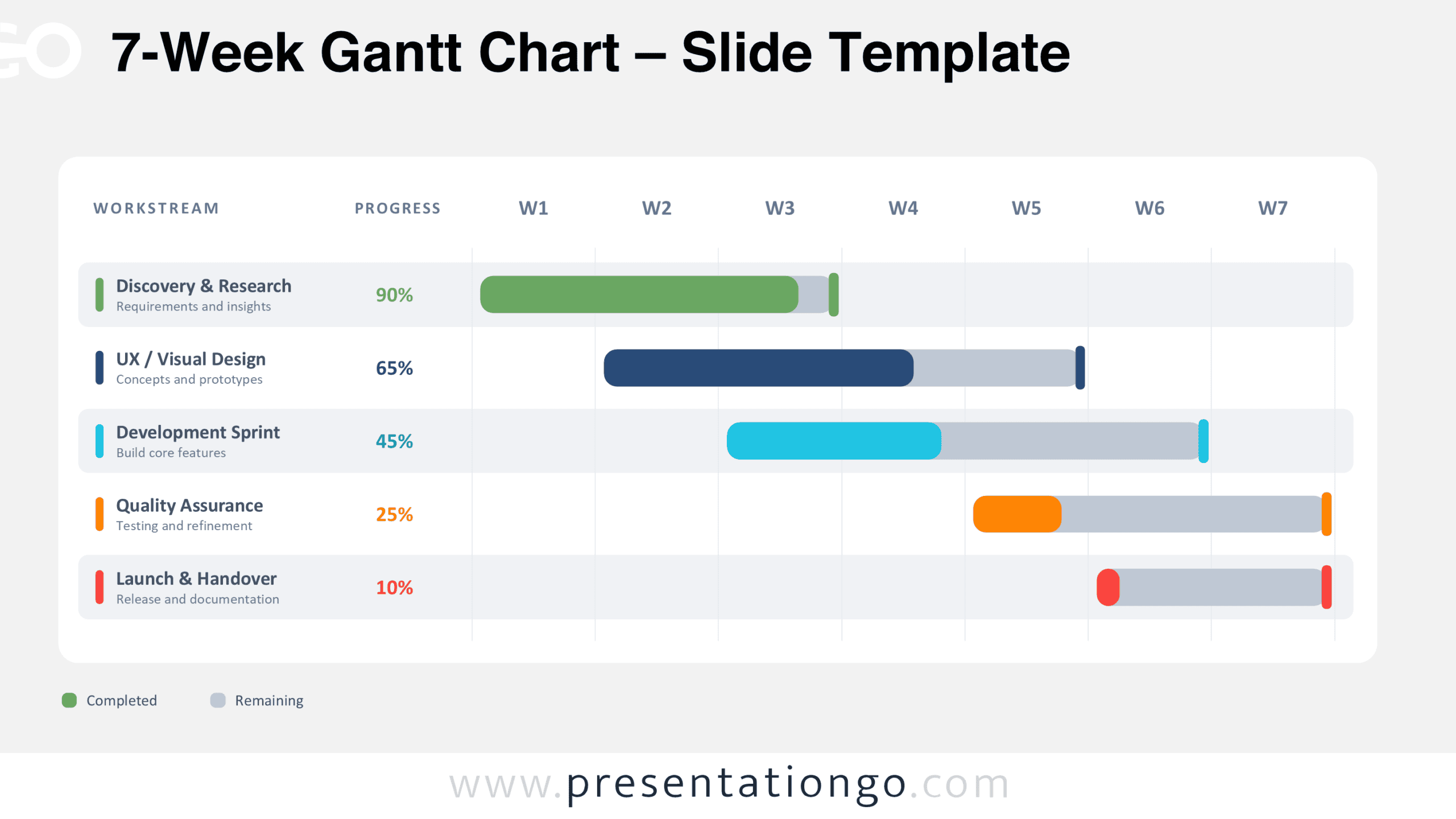
The diagram uses a structured table layout that separates workstream details from the seven-week schedule. Its header identifies the workstream, progress percentage, and weekly timeline. Each workstream occupies a dedicated horizontal row with a task name and a short description. Alternating row panels help distinguish consecutive activities without interrupting the timeline. Subtle vertical gridlines divide the schedule into seven equal weekly intervals, labeled W1 through W7.
Rounded horizontal bars indicate each task’s scheduled duration. Filled segments represent completed work, while the remaining portions show unfinished activity within the planned interval. A percentage beside each workstream provides a numerical progress reference. Small vertical markers identify scheduled endpoints. The sample contains five activities: Discovery & Research, UX / Visual Design, Development Sprint, Quality Assurance, and Launch & Handover. Their staggered starting positions reveal overlapping work periods. The consistent alignment makes task sequencing and schedule comparisons easier to interpret.
Practical Applications
- Plan a seven-week product launch from initial research to final handover.
- Present weekly software development activities during sprint review meetings.
- Report completion percentages for individual workstreams in project status updates.
- Coordinate design, development, and testing activities across multiple teams.
- Identify overlapping task periods before assigning project resources.
- Communicate scheduled deliverables and approaching deadlines to stakeholders.
- Compare planned task durations with current completion levels during progress reviews.
Summary
The 7-Week Gantt Chart brings schedules and completion indicators together in one presentation-ready diagram. Its editable structure supports different project phases, task descriptions, and reporting needs. Download the chart for PowerPoint or Google Slides to present a concise overview of project activities across seven weeks.



