The Project Management Timeline provides a clear chronological roadmap featuring distinct phases with integrated milestone markers, designed specifically for PowerPoint and Google Slides presentations.
Progress Tracker with Key Milestones for Project Planning
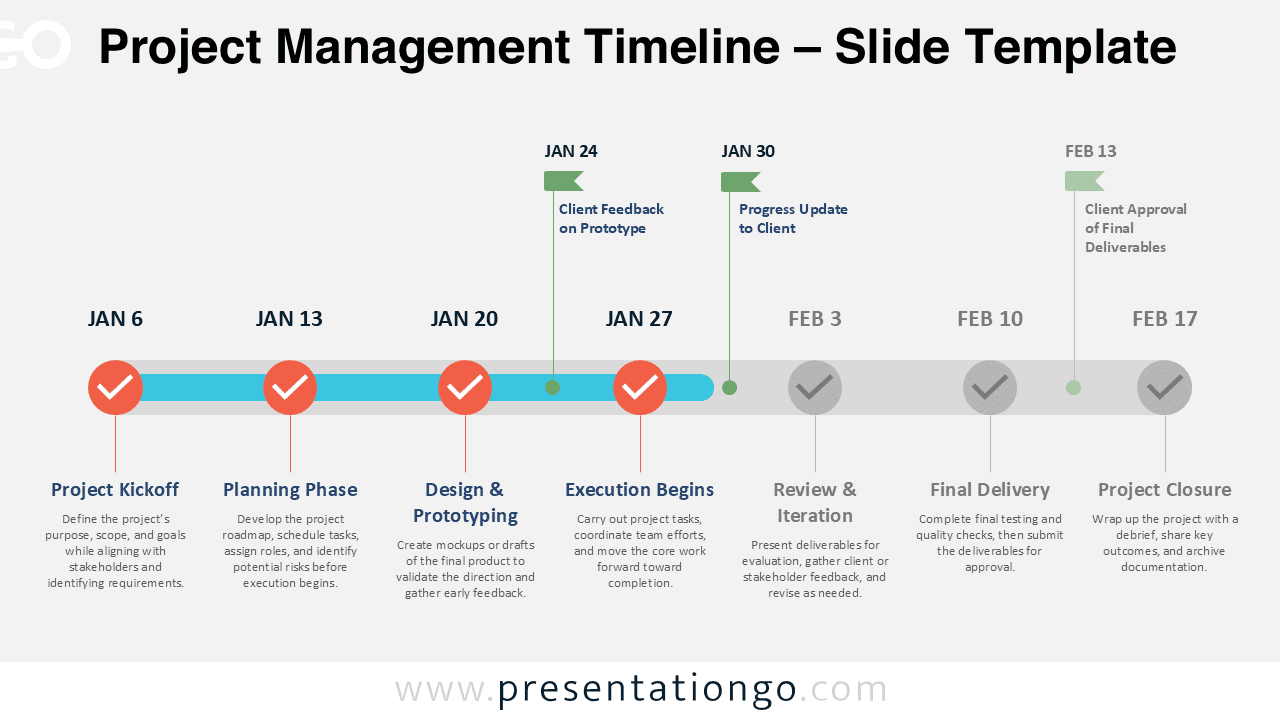
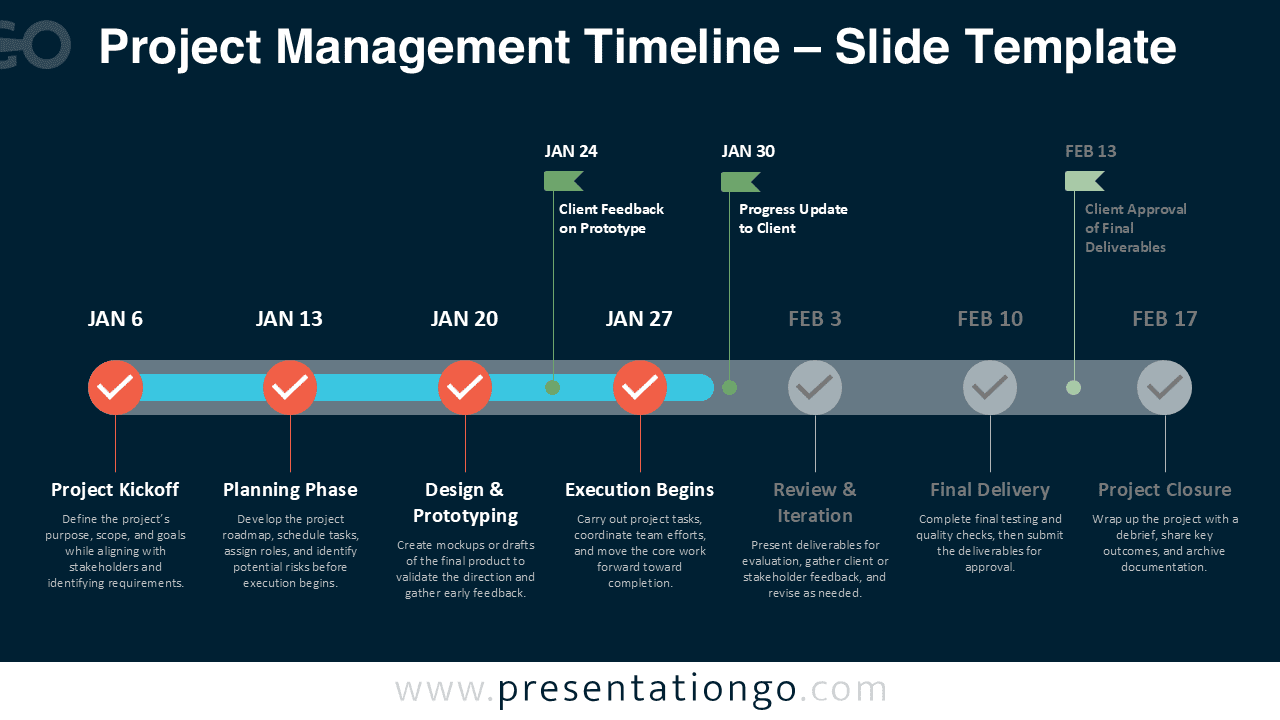
The diagram presents a horizontal timeline made of evenly spaced circular steps. The first ones display check marks to signal completion, while the last ones use muted tones to indicate upcoming phases. Each step connects vertically to a title and short description beneath the timeline, maintaining visual balance and clarity. Upward green markers above the line, shaped like flags, highlight secondary milestones such as client feedback and approvals. These appear between main steps to distinguish them as supportive checkpoints. The left-to-right layout visually guides the audience through the project’s progress in a clear, organized manner.
Project timelines help presenters share phase updates, track progress, and keep teams aligned. This timeline diagram allows viewers to instantly grasp the project’s status by distinguishing completed steps from those ahead. It’s especially useful in stakeholder briefings and status meetings. A launch team, for example, can show their timeline while spotlighting milestones like beta testing, feedback rounds, and final sign-off.
The template includes two slides with a sequence of seven steps, editable icons, placeholder text, and pre-populated dates. You can easily modify colors, icons, and descriptions to suit your project. It’s available in both light and dark theme variations and supports Standard (4:3) and Widescreen (16:9) layouts. Whether you prefer PowerPoint or Google Slides, the file ensures smooth editing and a professional presentation flow.
Download this comprehensive seven-phase Project Management Timeline to communicate project progression and stakeholder interactions effectively in your next presentation.
Widescreen (16:9) size preview:


This template offers:
- 2 unique slides
- Options for both light and dark themes
- Pre-populated with dates, icons, and text placeholders
- Fully customizable shapes for complete control
- Available in both Standard (4:3) and Widescreen (16:9) ratios
- Offered in both PowerPoint PPTX and Google Slides formats