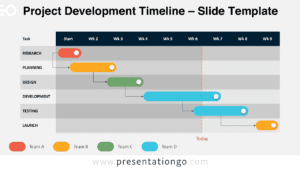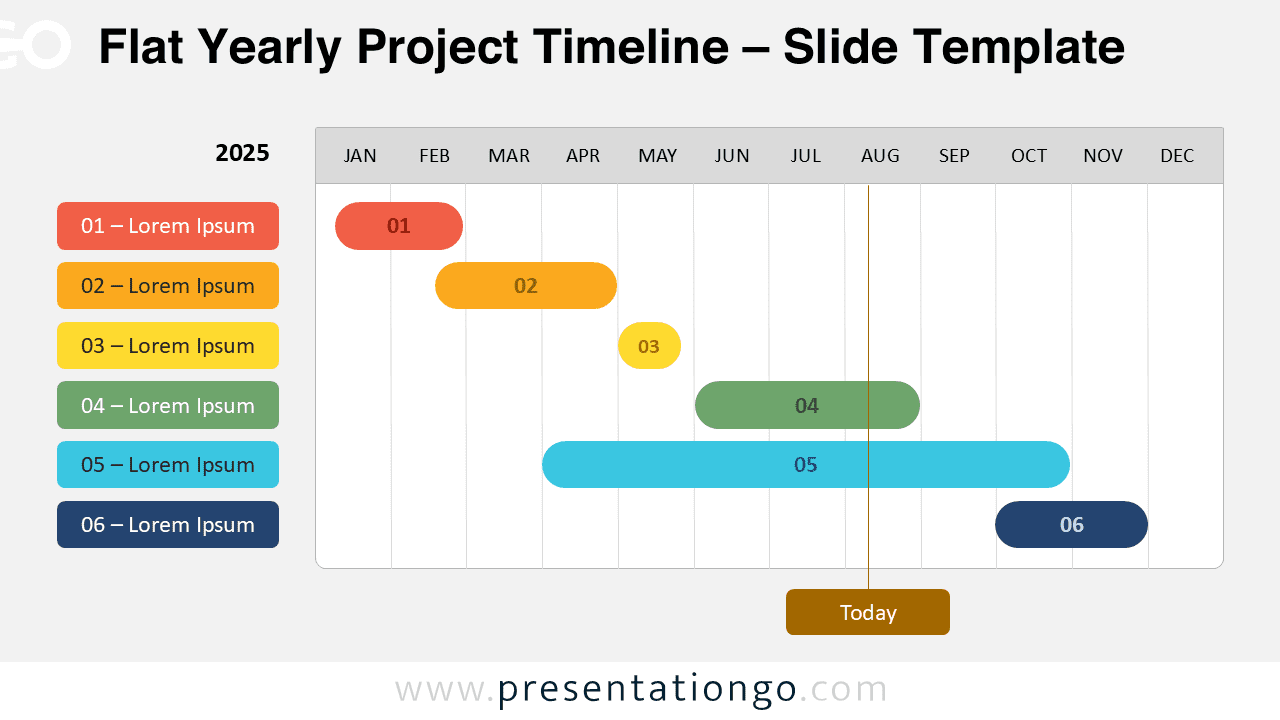
The Flat Yearly Project Timeline presents a minimalist horizontal Gantt chart with six sequential phases designed for PowerPoint and Google Slides presentations.
Plan Annual Projects with a Simple, Color-Coded Layout
This diagram presents a clear, minimalist Gantt-style chart stretching from January to December. Each of the six horizontal bars represents a distinct task or project phase. These bars use color-coded, rounded rectangles to illustrate start and end dates across the calendar year, ensuring visual separation and ease of understanding. A vertical marker labeled “Today” slices through August, helping users gauge current progress. The matching legend on the left side aligns each task number with a label, maintaining consistency. The flat design, aligned elements, and non-overlapping layout enhance legibility and support a smooth left-to-right reading flow.
Project timeline charts, such as this one, are essential tools in presentations to visualize schedules, manage expectations, and communicate responsibilities. This specific flat diagram enables presenters to explain overlapping phases, assign project ownerships, and provide real-time status updates using the “Today” marker. For instance, it’s ideal for quarterly reviews, product roadmaps, or academic semester planning. It helps teams align on deadlines and project scopes while remaining flexible to accommodate changes. Additionally, color-coded phases help distinguish different streams of work, making the information instantly digestible.
This template includes two fully editable slides pre-filled with placeholder text. All shapes and colors are customizable to match specific brand themes or team preferences. The template is compatible with both Standard (4:3) and Widescreen (16:9) formats. It’s available in versions suitable for light and dark backgrounds and works seamlessly with PowerPoint (PPTX) and Google Slides. Users can easily duplicate or adjust bars to reflect additional tasks or modified schedules.
Download this versatile timeline template featuring six customizable phases to streamline your annual project presentations.
Widescreen (16:9) size preview:


This template offers:
- 2 unique slides
- Options for both light and dark themes
- Pre-populated with text placeholders
- Fully customizable shapes for complete control
- Available in both Standard (4:3) and Widescreen (16:9) ratios
- Offered in both PowerPoint PPTX and Google Slides formats