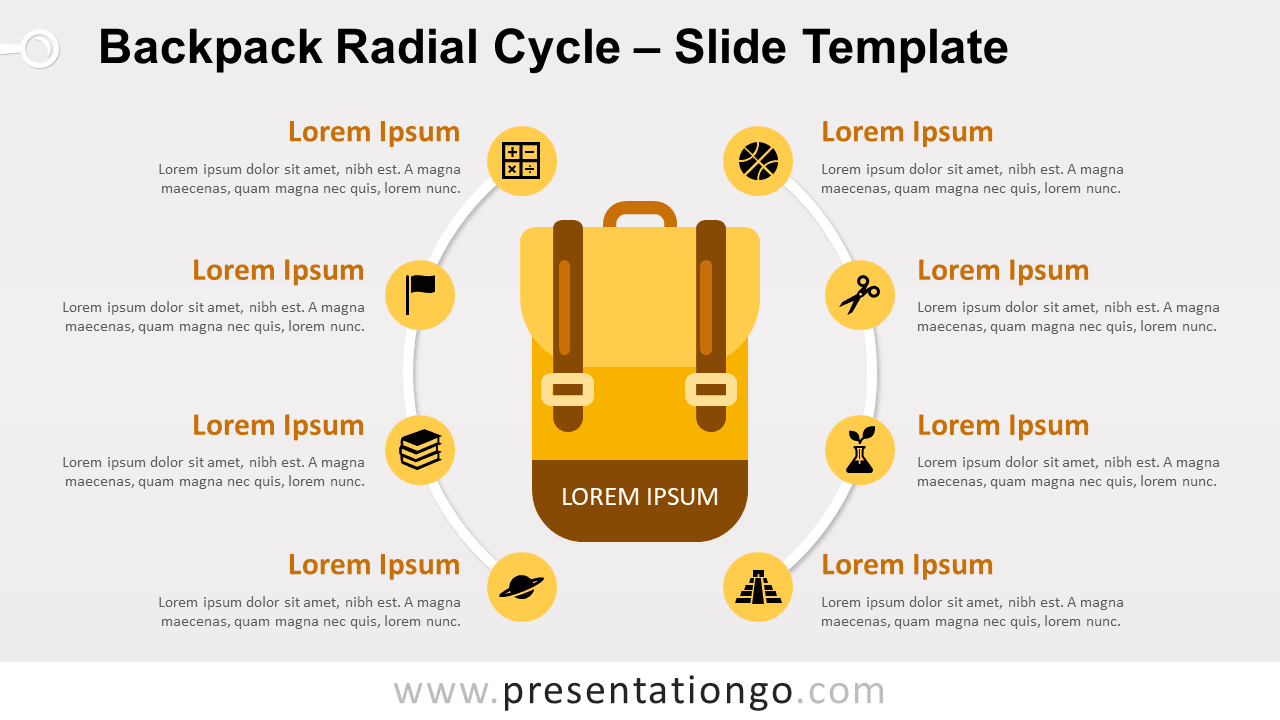
Free backpack radial cycle for PowerPoint and Google Slides. Two semi-circular radial lists around an illustration of a backpack. Editable graphics with icons, and text placeholders.
Backpack Radial Cycle
Are you ready to show off your amazing slides to your audience? Pack up all your stuff and let’s go!
Whether you go for a hike, to the sport, or back to school, you need to gather and put all of the most important items in your favorite backpack.
This new diagram shows a radial cycle list around a central flat design illustration of a yellow/brown-ish backpack. More specifically, the radial is an incomplete cycle where two arcs with 4 events surround each side of the backpack.
You can use this radial diagram to show up to 8 elements that relate to a central idea or theme. And the central idea could refer to any of the various topics that include school, teaching, or adventure.
Shapes are 100% editable: colors and sizes can be easily changed.
Includes 2 slide option designs: Standard (4:3) and Widescreen (16:9).
Widescreen (16:9) size preview:


This ‘Backpack Radial Cycle for PowerPoint and Google Slides’ features:
- 2 unique slides
- Light and Dark layout
- Ready to use template with icons and text placeholders
- Completely editable shapes
- Uses a selection of editable PowerPoint icons
- Standard (4:3) and Widescreen (16:9) aspect ratios
- PPTX file and for Google Slides
Free fonts used:
- Helvetica (System Font)
- Calibri (System Font)