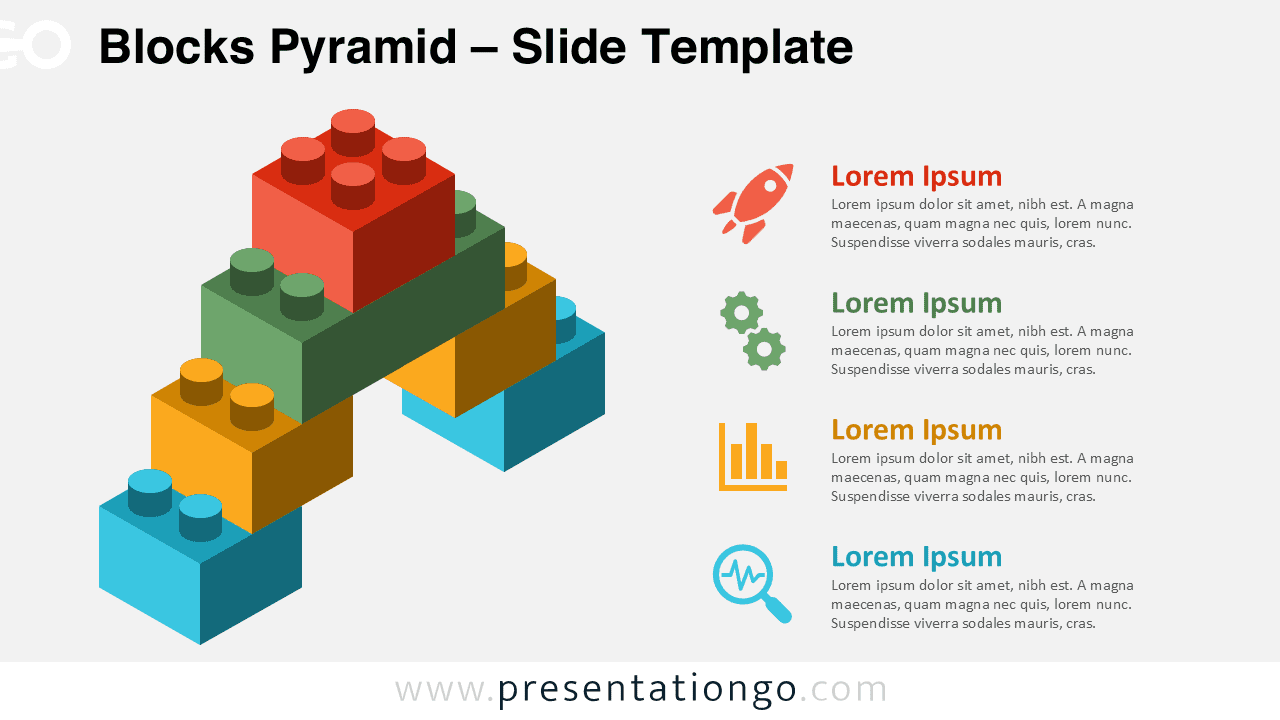
The Blocks Pyramid diagram showcases a four-level hierarchical structure built from interlocking blocks, perfect for illustrating tiered concepts in both PowerPoint and Google Slides.
Create Impactful Hierarchy Diagrams with Interlocking Blocks
This diagram showcases a symmetrical pyramid made of interlocking blocks, reminiscent of toy building bricks. Each tier builds upward to a single top block, visually reinforcing a message of progression, stability, and clarity. To the right of each level, aligned content boxes include a bold headline, a supporting icon, and placeholder text—creating a clear connection between graphic and narrative elements. The modular block design introduces spatial logic, helping guide the viewer’s understanding from the base to the peak.
Pyramid diagrams are commonly used to depict hierarchical structures, progressive steps, or foundational principles. The Blocks Pyramid serves this need by illustrating concepts like Maslow’s hierarchy, team management levels, strategic priorities, or product development stages. Because the blocks suggest construction and modular thinking, it’s especially useful for presentations on growth, layered strategies, or organizational planning.
The template includes two unique slides pre-filled with icons and placeholder text. Shapes are fully customizable, letting users adjust colors, iconography, or even the number of levels. It supports both light and dark backgrounds and is formatted in Standard (4:3) and Widescreen (16:9) sizes. You can use it seamlessly in both PowerPoint (PPTX) and Google Slides.
Download this four-tier pyramid diagram to showcase hierarchical relationships or multi-level concepts with clarity and precision.
Widescreen (16:9) size preview:


This template offers:
- 2 unique slides
- Options for both light and dark themes
- Pre-populated with icons and text placeholders
- Fully customizable shapes for complete control
- Available in both Standard (4:3) and Widescreen (16:9) ratios
- Offered in both PowerPoint PPTX and Google Slides formats