
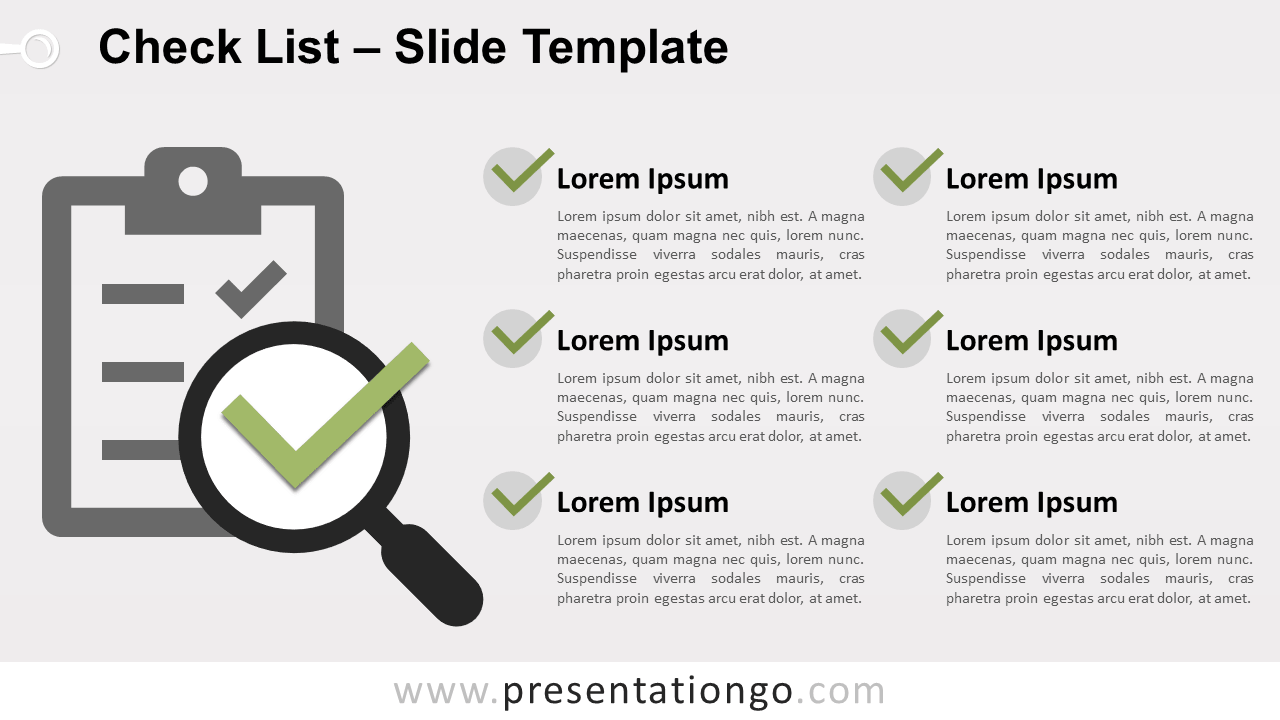
Free check list template for PowerPoint and Google Slides. Ready-to-use slide to nicely organize and present your tasks or to-do list. Editable graphics with icons and text placeholders.
Check List Template
This template contains an editable prominent illustration of a clipboard with a magnifier and a green checkmark (or tick) symbol.
Use this check list template to illustrate non-sequential or grouped blocks of information. It will be perfect to replace your traditional bullet point, to list your tasks (todo list), events, schedule, for example.
Shapes are 100% editable: colors and sizes can be easily changed.
Includes 2 slide option designs: Standard (4:3) and Widescreen (16:9).
Widescreen (16:9) size preview:


This ‘Check List Template for PowerPoint and Google Slides’ features:
- 2 unique slides
- Light and Dark layout
- Ready to use template with icons and text placeholders
- Completely editable shapes
- Uses a selection of editable PowerPoint icons
- Standard (4:3) and Widescreen (16:9) aspect ratios
- PPTX file and for Google Slides
Free fonts used:
- Helvetica (System Font)
- Calibri (System Font)



