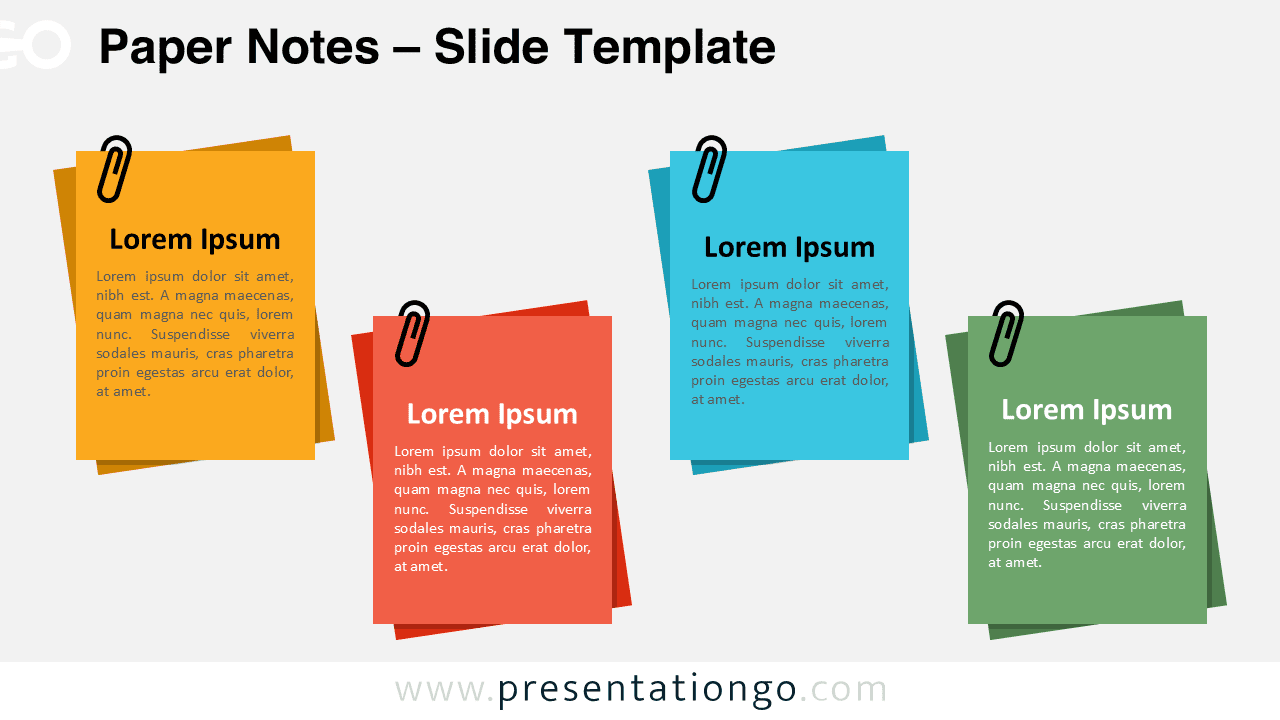
The Paper Notes template organizes information into four distinct layered sections that resemble sticky note clusters, designed for PowerPoint and Google Slides presentations.
Highlight Key Information with Sticky Notes
This template features four grouped blocks that create an authentic paper-layered appearance through overlapping sheet effects and strategic shadowing. Each section includes bold headings and concise text blocks, while paper clip graphics enhance the realistic sticky note aesthetic. The layered design creates visual depth and hierarchy, making each information segment distinct yet cohesively connected. Color coordination across sections maintains visual unity, while the informal paper texture adds approachability to professional content.
This template excels in presentations requiring clear information segmentation and comparison. Project managers can showcase different phases, timelines, or team responsibilities across the four sections. Educators benefit from organizing lesson components, study materials, or assignment categories. Business professionals use it for presenting quarterly goals, department updates, or strategic initiatives. The template works particularly well for brainstorming sessions, progress reviews, and multi-step process explanations where each section represents a distinct phase or category.
The template includes 2 unique slides with pre-populated text placeholders and fully customizable shapes. Users receive both light and dark theme options to match their presentation style. The template supports Standard (4:3) and Widescreen (16:9) formats, ensuring compatibility across different display requirements. Both PowerPoint PPTX and Google Slides versions are included for maximum accessibility.
Download this versatile four-section template to organize your presentation content with an engaging paper note design.
Widescreen (16:9) size preview:


This template offers:
- 2 unique slides
- Options for both light and dark themes
- Pre-populated with text placeholders
- Fully customizable shapes for complete control
- Available in both Standard (4:3) and Widescreen (16:9) ratios
- Offered in both PowerPoint PPTX and Google Slides formats