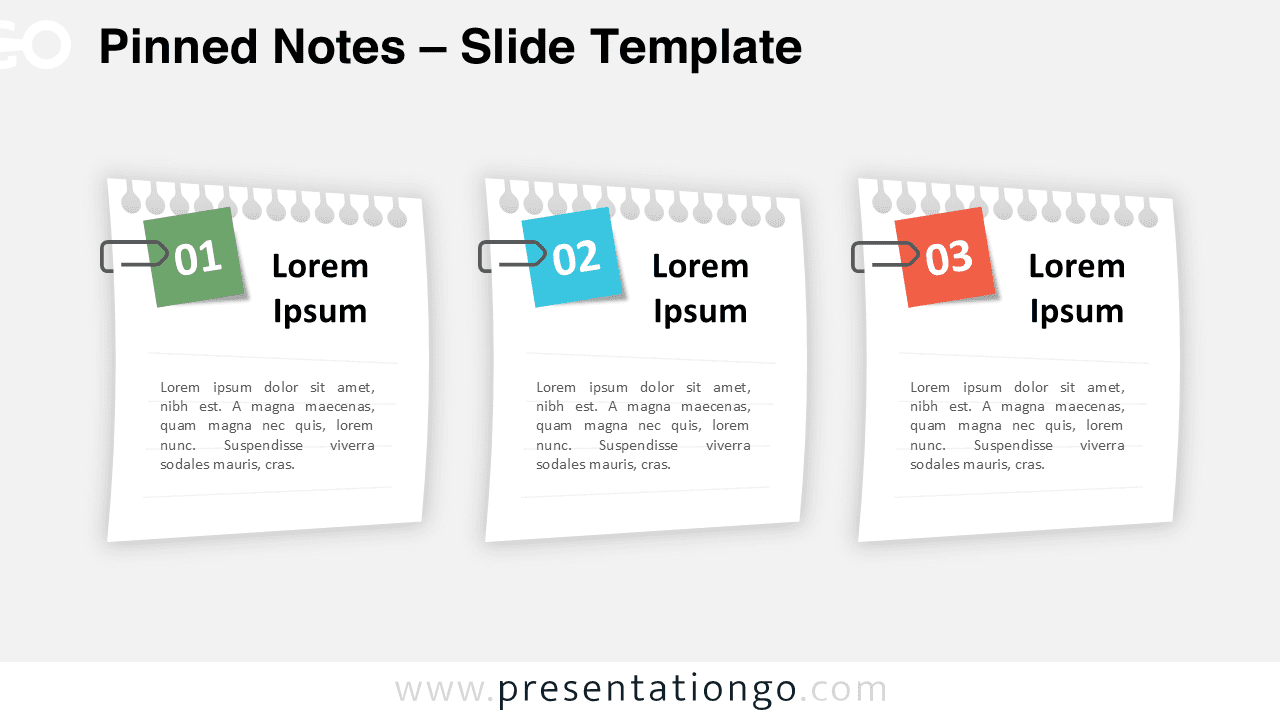
Pinned Notes is a clean and modern slide design created for clear content presentation in PowerPoint and Google Slides.
Inspired by physical note boards and pinned paper sheets, this slide helps presenters organize ideas, tasks, or key points in a structured and visually engaging way.
Slide Preview
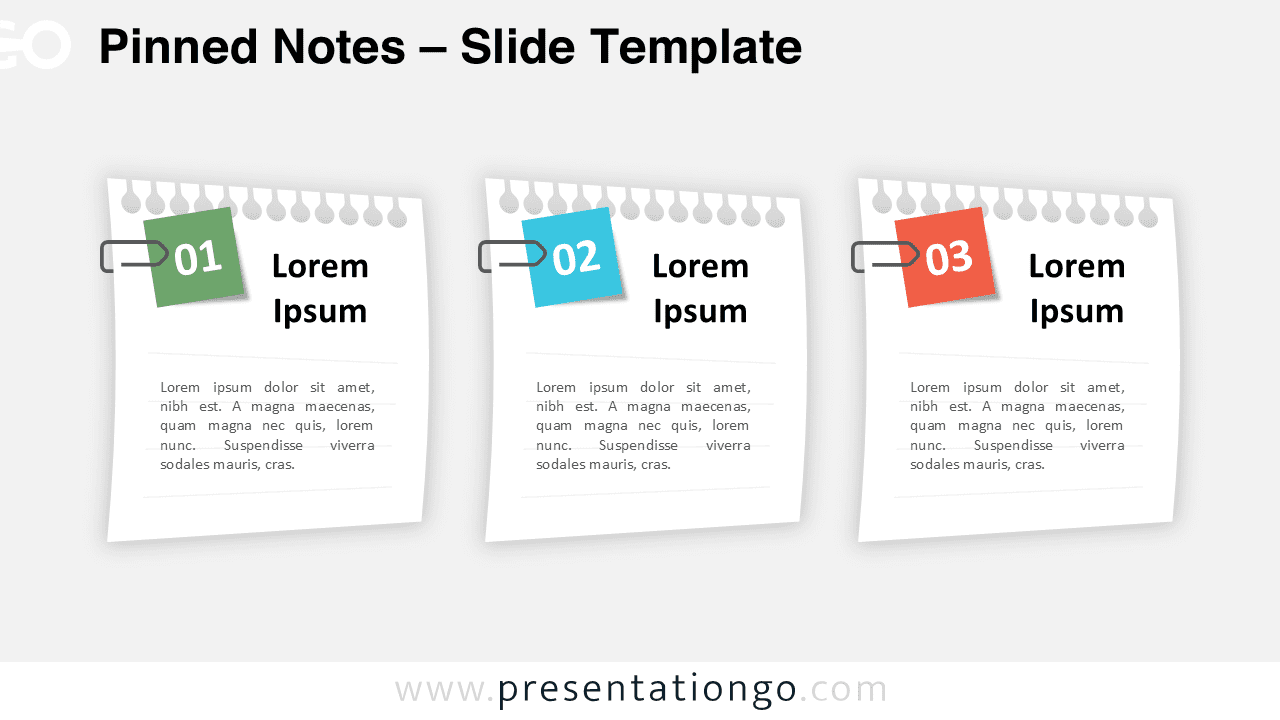
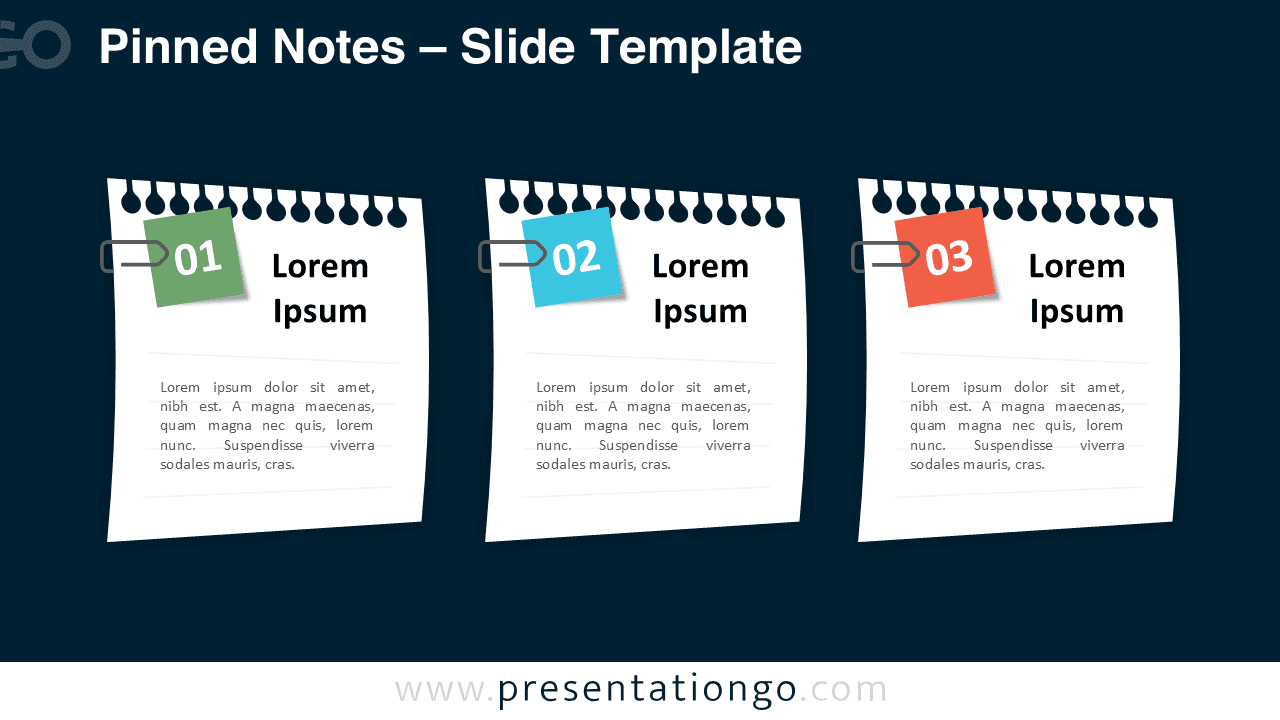
The layout is available in two versions, optimized for both light and dark presentation backgrounds.


Features and Customization Options
- Two-slide layout with light and dark background versions
- Editable text placeholders for titles and descriptions
- Clearly numbered notes for structured information
- Balanced spacing for easy reading
- Fully editable shapes and colors
- Compatible with PowerPoint and Google Slides
Design and Layout Overview
The Pinned Notes slide uses a horizontal layout with three note elements placed side by side. Each note includes a bold number, a title area, and a short text section, creating a natural hierarchy that guides the audience through the content. Subtle shadows and clipped details add depth while keeping the overall design flat and professional.
Practical Applications
- Meeting agendas and talking points
- Project planning and task breakdowns
- Presentation sections or content summaries
- Educational explanations and learning steps
- Business overviews and internal communications
Summary
Pinned Notes is a versatile slide designed to help presenters communicate information clearly and effectively. Its notes-inspired layout makes it suitable for a wide range of presentation needs, from business meetings to classroom content. Use this slide in PowerPoint or Google Slides to present ideas in a clean, organized, and visually appealing way.