
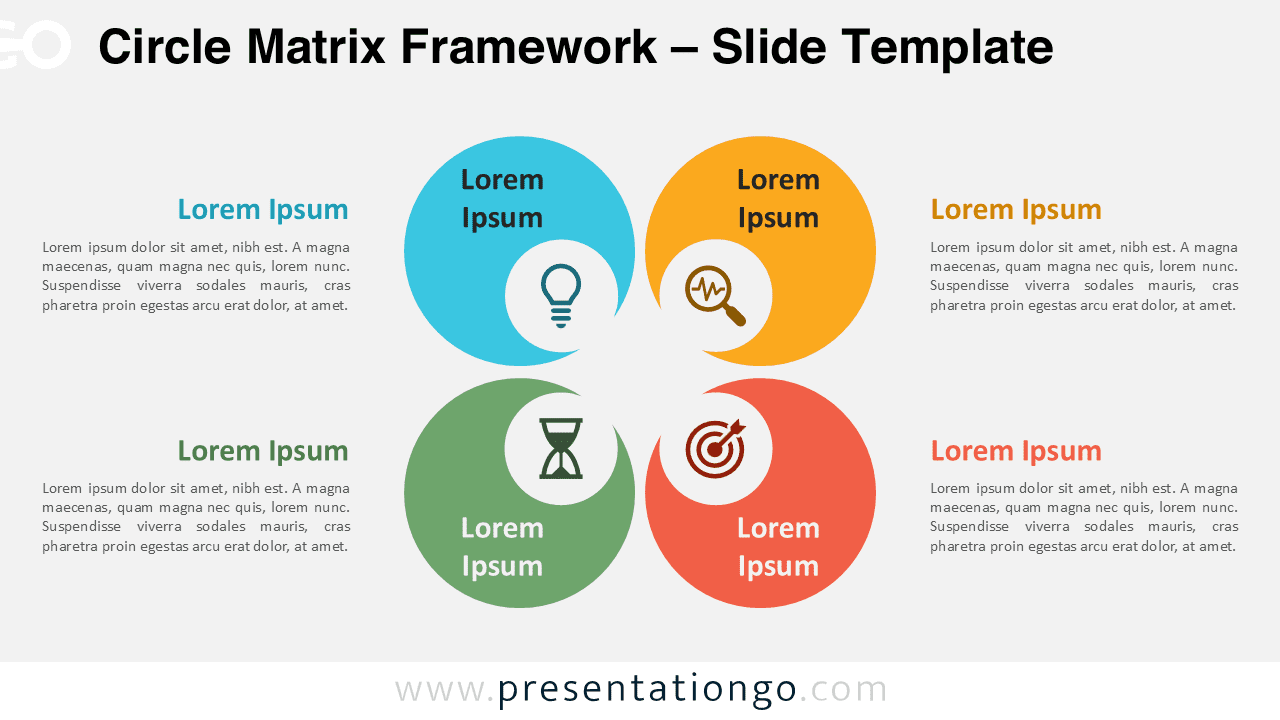
The Circle Matrix Framework is a matrix diagram with four circular shapes arranged in a 2×2 grid, ideal for PowerPoint and Google Slides presentations to communicate structured information effectively.
The 4-Part Circle Matrix: A Versatile Visual Framework
This template features a matrix diagram with four circular shapes arranged in a 2×2 grid. Each circular shape has a smaller cutout positioned in the corner closer to the center. These cutout shapes contain placeholder icons, adding visual interest and conveying information within the design. The text within each circular shape provides additional context. The combination of circular shapes, cutout icons, and text creates a structured layout ideal for PowerPoint presentations.
The 2×2 matrix format of the Circle Matrix Framework is a classic organizational structure. It’s commonly used in presentations to explore concepts, ideas, or strategies. This template is particularly beneficial for visualizing comparisons, categorizing information, or highlighting key focus areas. For instance, it can compare product features, outline business objectives, or showcase different approaches to problem-solving. This clean and engaging slide design enhances these comparisons.
This template includes two unique slides, pre-populated with icons and text placeholders. It offers fully customizable shapes for complete control. Users can choose between light and dark themes. It’s available in Standard (4:3) and Widescreen (16:9) ratios. Offered in both PowerPoint PPTX and Google Slides formats, it ensures compatibility and ease of use across different platforms.
Download the Circle Matrix Framework for PowerPoint and Google Slides to present your information clearly and effectively with four structured parts.
Widescreen (16:9) size preview:


This template offers:
- 2 unique slides
- Options for both light and dark themes
- Pre-populated with icons and text placeholders
- Fully customizable shapes for complete control
- Available in both Standard (4:3) and Widescreen (16:9) ratios
- Offered in both PowerPoint PPTX and Google Slides formats



