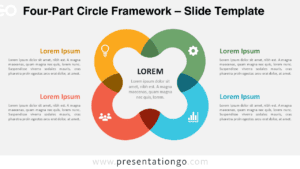
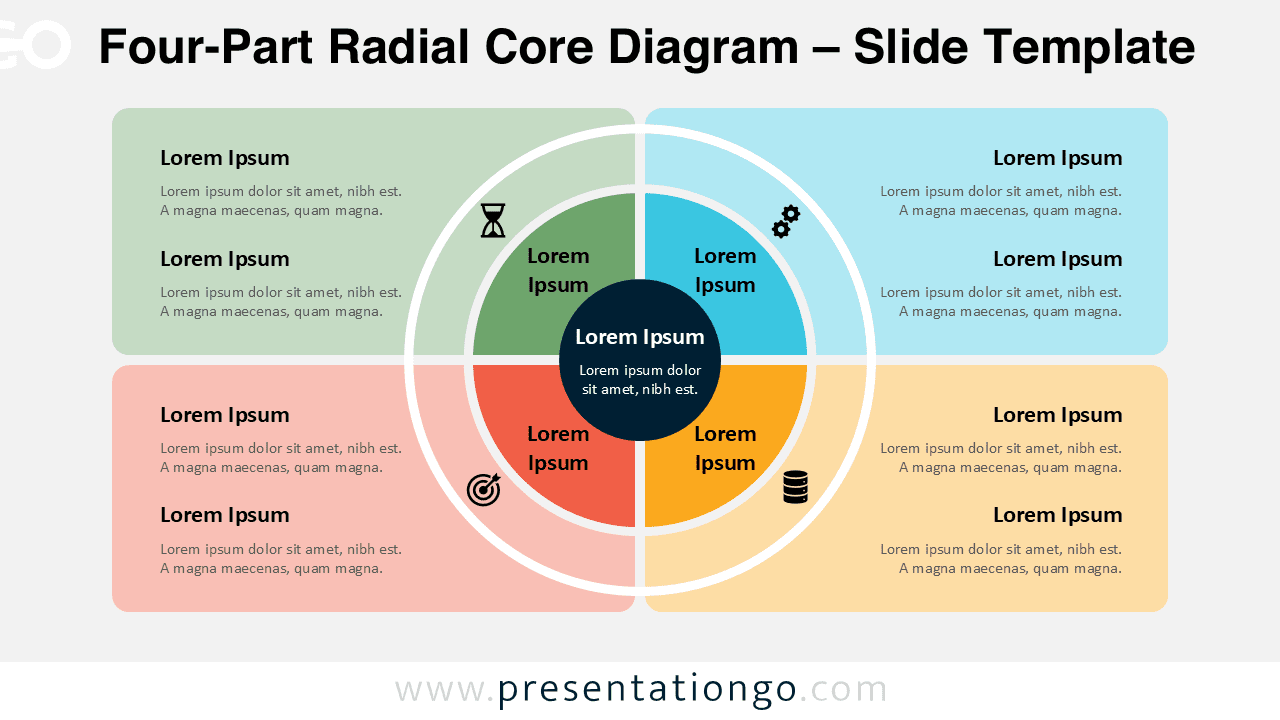
The Four-Part Radial Core Diagram provides a clean and structured way to present key ideas in a circular layout. Designed for PowerPoint and Google Slides, this diagram helps you break down complex concepts into four balanced segments around a central core.
Each segment connects directly to the center, making it easy to highlight relationships between ideas. The layout keeps your content organized while maintaining a strong visual impact.
Diagram Preview


Features and Customization Options
- Fully editable shapes and text elements
- Four balanced segments arranged around a central core
- Includes editable icon placeholders from the Office icon library
- Icons are easy to replace with your own or built-in alternatives
- Compatible with PowerPoint and Google Slides
- Easy color customization to match your branding
- Clean and modern layout for professional presentations
Design and Structure
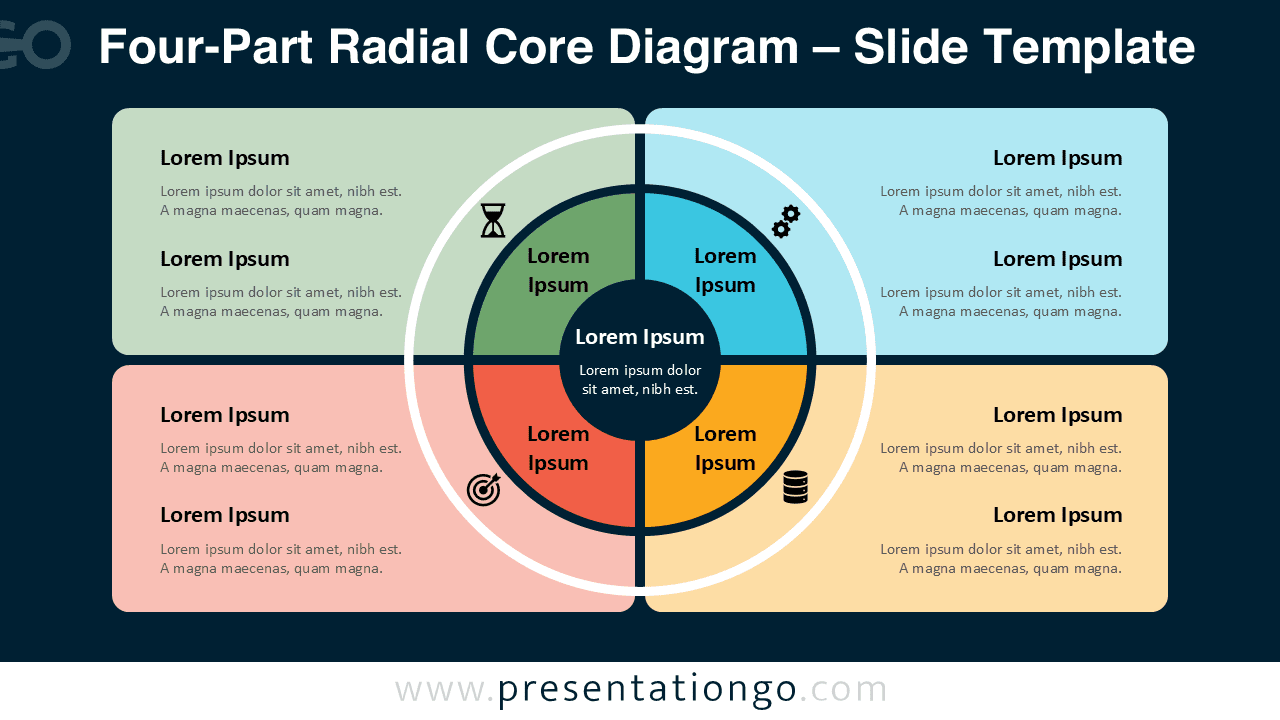
This diagram uses a radial structure with a central circle that represents the main concept. Four surrounding segments form a complete circle, each assigned a distinct color for clarity and contrast.
On both sides of the diagram, text placeholders allow you to add detailed explanations. The layout creates a natural flow between the central idea and its supporting points.
Practical Applications
- Present four key business pillars or strategic priorities
- Explain stages in a simplified process
- Break down categories or components of a system
- Visualize balanced frameworks and comparisons
- Support marketing, product, or operational presentations
Summary
The Four-Part Radial Core Diagram is a versatile and visually balanced tool for presenting structured information. Its circular design and editable elements make it ideal for professional presentations that require clarity and impact.