

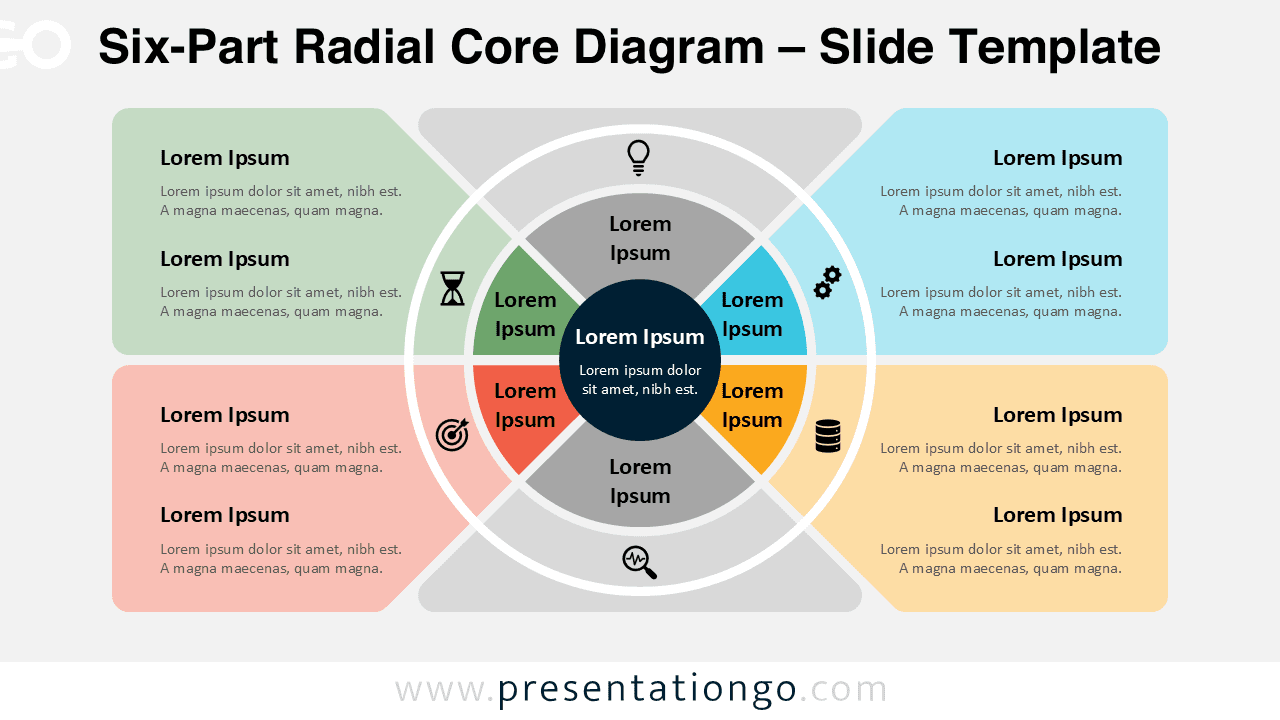
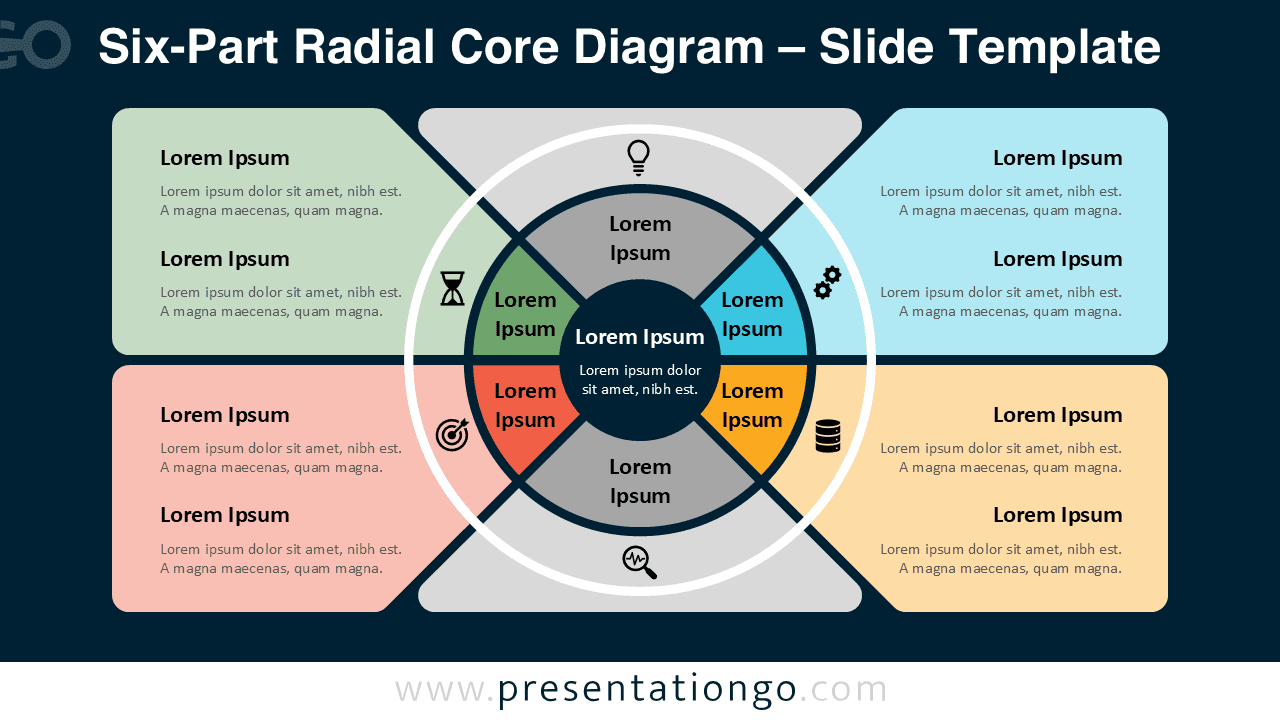
The Six-Part Radial Core Diagram offers a structured and visually engaging way to present complex ideas. Designed for PowerPoint and Google Slides, this diagram helps you organize six key elements around a central concept.
Its circular layout creates a strong visual connection between each segment and the core idea. This makes it ideal for explaining relationships, processes, or frameworks that require more depth than simpler diagrams.
Diagram Preview


Features and Customization Options
- Fully editable shapes and text elements
- Six segments arranged around a central core
- Includes editable icon placeholders from the Office icon library
- Icons are easy to replace with your own or built-in alternatives
- Compatible with PowerPoint and Google Slides
- Easy color customization to match your branding
- Clean and modern layout for professional presentations
Design and Structure
This diagram expands the radial concept by introducing six segments, allowing for more detailed storytelling. Each segment connects directly to the central circle, reinforcing the relationship between ideas.
The layout maintains visual balance while providing additional space for content. Side text areas allow you to describe each segment clearly without overcrowding the central visual.
Practical Applications
- Explain multi-step processes with six stages
- Present detailed business frameworks or models
- Break down complex systems into manageable parts
- Visualize extended strategies or roadmaps
- Support in-depth analysis in professional presentations
Summary
The Six-Part Radial Core Diagram is ideal for presentations that require more detail while maintaining clarity. Its circular structure and editable elements make it a powerful tool for professional communication.



