

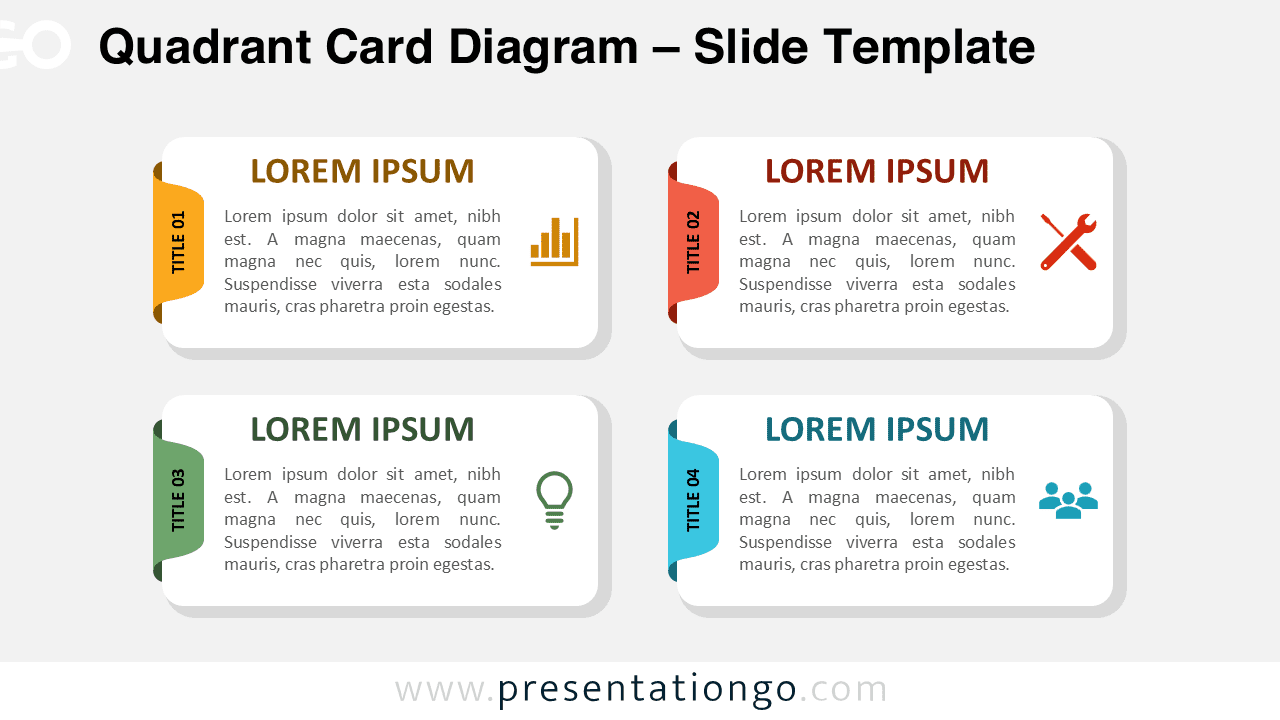
The Quadrant Card Diagram is a clean and versatile visual tool designed to help you present four related ideas in a clear and balanced way. Built around a structured quadrant layout, this diagram uses individual cards with banner-style titles to separate and highlight key concepts.
Each card works as an independent content block, making the layout ideal for comparisons, categorized information, or structured processes.
Diagram Preview


Features and Customization Options
- Editable shapes and text placeholders
- Includes editable icon placeholders
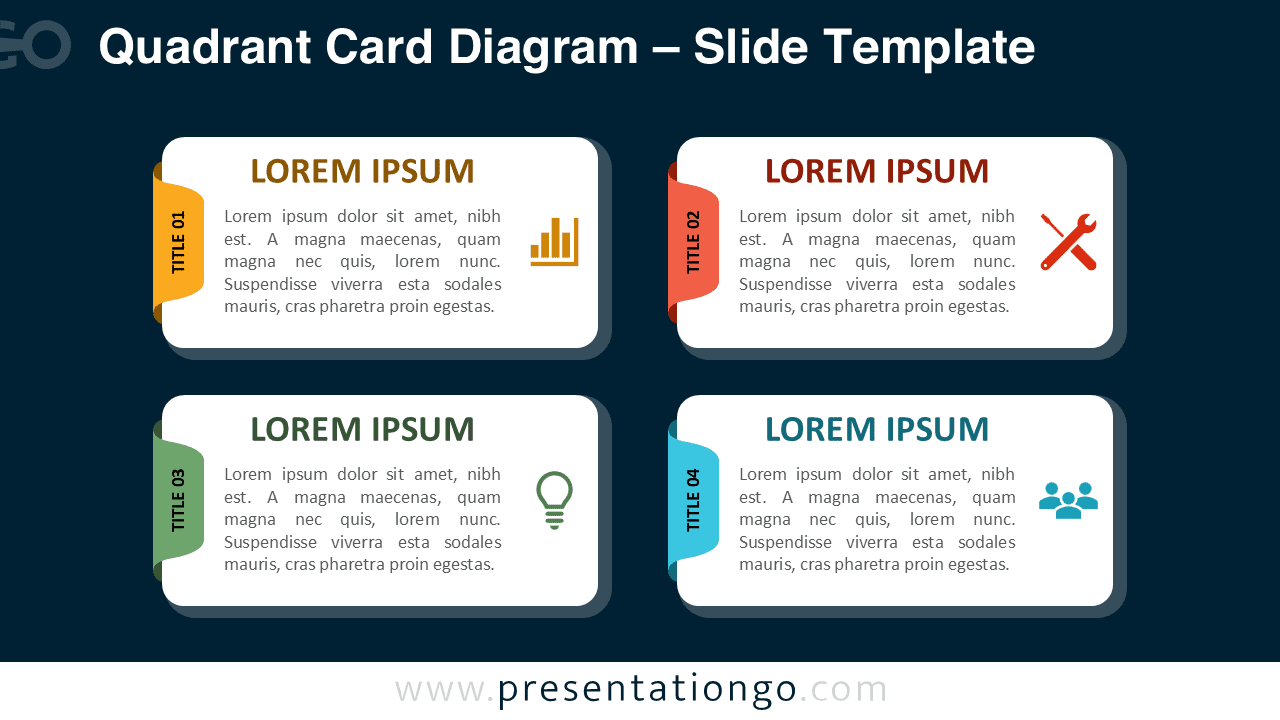
- Light and dark background versions
- Compatible with PowerPoint and Google Slides
Design and Structure
This diagram is based on a classic quadrant structure that divides content into four equal areas. Each quadrant contains a rounded card with a vertical banner title, allowing users to label each section clearly and consistently.
Icons placed inside the cards act as visual anchors that help reinforce meaning without overwhelming the layout. The spacing and alignment ensure strong visual balance, while the card-based approach keeps content readable even with longer text.
Two versions are included, allowing you to switch between light and dark backgrounds depending on your presentation style or context.
Practical Applications
- Comparing four strategies, options, or scenarios
- Presenting categorized information or key themes
- Explaining four-step processes or workflows
- Structuring business, marketing, or consulting slides
- Organizing training or educational content
Summary
The Quadrant Card Diagram offers a simple yet effective way to organize information using a clear four-card layout. With editable banners, icons, and full compatibility with PowerPoint and Google Slides, it adapts easily to many presentation needs.



