Free circular infographic diagram for PowerPoint and Google Slides. Colorful 2-layer cycle design with 3 circular arrows (inner layer) and 3-part doughnut chart (outer layer). Editable graphics with icons and text placeholders.
Circular Infographic Diagram
Use this circular diagram to represent a continuing sequence of 3 or 6 stages, tasks, or events in a circular flow. Can also be used to illustrate 3 or 6 ideas or concepts.
Shapes are 100% editable: colors and sizes can be easily changed.
The “Lorem Ipsum” text is for illustrative purposes only. Therefore, you should edit it to fit your own needs. Also, feel free to customize this diagram with your selection of icons (to insert an icon under PowerPoint, go to Insert > Icons…)
Includes 2 slide option designs: Standard (4:3) and Widescreen (16:9).
Widescreen (16:9) size preview:
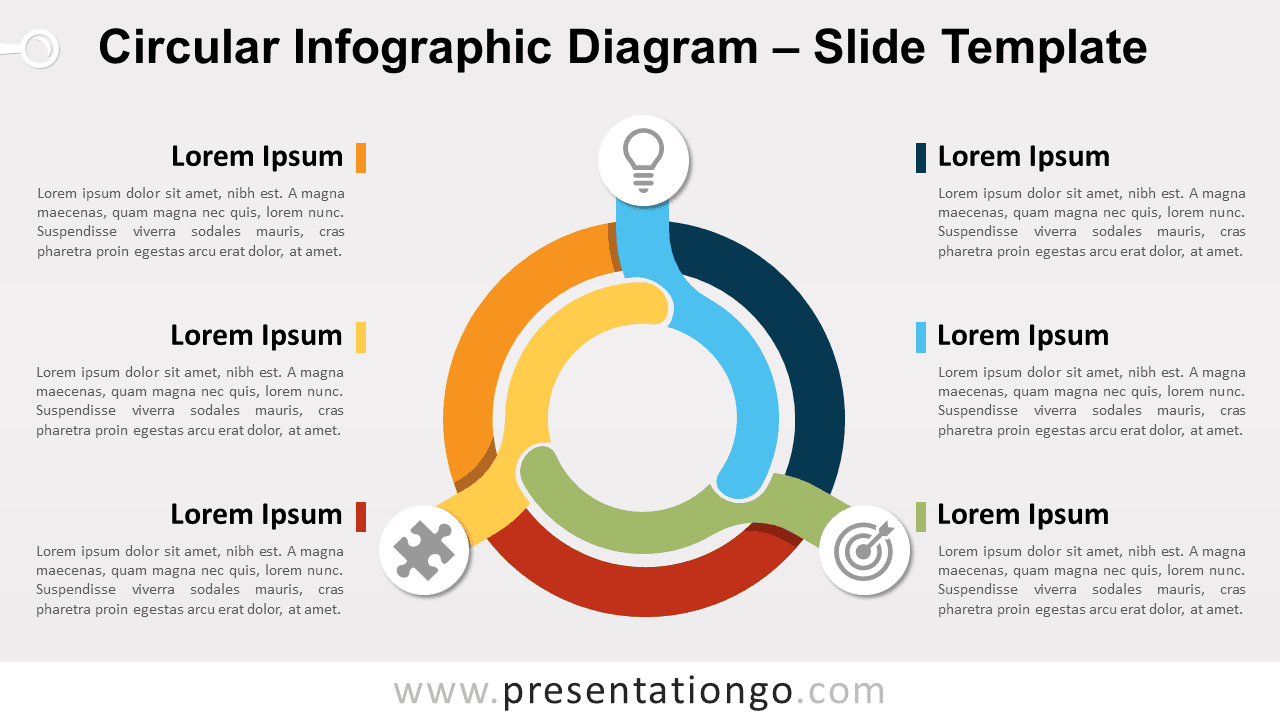
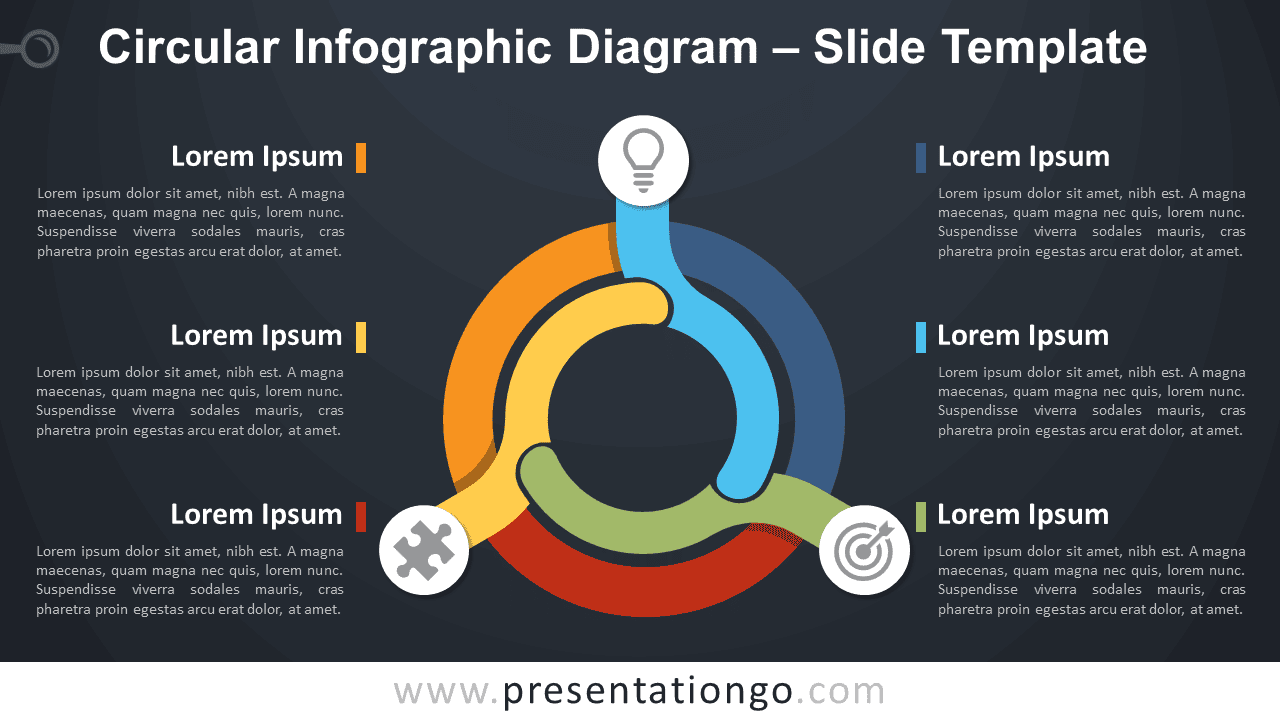


This ‘Circular Infographic Diagram for PowerPoint and Google Slides’ features:
- 2 unique slides
- Light and Dark layout
- Ready to use template with icons and text placeholders
- Completely editable shapes
- Uses a selection of editable PowerPoint icons
- Standard (4:3) and Widescreen (16:9) aspect ratios
- PPTX file and for Google Slides
Free fonts used:
- Helvetica (System Font)
- Calibri (System Font)