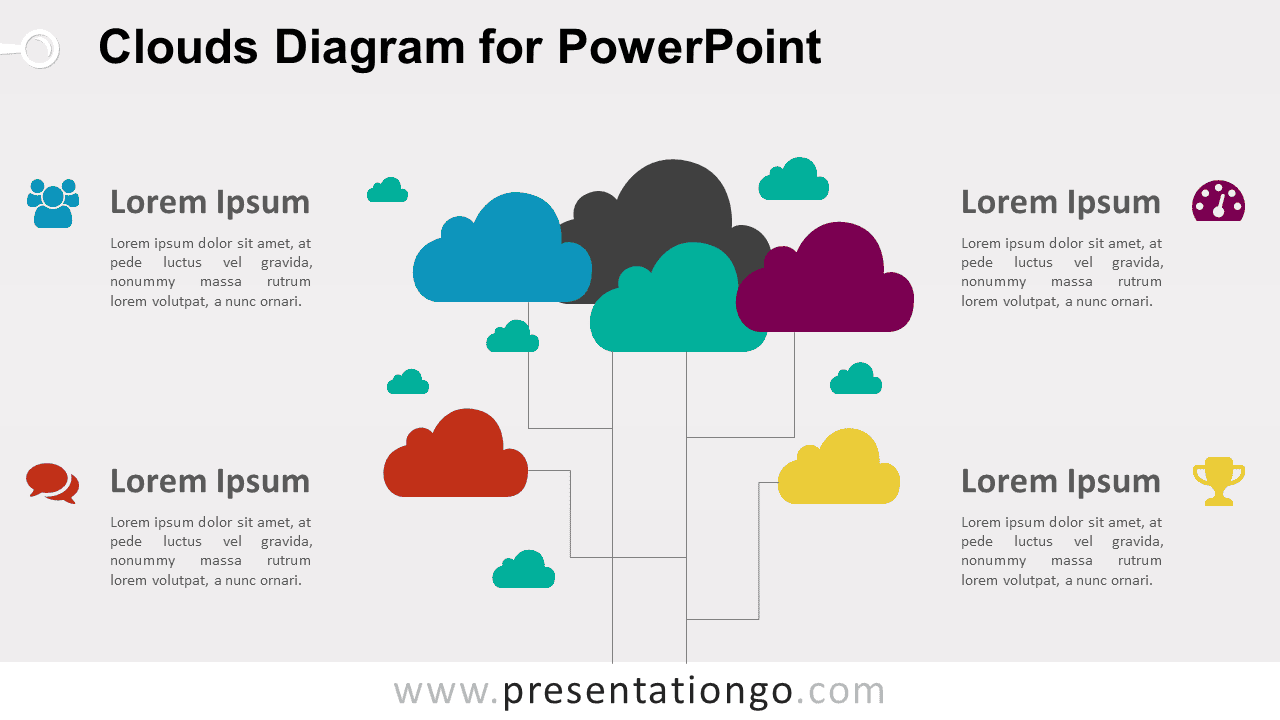
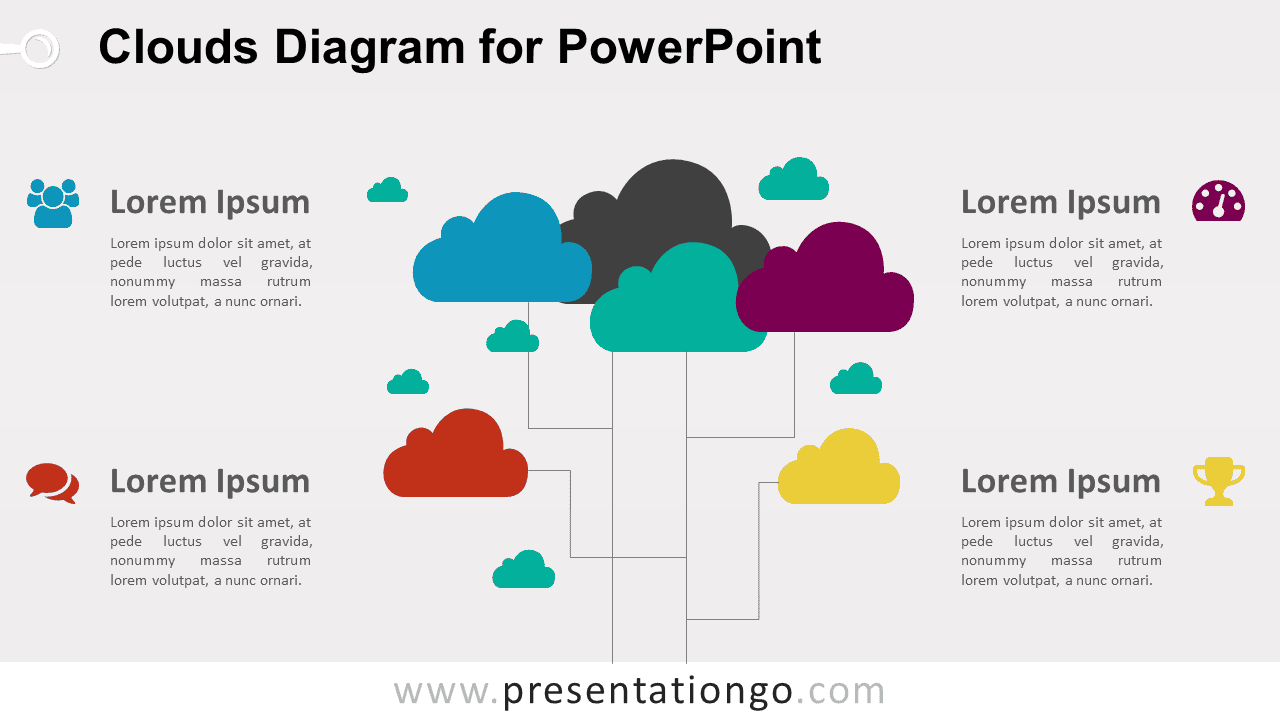
The Clouds Diagram for PowerPoint organizes connected ideas around a central group of cloud shapes. Four supporting text areas sit around the diagram, each paired with an editable icon placeholder. The layout works well for cloud services, connected systems, collaboration topics, digital ecosystems, and grouped business concepts.
Diagram Preview


Features and Customization Options
- Includes 16:9 and 4:3 versions for Microsoft PowerPoint
- Includes 2 editable slides with matching layouts
- Editable text, shapes, colors, and icon placeholders
- Editable connectors between cloud elements
- 100% editable vector shapes — no quality loss when resized
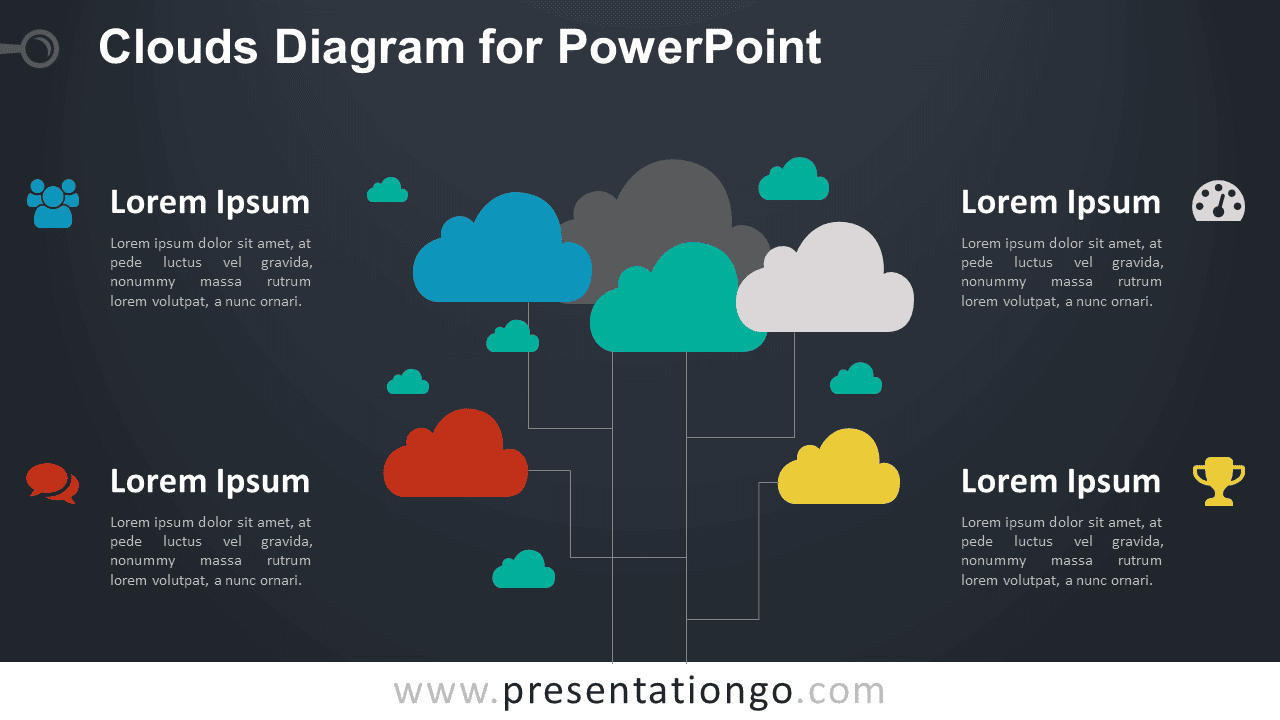
- Includes both light and dark background versions
Design and Structure
The Clouds Diagram uses a central cluster of cloud shapes connected by thin lines to create a network-like composition. Larger clouds form the main structure, while smaller clouds add visual links between sections. Four text blocks surround the diagram and provide space for headings and concise explanations.
The connected arrangement makes the diagram useful for topics where several ideas, services, or components belong to one broader system. You can edit the cloud shapes, connectors, text, and icon placeholders directly in PowerPoint. The package also includes both 16:9 and 4:3 presentation sizes for different slide setups.
Practical Applications
- Present cloud computing services
- Explain connected digital systems
- Map collaboration or communication concepts
- Organize related business services
- Show components of a digital ecosystem
- Present four supporting concepts around one system
Summary
The Clouds Diagram provides an editable PowerPoint layout for presenting connected concepts through a cloud-based visual structure. Its linked shapes, supporting text areas, and editable icon placeholders suit cloud computing, collaboration, digital systems, networks, and business service presentations.