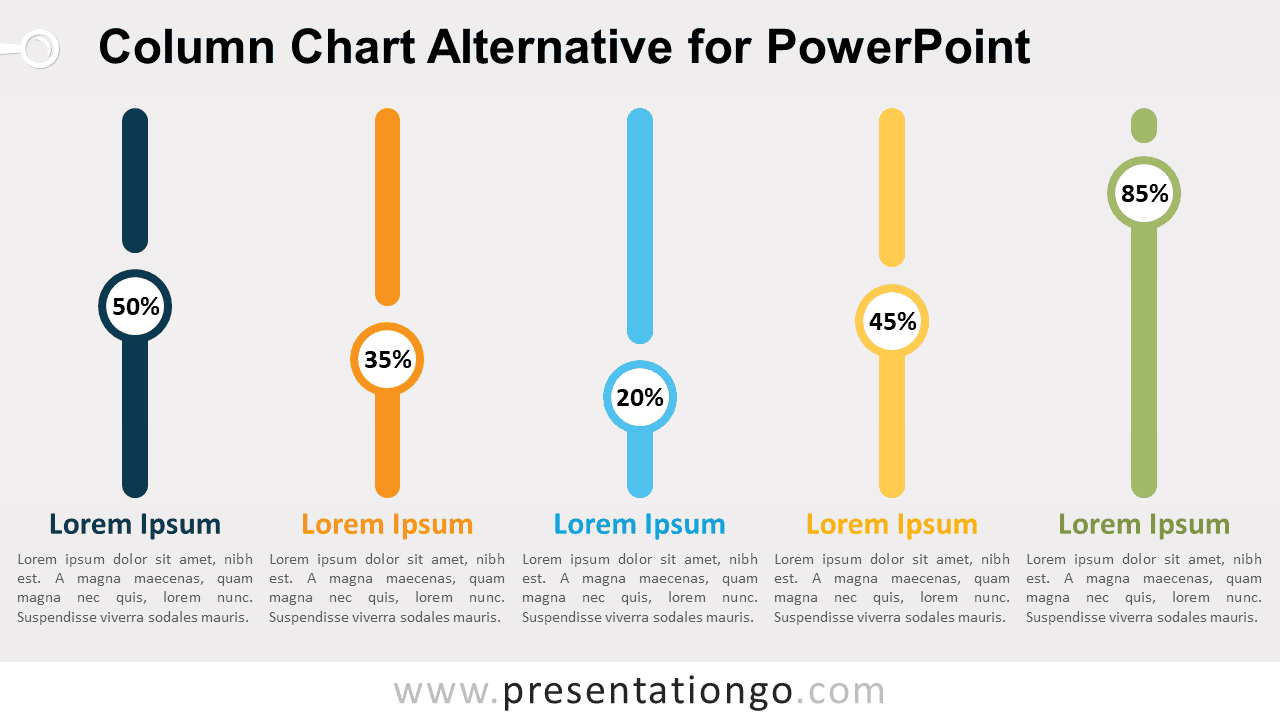
The Column Chart Alternative for PowerPoint offers a visual way to compare five values without using traditional bars. Each vertical indicator combines a percentage marker, heading, and supporting text, making the layout useful for concise metric comparisons.
Diagram Preview
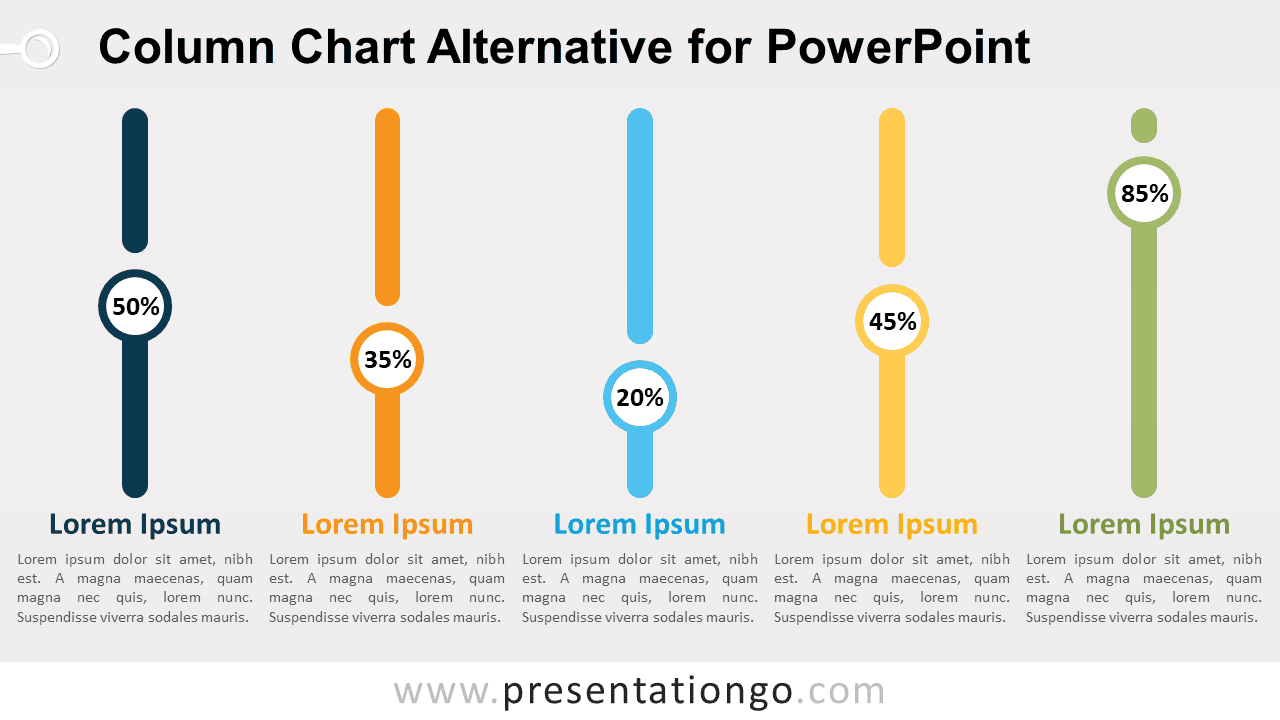
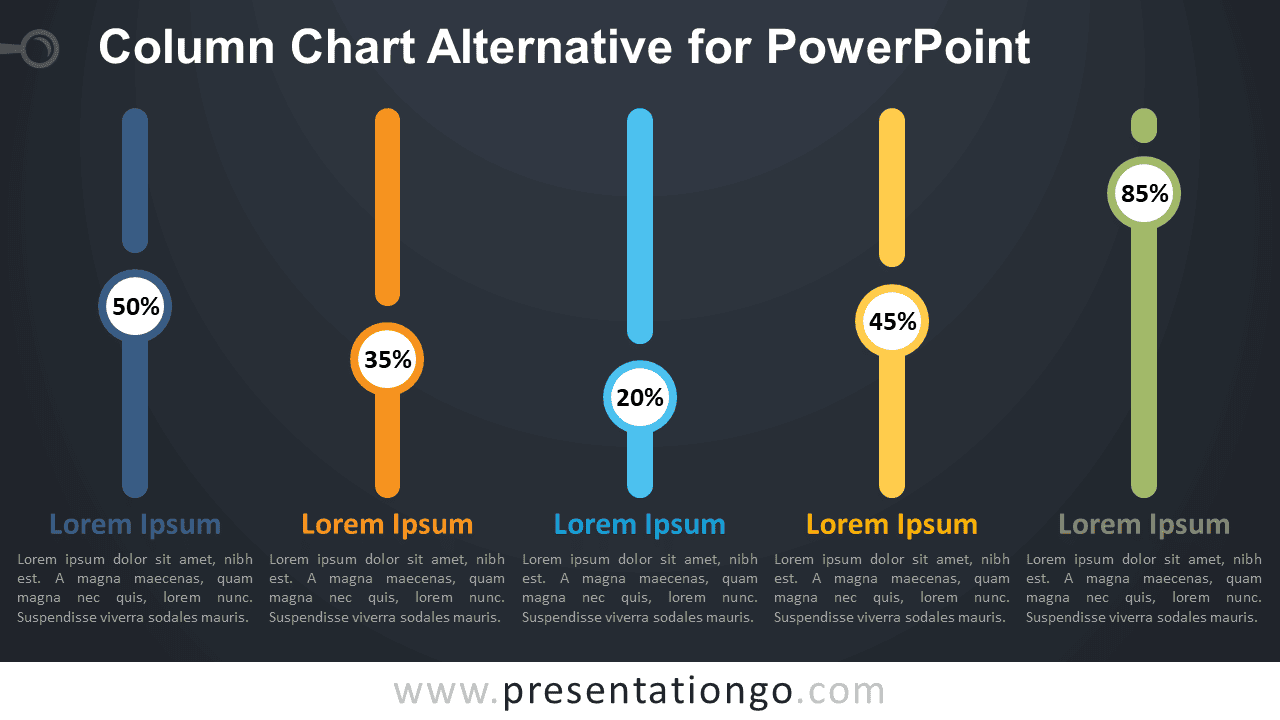


The diagram arranges five independent indicators across the slide, helping viewers compare values from left to right. Circular percentage markers can sit at different positions along each vertical line, creating an immediate visual relationship between the displayed figures.
Features and Customization Options
- Includes 16:9 and 4:3 versions for Microsoft PowerPoint
- Fully editable in just a few clicks
- 100% editable vector shapes — no quality loss when resized
- Add, remove, or reposition percentage indicators freely
- Editable Office library icons for illustration purposes only
- Office library icons can be resized, recolored, or replaced
- Includes both light and dark background versions
Design and Structure
This Column Chart Alternative for PowerPoint replaces standard rectangular bars with five slim vertical indicators. Each one includes a circular callout for the percentage value, followed by a heading and a short description. The consistent spacing keeps the comparison organized while giving the slide a more infographic-style appearance than a conventional chart.
Every main element can be edited independently in PowerPoint. You can change the values, move the percentage markers, update the headings, shorten the descriptions, or remove an indicator when fewer categories are required. The supplied 16:9 and 4:3 versions also make it easier to reuse the same concept across different presentation formats. Illustrative icons come from the Microsoft Office icon library and can be modified or replaced directly in PowerPoint.
Practical Applications
- Compare five KPIs or performance metrics
- Present survey percentages or research findings
- Show progress levels across business objectives
- Compare products, services, or departments
- Highlight marketing or sales performance
- Display benchmark results across categories
- Summarize five quantitative findings
Summary
The Column Chart Alternative for PowerPoint provides an editable five-value layout for percentages, KPIs, benchmarks, and comparisons. With both 16:9 and 4:3 versions included, it can adapt to different PowerPoint presentation formats while keeping the data-focused structure consistent.