Deliver rules with clarity using this Do vs Don’t checklist for PowerPoint and Google Slides. The design makes comparison instant and supports fast audience scanning.
Includes 2 slides with 1 unique design available in both light and dark background versions.
Template Preview


Features & Customization
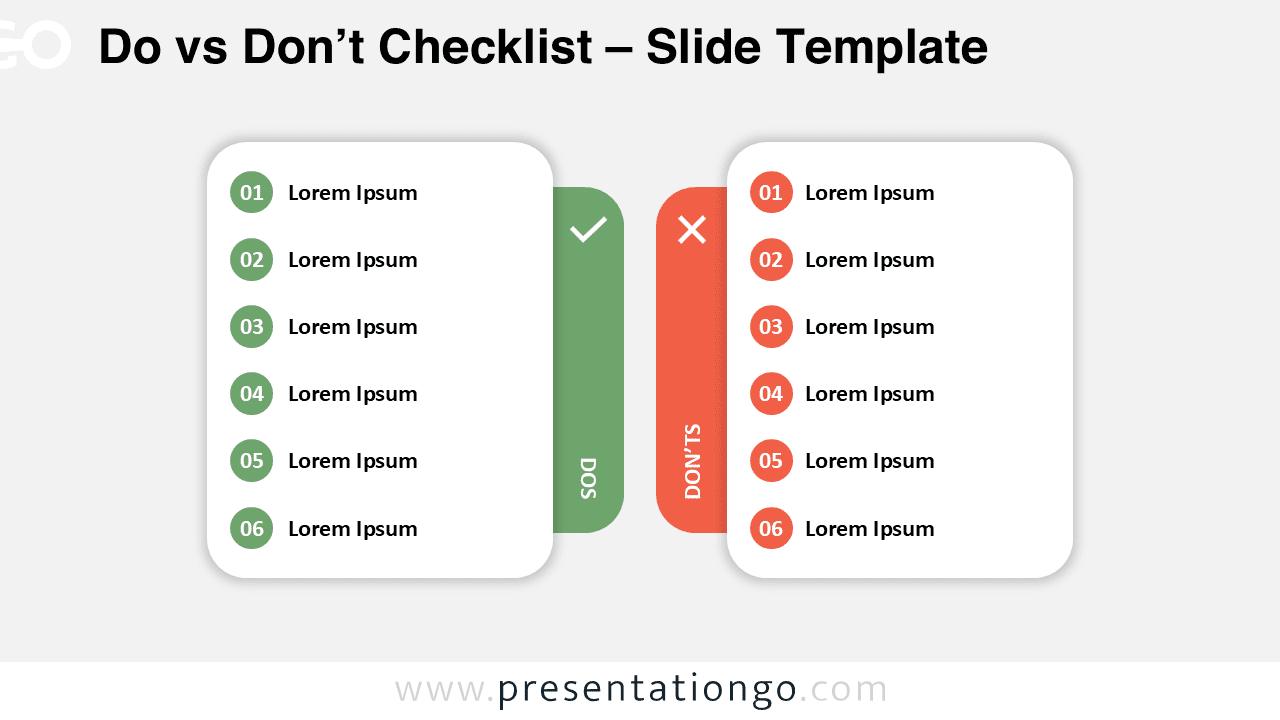
- Two rounded cards: Do (green) vs Don’t (coral) with six items per side.
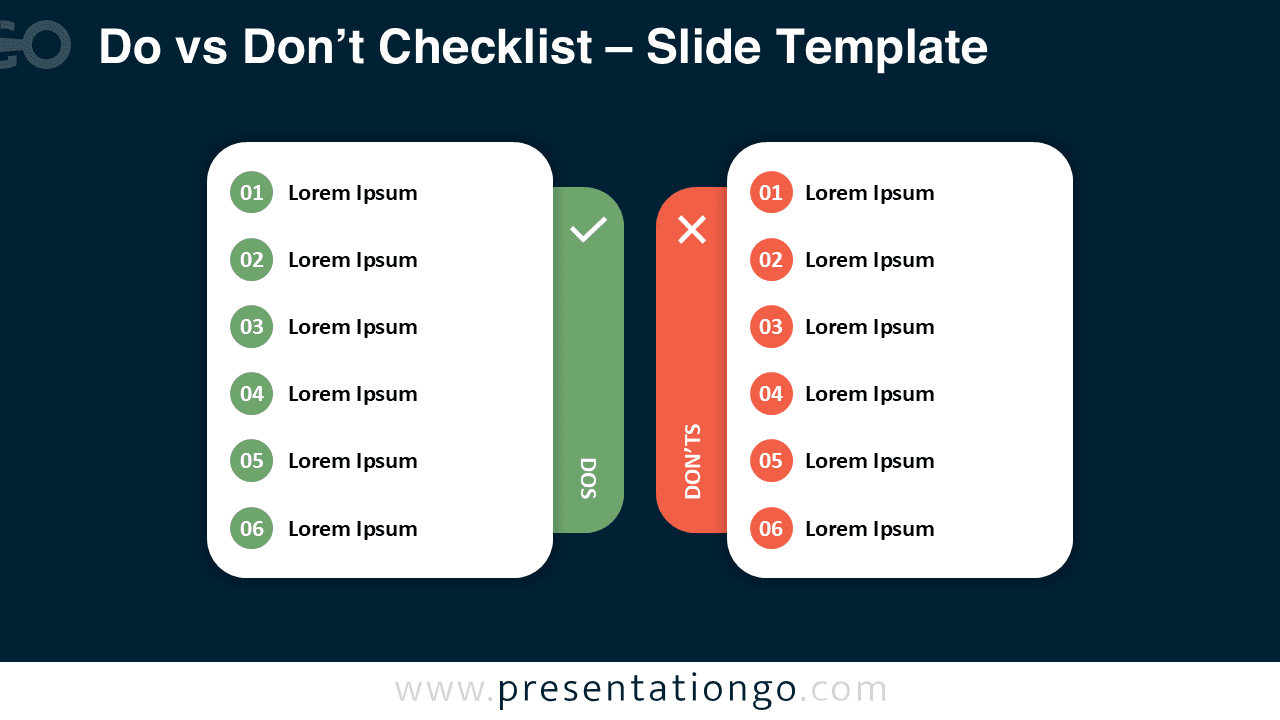
- Light and dark backgrounds for any environment or theme.
- Fully editable shapes, colors, numbers, and text.
- Widescreen 16:9 layout for PowerPoint and Google Slides.
- Built for quick reading and strong visual balance.
Design Overview
Each list uses circular number badges and generous spacing. Rounded containers and soft shadows keep the mood modern and friendly.
A central band with a check and an X separates columns and reinforces meaning. You can adapt colors and wording to match your brand.
Practical Applications
- Onboarding and HR policies
- Safety, compliance, and classroom norms
- UX, coding, or process standards
- Customer success tips vs anti-patterns
How to Edit
- Open in PowerPoint or Google Slides.
- Replace placeholder text with your do and don’t items.
- Adjust colors and icons to fit your brand.
- Optionally animate items for step-by-step reveals.
Summary
This clean checklist makes contrasts obvious and memorable. Use it to teach what to do—and what to avoid—without clutter.