The Side-by-Side Comparison template features a balanced three-row layout for evaluating two options and is designed for PowerPoint and Google Slides.
An Organized Format for Comparing Concepts, Products, or Strategies
The Side-by-Side Comparison template features a clean two-column design with three comparison rows, ideal for PowerPoint and Google Slides. Its primary purpose is to present parallel insights across three distinct categories or criteria.
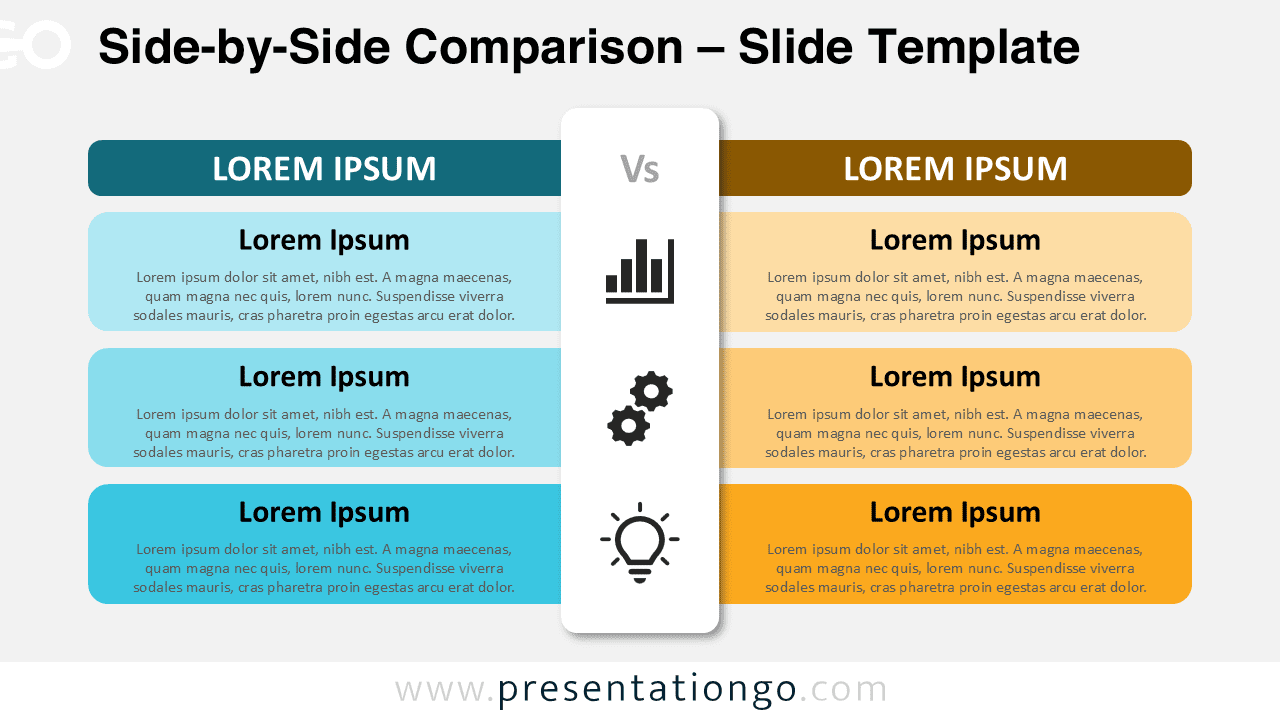
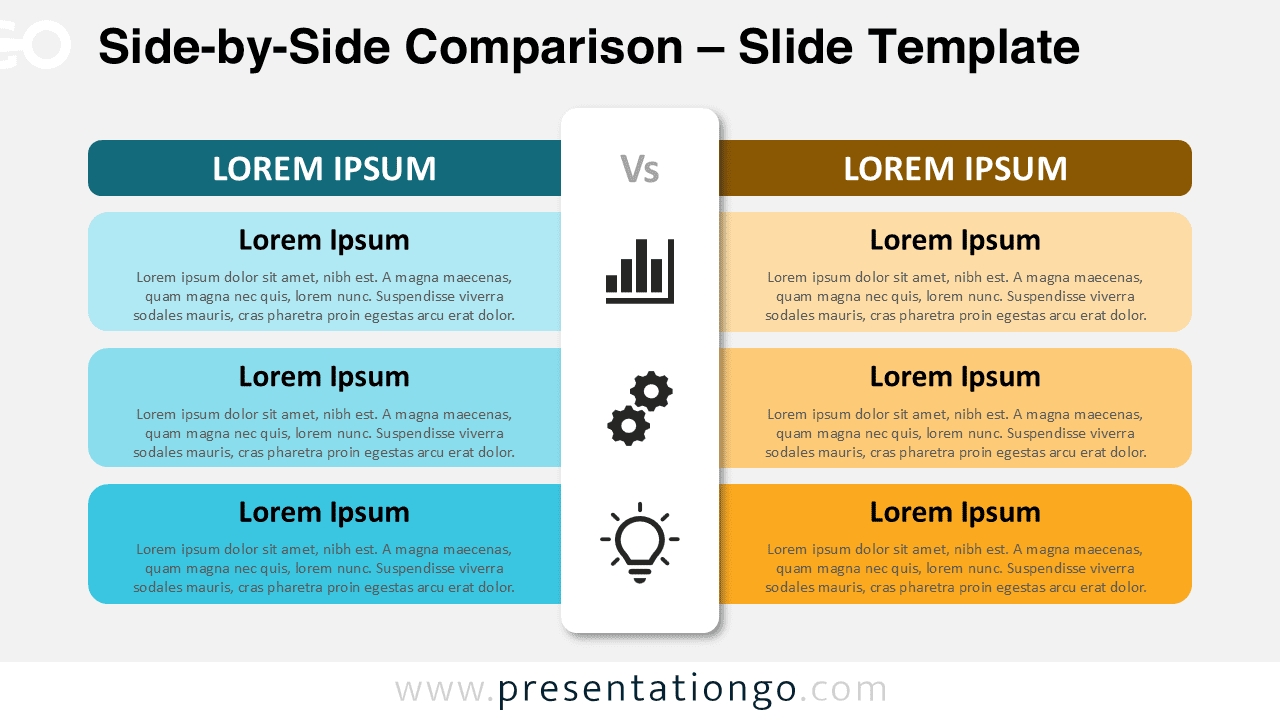
This layout places three rounded rectangular blocks on the left and three matching ones on the right. Each block includes a headline and supporting text, aligned horizontally across the slide for easy comparison. At the top of each column, colored horizontal bars mark section headings. A vertical white panel runs through the center, slightly elevated with a soft shadow, reinforcing separation between both sides. It contains three vertically stacked icons that correspond to each comparison row—offering a visual cue for each category or theme.
Comparison slides like this are often used to highlight pros and cons, evaluate alternatives, or show contrasting strategies. This design ensures clarity by aligning paired blocks across shared categories, making it easy for audiences to follow the evaluation logic. For instance, you could compare two competing product lines, different business models, or even two marketing approaches. The central icons add a layer of intuitive understanding, such as associating bars with performance, gears with functionality, or light bulbs with innovation.
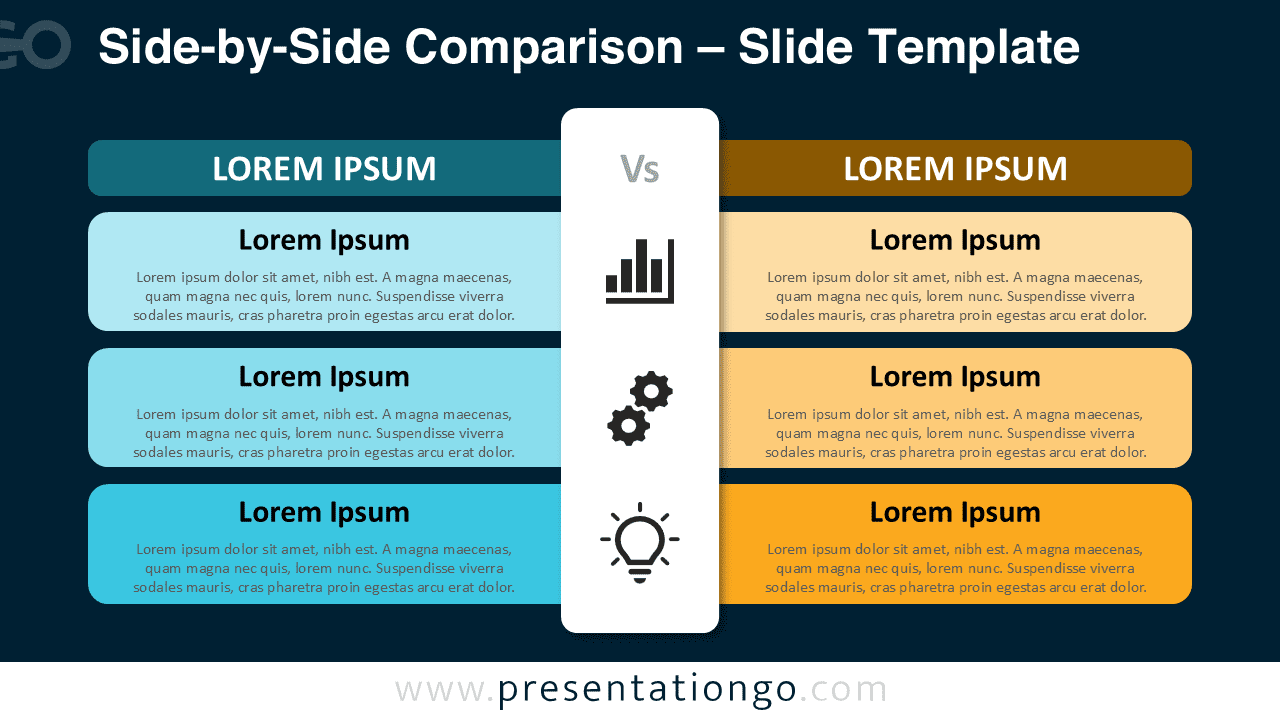
This template includes two editable slides featuring pre-positioned text and icons. The design supports full customization, allowing you to adjust colors, change icons, or insert numerical indicators instead. It comes in both light and dark backgrounds and supports standard (4:3) and widescreen (16:9) formats. The file works seamlessly with PowerPoint (PPTX) and Google Slides.
Download this 3-step comparison slide to present aligned insights or differences across two options or categories.
Widescreen (16:9) size preview:


This template offers:
- 2 unique slides
- Options for both light and dark themes
- Pre-populated with icons and text placeholders
- Fully customizable shapes for complete control
- Available in both Standard (4:3) and Widescreen (16:9) ratios
- Offered in both PowerPoint PPTX and Google Slides formats