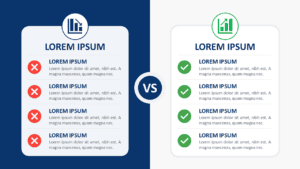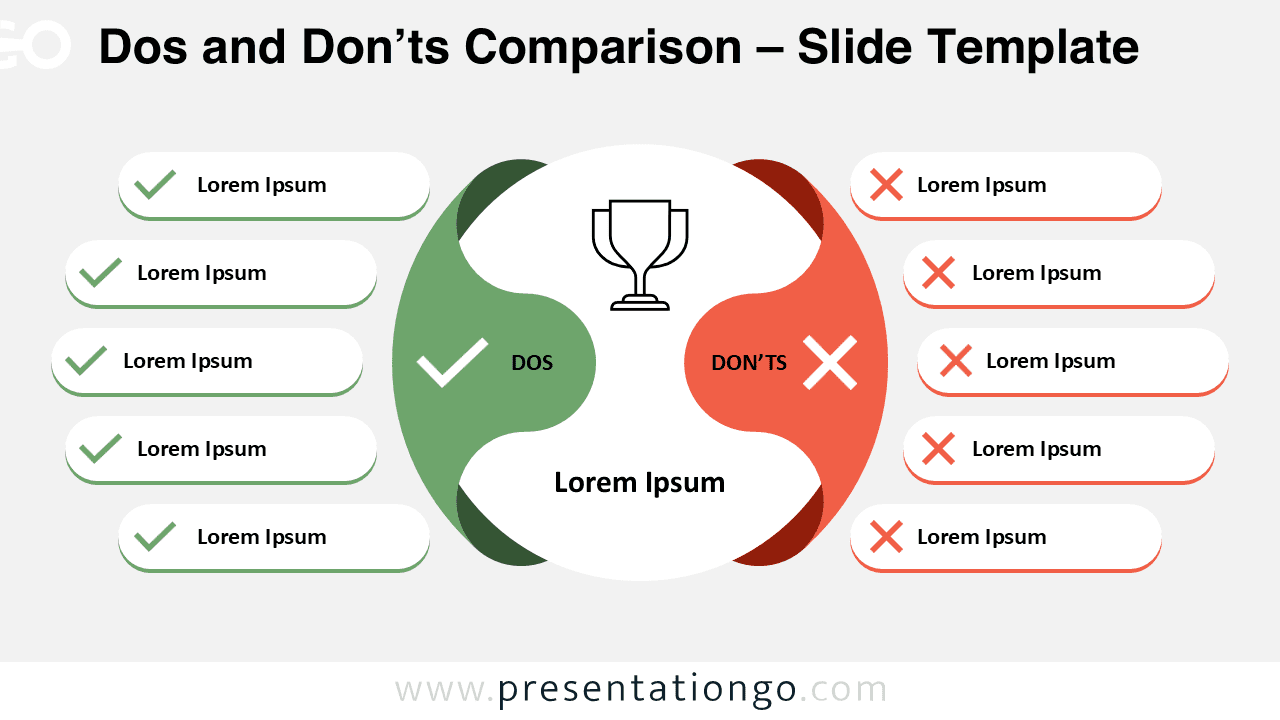
The Dos and Don’ts Comparison template presents contrasting guidelines through a symmetrical split-screen layout with 8 customizable sections designed for PowerPoint and Google Slides.
Visual Guide for Contrasting Right and Wrong
This clean comparison slide is split vertically into two balanced sections to represent DO’s and DON’Ts. The left half is shaded green and features check-mark icons, while the right half is red and contains cross-mark icons. At the center, a white circular core houses a trophy symbol above two labeled halves—“DO’S” and “DON’TS”—with a title box underneath. Each side includes four evenly spaced rounded rectangles, offering visual balance and clarity. The color contrast and iconography make this slide instantly understandable for audiences scanning for approved and discouraged behaviors.
Dos and Don’ts comparisons are useful when your message involves distinguishing acceptable versus unacceptable actions, ideas, or decisions. Whether outlining company policies, project protocols, customer service tips, or even classroom behavior, this design brings clarity. For instance, it’s perfect for onboarding sessions where you need to present common mistakes alongside best practices. It also works in compliance training to separate mandatory versus prohibited actions clearly.
This template includes 2 unique slides pre-populated with icons and text placeholders for immediate customization. The fully customizable shapes allow presenters to modify colors, replace icons from the Office library, and adjust text to match specific organizational needs. Both light and dark theme options ensure compatibility with various presentation styles and branding requirements. The template supports Standard 4:3 and Widescreen 16:9 formats, making it suitable for different display environments. Complete compatibility with both PowerPoint PPTX and Google Slides ensures accessibility across different platforms and collaborative workflows.
Download this 4-point Dos and Don’ts slide to present your rules or strategies side by side—fast, clearly, and effectively.
Widescreen (16:9) size preview:
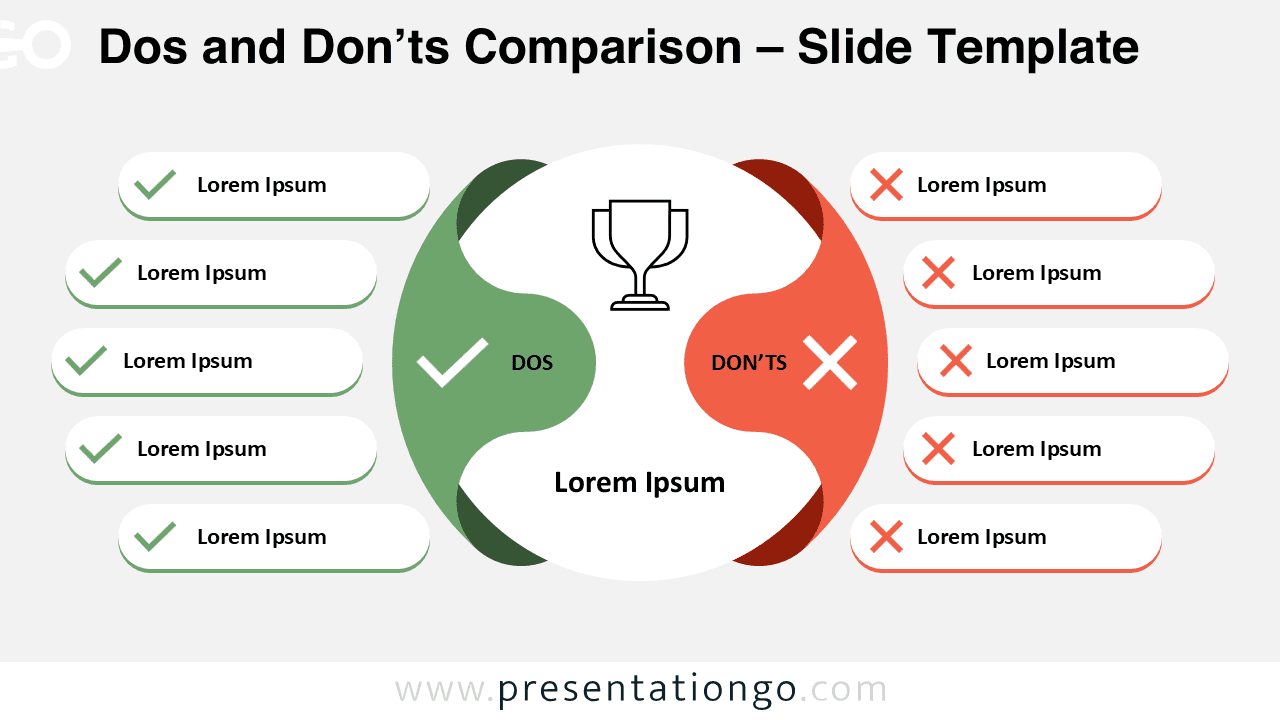
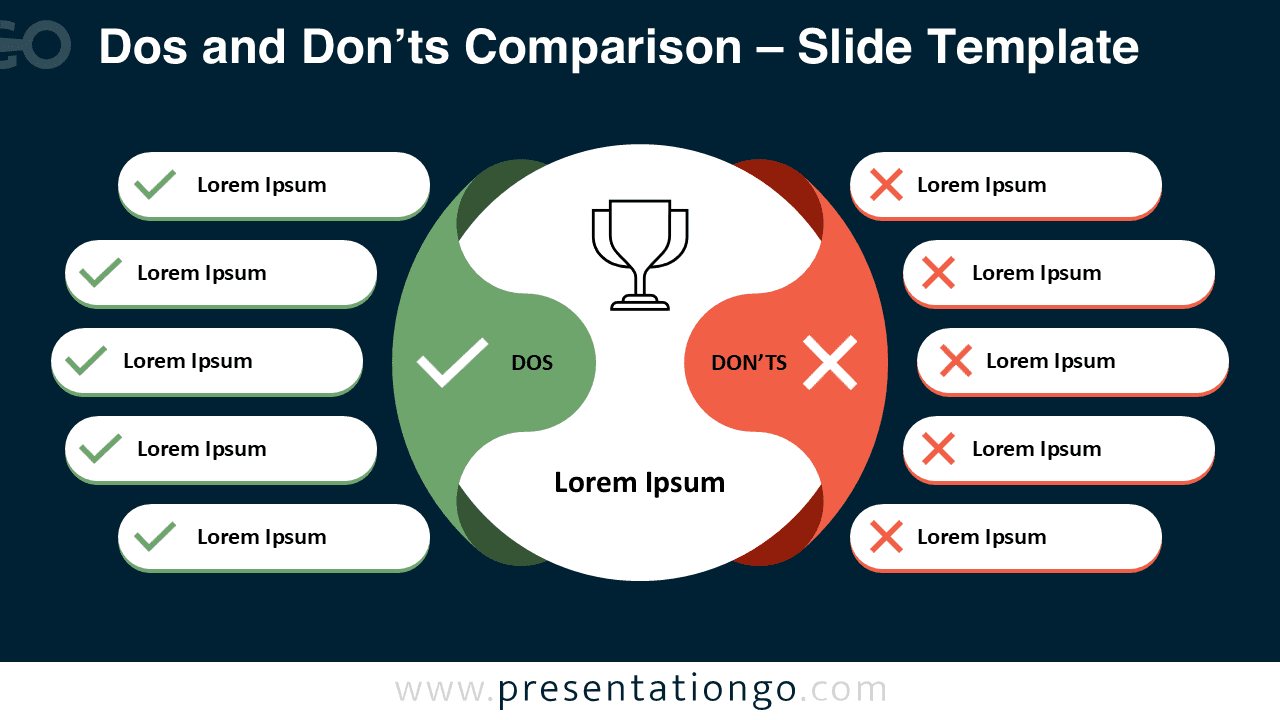


This template offers:
- 2 unique slides
- Options for both light and dark themes
- Pre-populated with icons and text placeholders
- Fully customizable shapes for complete control
- Available in both Standard (4:3) and Widescreen (16:9) ratios
- Offered in both PowerPoint PPTX and Google Slides formats