
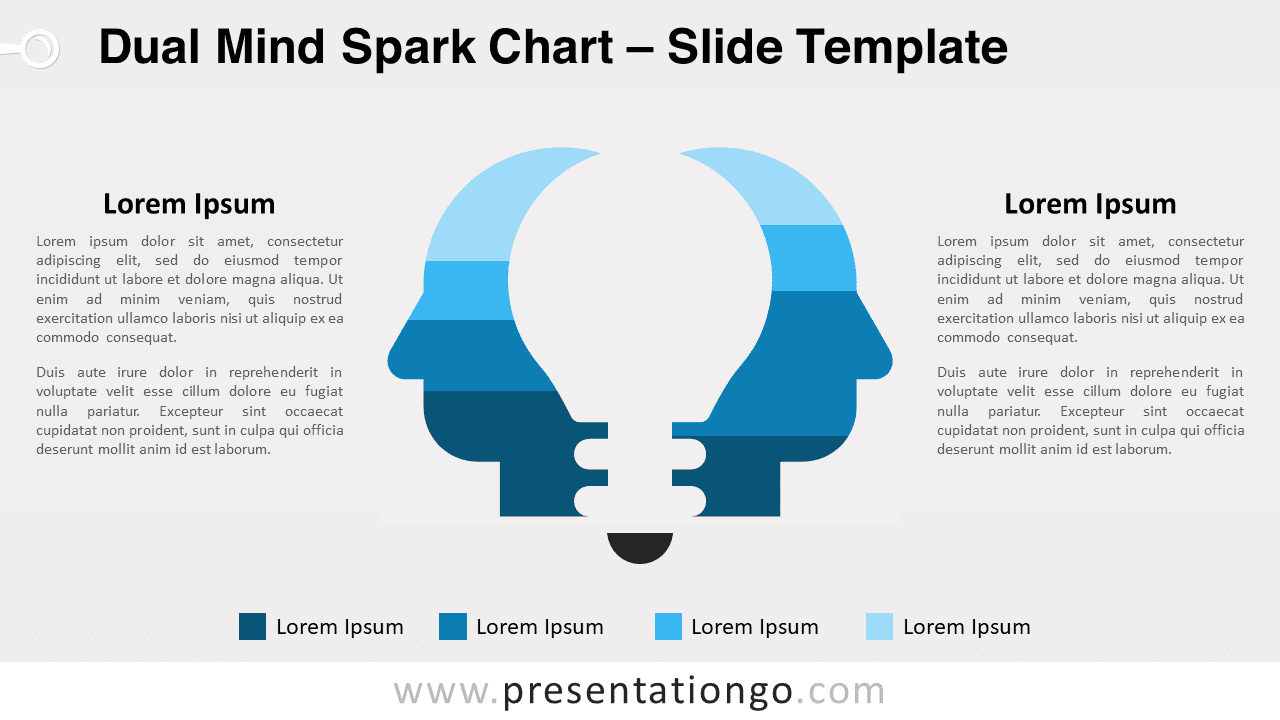
Introducing the Dual Mind Spark Chart, a versatile and fully editable graphic for PowerPoint, emphasizing teamwork, diverse perspectives, and innovation. This engaging design features two back-to-back head silhouettes with customizable stacked column charts, perfect for demonstrating the power of collaboration in problem-solving and decision-making. Editable graphics with data-driven (column) charts.
Dual Mind Spark Chart
Unlock the power of collaboration with our innovative Dual Mind Spark Chart for PowerPoint. Specifically designed to captivate your audience, this fully customizable graphic emphasizes the importance of teamwork, diverse perspectives, and synergy in problem-solving and decision-making. In addition, you can download it for free today and transform your presentation into a visually engaging experience!
The Dual Mind Spark Chart features two back-to-back head silhouettes facing opposite directions. It also incorporates a cut-off light bulb (cut-off) in-between them. This clever design represents the potential for generating innovative ideas through the synergy of different viewpoints. Moreover, the data-driven 100% stacked column charts forming the shape of the heads are fully customizable. As a result, users can input their own data and change colors with a single click, making this diagram a dynamic and adaptable visual aid.
By incorporating the Dual Mind Spark Chart in your presentation, you can effectively highlight the value of teamwork, creative problem-solving, and innovation. This engaging design represents contrasting opinions or diverging thought processes as two distinct head silhouettes. As a result, it encourages your audience to think critically and appreciate the power of collaboration. Consequently, it facilitates meaningful discussions and fosters a deeper understanding of the topic at hand.
The versatile Dual Mind Spark Chart is ideal for various topics, including business strategy, marketing campaigns, organizational development, psychology, decision-making, and many more. Thanks to its flexibility, it can be tailored to suit your specific needs, making it a valuable asset for any presentation focused on teamwork, creative problem-solving, or innovation.
In conclusion, enhance your next presentation by integrating our eye-catching and fully editable Dual Mind Spark Chart for PowerPoint. This captivating graphic is designed to inspire collaboration and showcase the power of diverse perspectives. Don’t miss out on the opportunity to elevate your presentation – download it for free today!
Usage instructions:
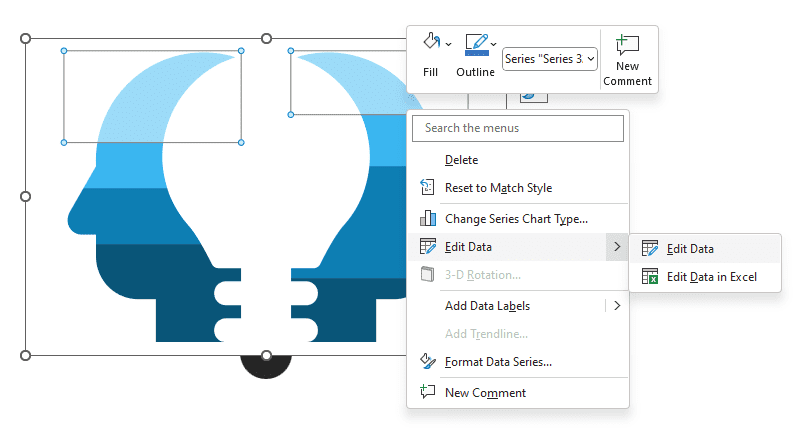
- PowerPoint: Just right-click the chart to edit the data series, and select “Edit Data” (twice):
Shapes are 100% editable: colors and sizes can be easily changed.
Includes 2 slide option designs: Standard (4:3) and Widescreen (16:9).
Widescreen (16:9) size preview:


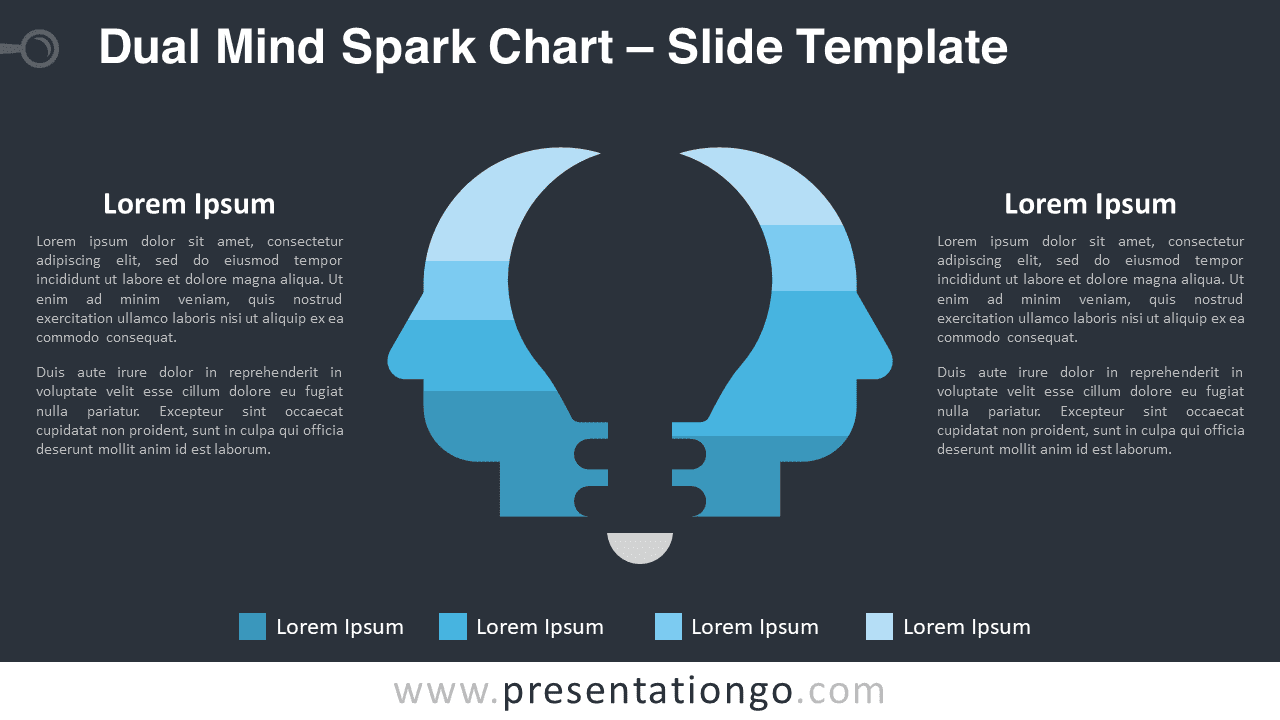


This ‘Dual Mind Spark Chart’ template features:
- 3 unique slides
- Light and Dark layout
- Ready to use template with text placeholders
- Completely editable shapes
- Data-driven 100% stacked column chart
- Standard (4:3) and Widescreen (16:9) aspect ratios
- PPTX file (PowerPoint)
Free fonts used:
- Helvetica (System Font)
- Calibri (System Font)



