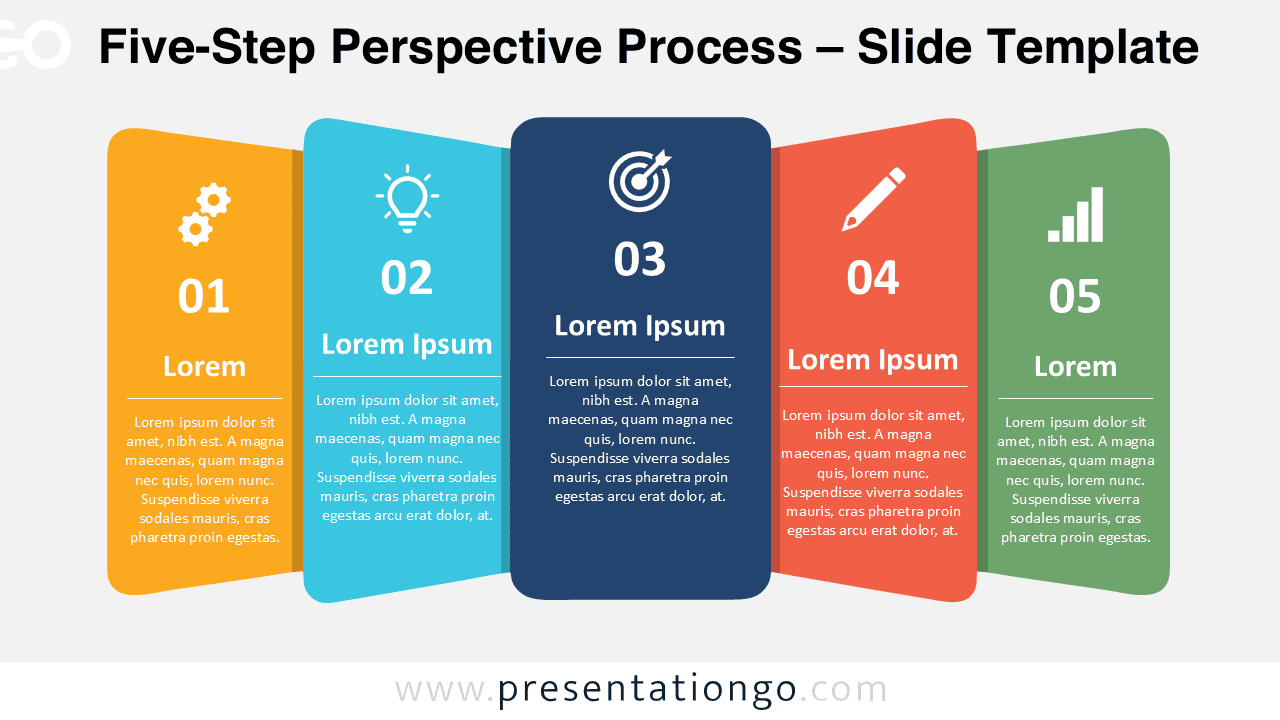
The Five-Step Perspective Process helps you present five connected stages in a structured, visual sequence. Its overlapping vertical panels give each step its own space while keeping the full process connected. Use it in PowerPoint and Google Slides for workflows, project phases, strategic plans, or other five-part sequences.
Diagram Preview


Features and Customization Options
- Compatible with Microsoft PowerPoint and Google Slides
- 5-step process diagram, fully editable
- Editable text, shapes, colors, and icon placeholders
- Add, remove, or recolor steps freely
- Icons are from the Office icon library and are for illustration purposes only
- Office library icons are easy to modify, recolor, resize, or replace
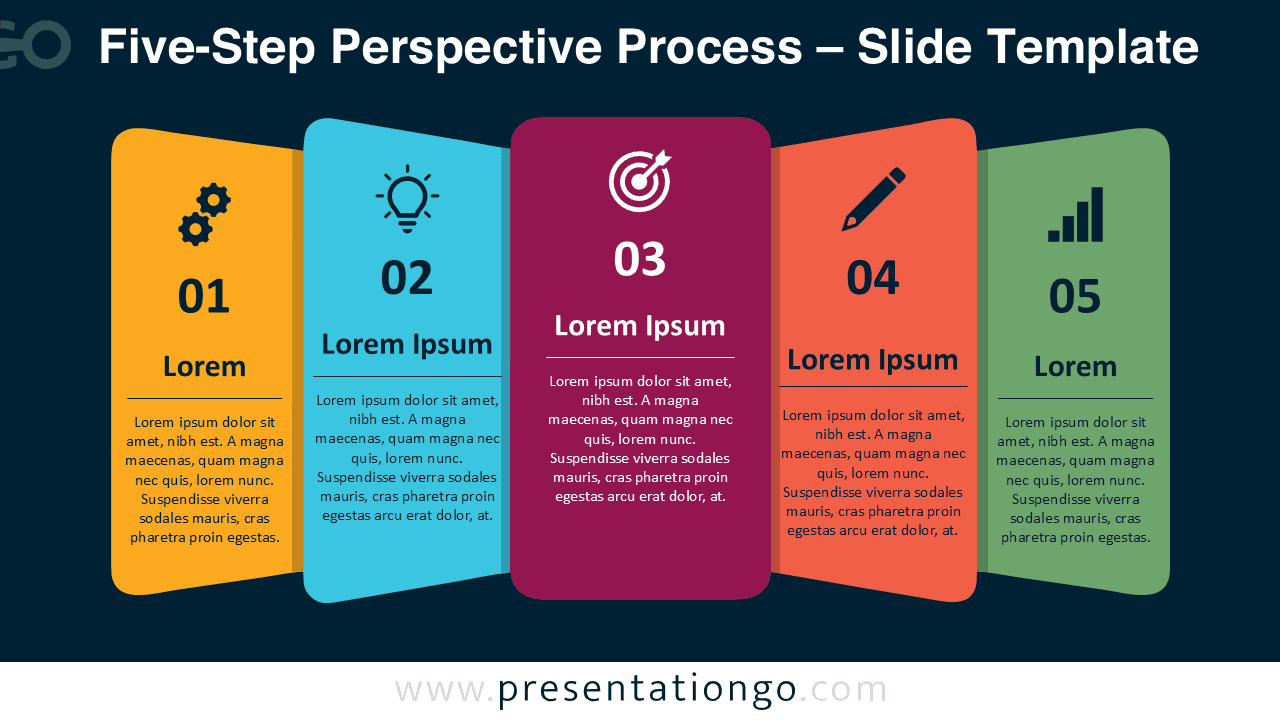
- Includes both light and dark background versions
Design and Structure
The Five-Step Perspective Process uses five numbered panels arranged from left to right. The middle panel moves forward visually, while the surrounding panels angle outward. This perspective treatment creates depth without changing the logical order of the sequence. Each panel includes space for a number, an icon, a heading, and supporting text.
The layout works best when each stage represents one concise idea or phase. You can replace the sample text, adjust the panel shapes, resize elements, or substitute the icon placeholders. The Office library icons shown in the original design are illustrative and can be modified or replaced to match your subject.
Practical Applications
- Present a five-step business process
- Explain project phases or milestones
- Map a customer or user journey
- Organize a strategic implementation plan
- Show product development stages
- Structure training or onboarding steps
- Summarize a marketing or sales workflow
Summary
The Five-Step Perspective Process combines five editable stages with a compact layered layout. It gives PowerPoint and Google Slides users a practical way to explain processes, workflows, project phases, and other sequential information.