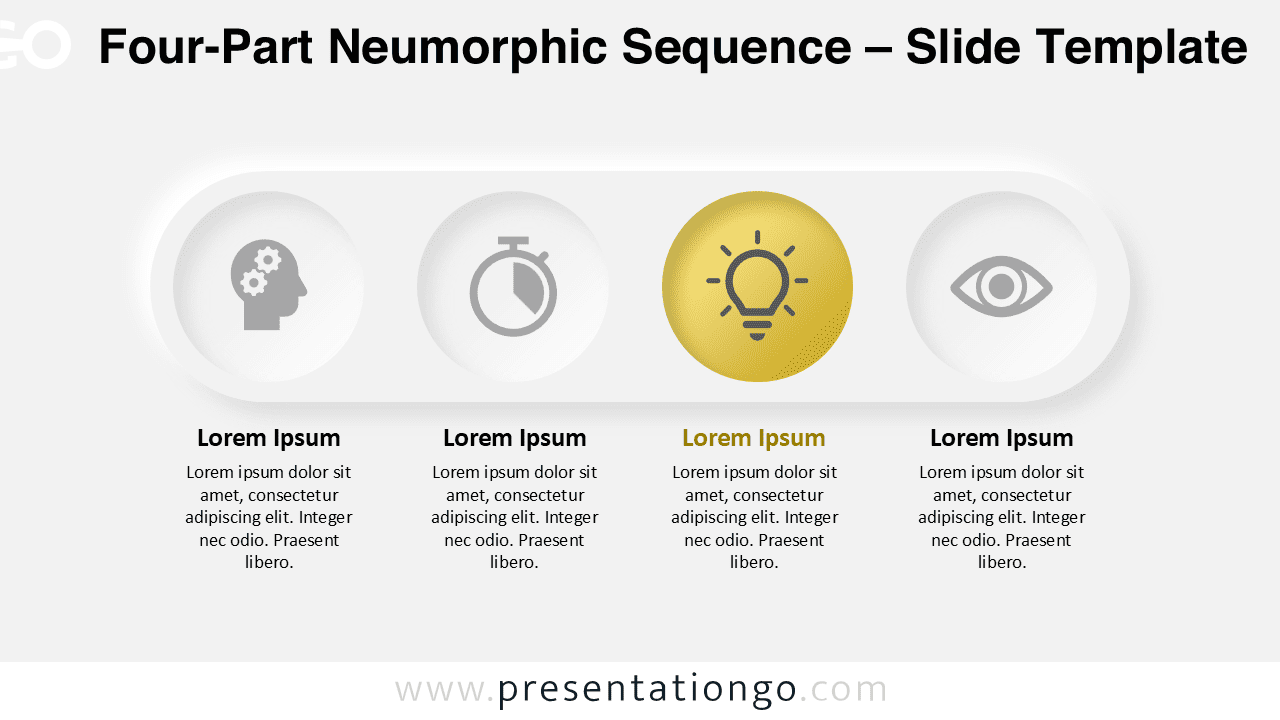
The Four-Part Neumorphic Sequence presents four sequential steps through circular elements with modern neumorphic styling, designed for PowerPoint and Google Slides presentations.
Tactile Design with Modern Neumorphic Style
Defined by its modern neumorphic aesthetic, this sequence diagram features four evenly spaced circular elements inside a softly contoured pill-shaped rectangle. Each circle holds an icon and uses delicate inner shadows and subtle highlights to create a tactile 3D look. The third circle stands out with a gold tone, drawing the viewer’s eye naturally toward a key concept or focus point. Titles and brief descriptions appear directly below each icon, center-aligned for visual balance. The symmetry and consistent spacing offer a visually intuitive user experience.
Linear and segmented diagrams help presenters explain sequences, timelines, or process steps in an organized manner. This specific slide is well-suited for showcasing development phases, workflows, or strategic milestones. Its emphasized third element makes it particularly useful for highlighting turning points—such as launching a product’s beta phase, reaching a key performance metric, or presenting a top-priority feature in UX design. Its clear layout supports high information retention during live presentations or recorded sessions.
This template includes two slides—each pre-filled with icons and text placeholders. The graphics are fully customizable, enabling quick changes to colors, icons, and text. Compatible with PowerPoint (PPTX) and Google Slides, it’s available in both standard (4:3) and widescreen (16:9) formats. Moreover, users can choose between light and dark theme variations, making the visuals adaptable for any presentation environment.
Download this four-part diagram to present key concepts, phases, or ideas with visual clarity and design precision.
Widescreen (16:9) size preview:


This template offers:
- 2 unique slides
- Options for both light and dark themes
- Pre-populated with icons and text placeholders
- Fully customizable shapes for complete control
- Available in both Standard (4:3) and Widescreen (16:9) ratios
- Offered in both PowerPoint PPTX and Google Slides formats