
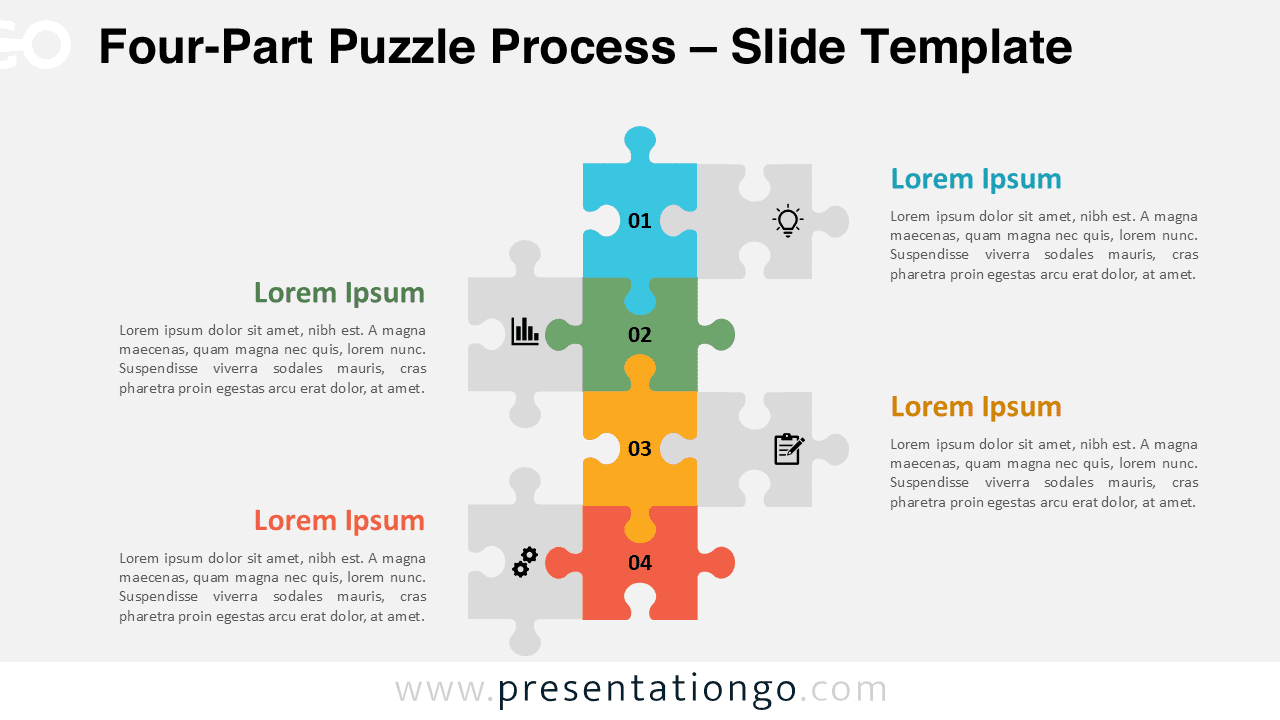
The Four-Part Puzzle Process diagram helps you explain connected ideas with clarity. It uses a vertical stack of four puzzle pieces, with each piece representing one process step. Side connectors link each stage to supporting text, making complex workflows easier to follow. Use this layout to present phases, responsibilities, dependencies, or solutions in PowerPoint and Google Slides.
Diagram Preview
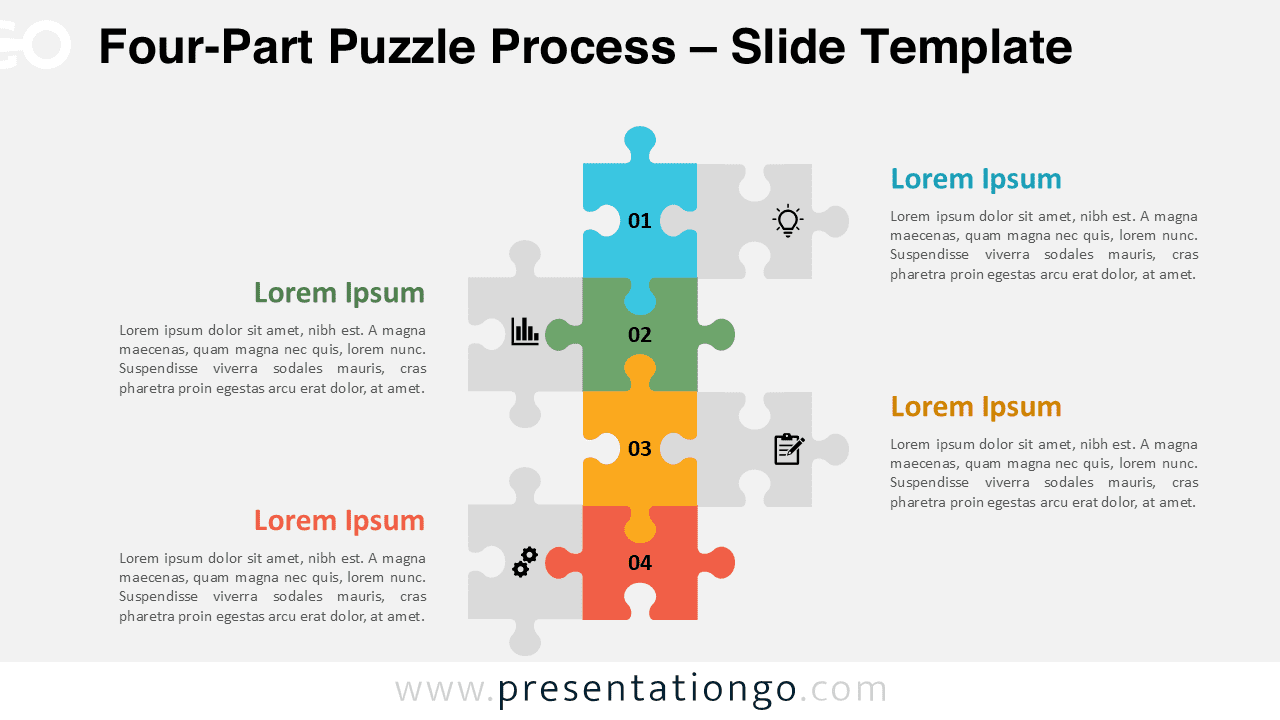
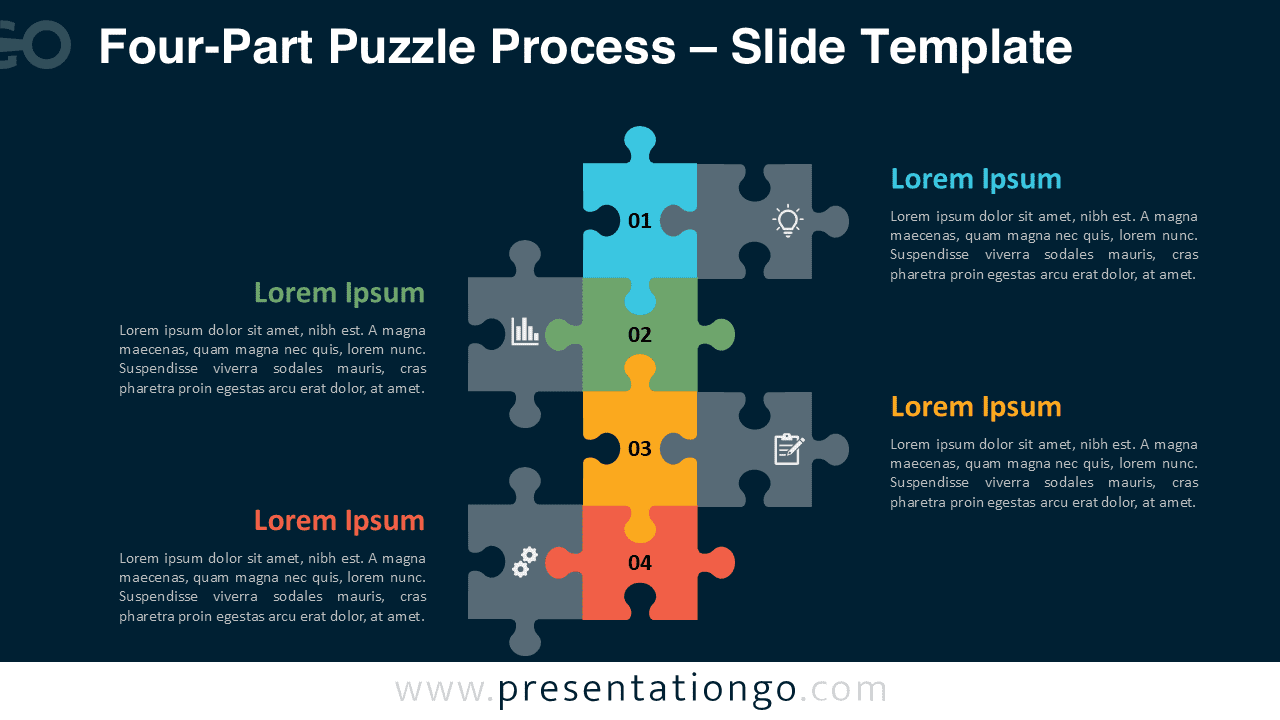


Diagram Features and Customization Options
- Includes four numbered puzzle pieces for structured process storytelling.
- Uses editable shapes, text boxes, and layout elements.
- Includes icons from the Office icon library, which are easy to modify or replace.
- Provides two background versions for flexible presentation styles.
- Supports PowerPoint and Google Slides editing.
- Works well for business, education, consulting, and project planning.
Design Overview
This diagram uses a central vertical structure to guide the audience through four connected steps. The stacked puzzle pieces form the main visual path, while the side connectors show how each part fits into the full process. Each side section includes a short headline and body text, giving every step enough space for concise explanations.
Small icons add quick visual cues and help users identify each section faster. The layout stays clean, balanced, and easy to scan. Both background versions keep the same structure, so users can switch between presentation styles without changing the message. You can edit the text, adjust the shapes, modify the icons, or duplicate the diagram for longer workflows.
Practical Applications
- Explain four phases in a business process.
- Show how departments or tasks connect.
- Present problem-solving steps in a workshop.
- Map a project workflow or implementation plan.
- Describe strategy pillars, service stages, or customer journey steps.
- Support training, onboarding, consulting, or team meetings.
Summary
The Four-Part Puzzle Process diagram gives presenters a clear visual framework. It combines numbered steps, connected puzzle shapes, and editable Office icon elements to show how separate actions form one complete process. Its balanced layout supports both simple explanations and strategic storytelling. Download it for PowerPoint and Google Slides, then customize it to match your message, brand, or workflow.





