
The Four-Step Puzzle Workflow is a free editable diagram for PowerPoint and Google Slides. It uses four interlocking puzzle pieces to organize related stages, tasks, or ideas into one visual sequence. Each section provides space for a heading, supporting text, and an illustrative icon. The layout works especially well when you need to show how individual components contribute to a larger process.
Diagram Preview
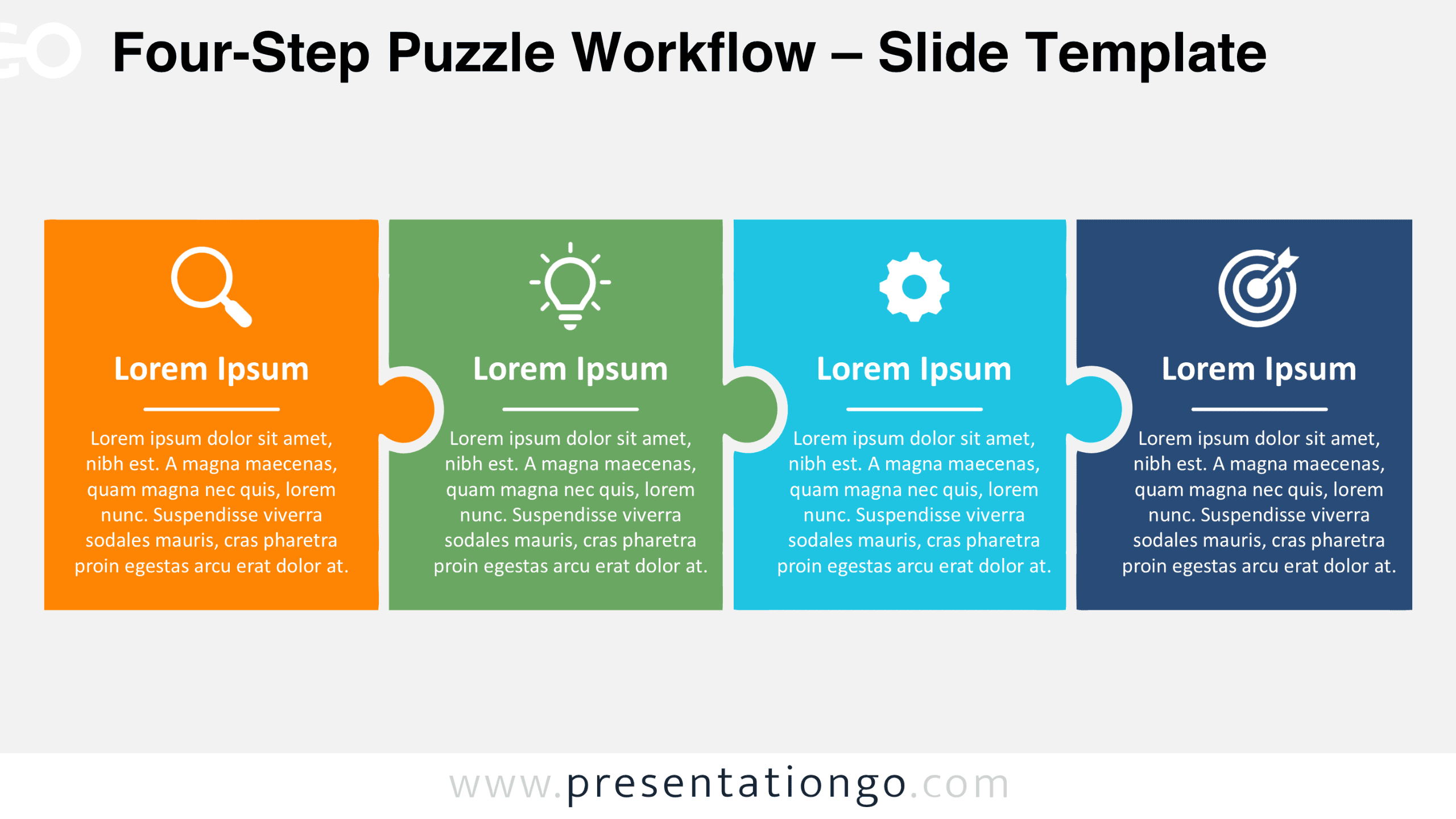
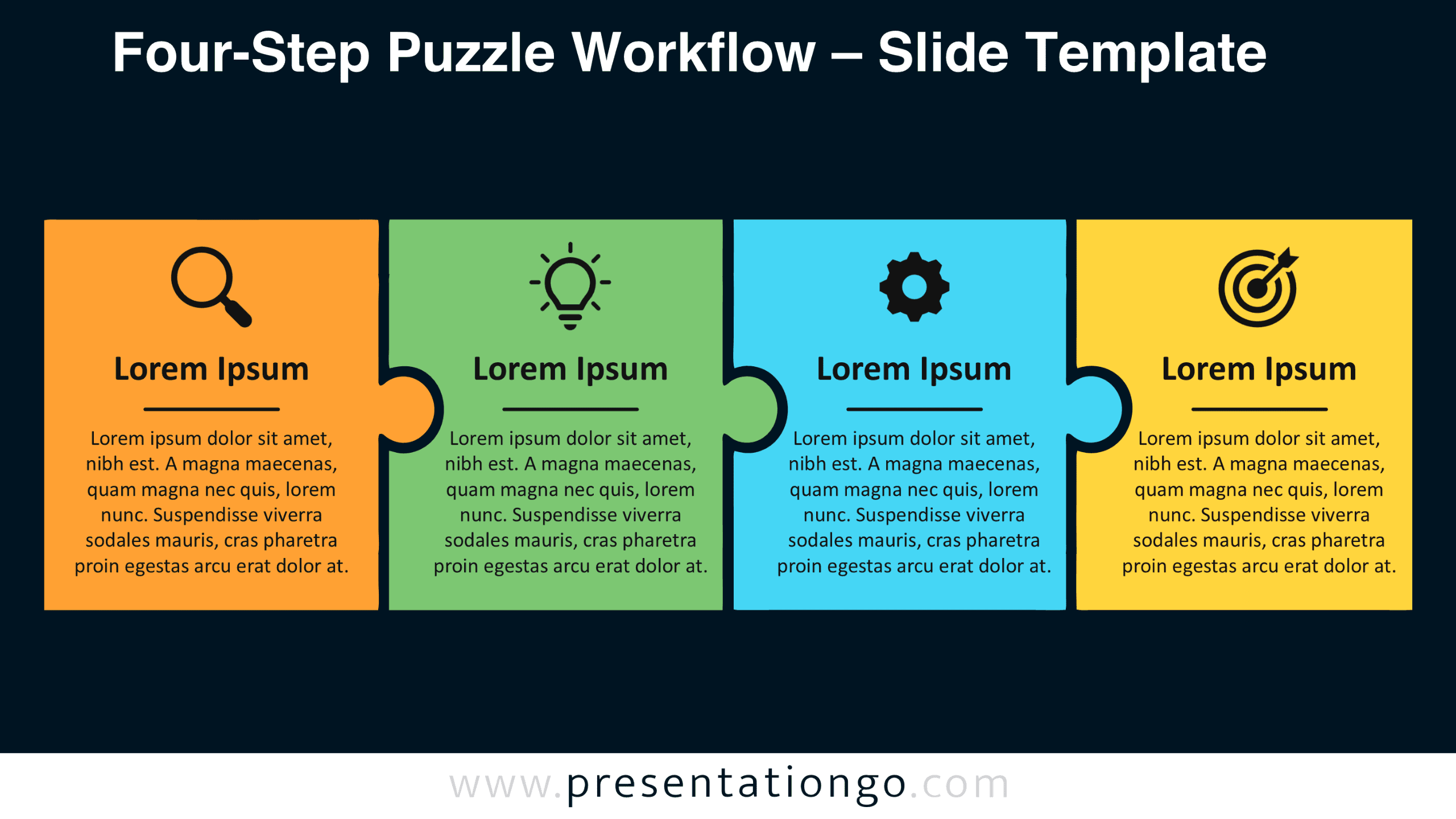
The Four-Step Puzzle Workflow includes two slide versions, allowing you to choose a suitable backdrop for your presentation. Both versions maintain the same four-part arrangement, so you can present your information without changing the diagram’s structure.


Features and Customization Options
- Compatible with Microsoft PowerPoint and Google Slides.
- Four-step puzzle workflow diagram, fully editable.
- Editable text, shapes, and icon placeholders.
- Adjust individual puzzle sections and resize elements.
- Icons are from the Office library and are shown for illustration purposes only.
- Office library icons are easily modifiable or replaceable.
- Includes both light and dark background versions.
Design and Structure
The diagram consists of four rectangular panels arranged horizontally, with adjoining edges shaped like interlocking puzzle pieces. Rounded tabs extend from each section into the next, creating a continuous composition. Unlike a conventional flowchart, the layout uses the puzzle connections themselves to establish relationships. Every panel follows the same internal hierarchy: an icon at the top, a prominent heading, and a short horizontal divider. A dedicated text area sits beneath the divider, providing room for several lines of explanation. Consistent panel dimensions keep the information balanced across the entire arrangement.
The four sections appear side by side, without directional arrows or numbered markers. This gives the design flexibility beyond a strictly chronological process. Presenters can treat the panels as sequential phases, complementary components, or separate responsibilities within one framework. The puzzle tabs connect the sections visually without disrupting their individual content areas. The result supports a left-to-right reading order while preserving each component’s identity.
Practical Applications
- Divide a product launch into research, planning, implementation, and evaluation phases.
- Explain a marketing campaign through audience research, messaging, execution, and performance measurement.
- Assign project responsibilities across four departments while showing their interdependence.
- Map a customer onboarding journey from initial contact through activation and follow-up.
- Break a problem-solving method into diagnosis, idea generation, solution development, and review.
- Present four connected business priorities during a strategic planning meeting.
Summary
The Four-Step Puzzle Workflow brings related information together without reducing everything to a simple list. Its interlocking structure communicates connection, while individual panels preserve space for meaningful details. Use this free PowerPoint and Google Slides diagram when four distinct elements need to form one coherent explanation. The editable layout also allows you to adapt the same structure to different presentation topics.







