The Pipeline Stage Flow PowerPoint diagram turns a four-part process into one clear visual sequence. A continuous pipe connects each checkpoint, while directional arrows guide the audience from start to finish. The layout suits presentations that need visible progression without a dense or complicated flowchart.
Each circular stage combines a number, heading, short description, and supporting icon. The diagram works in PowerPoint and Google Slides, allowing teams to adapt it for many professional contexts.
Diagram Preview
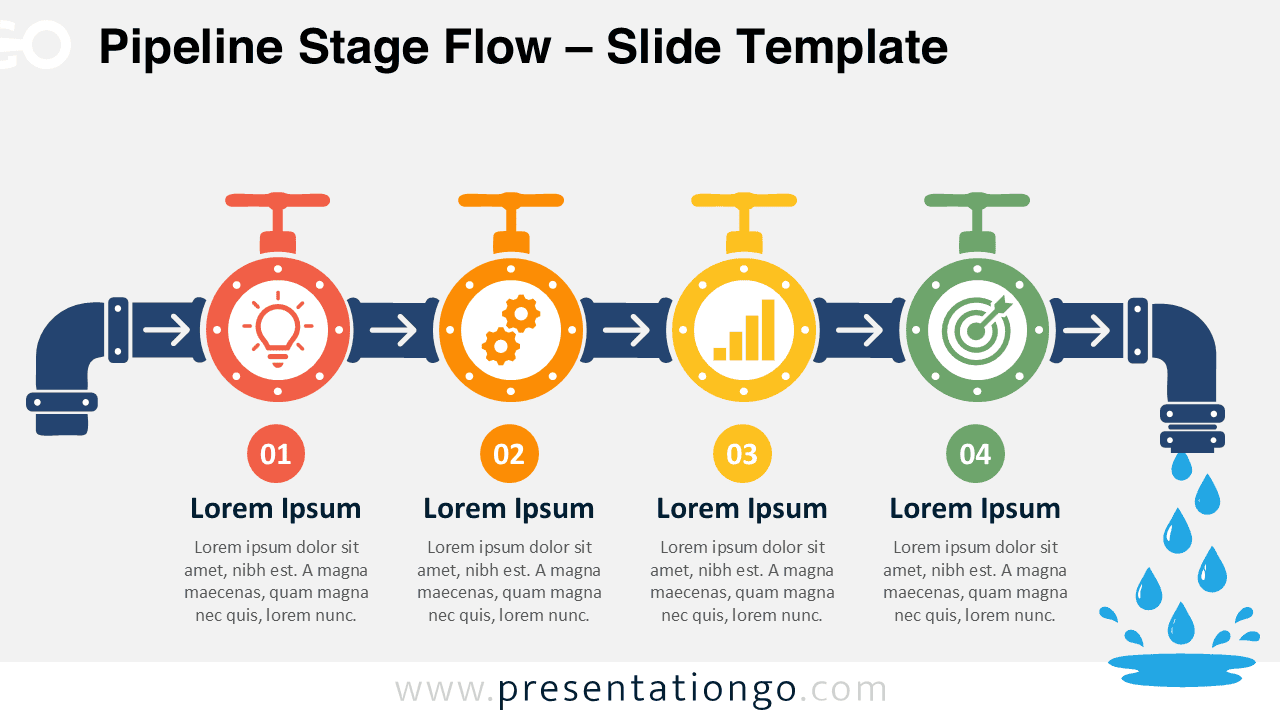
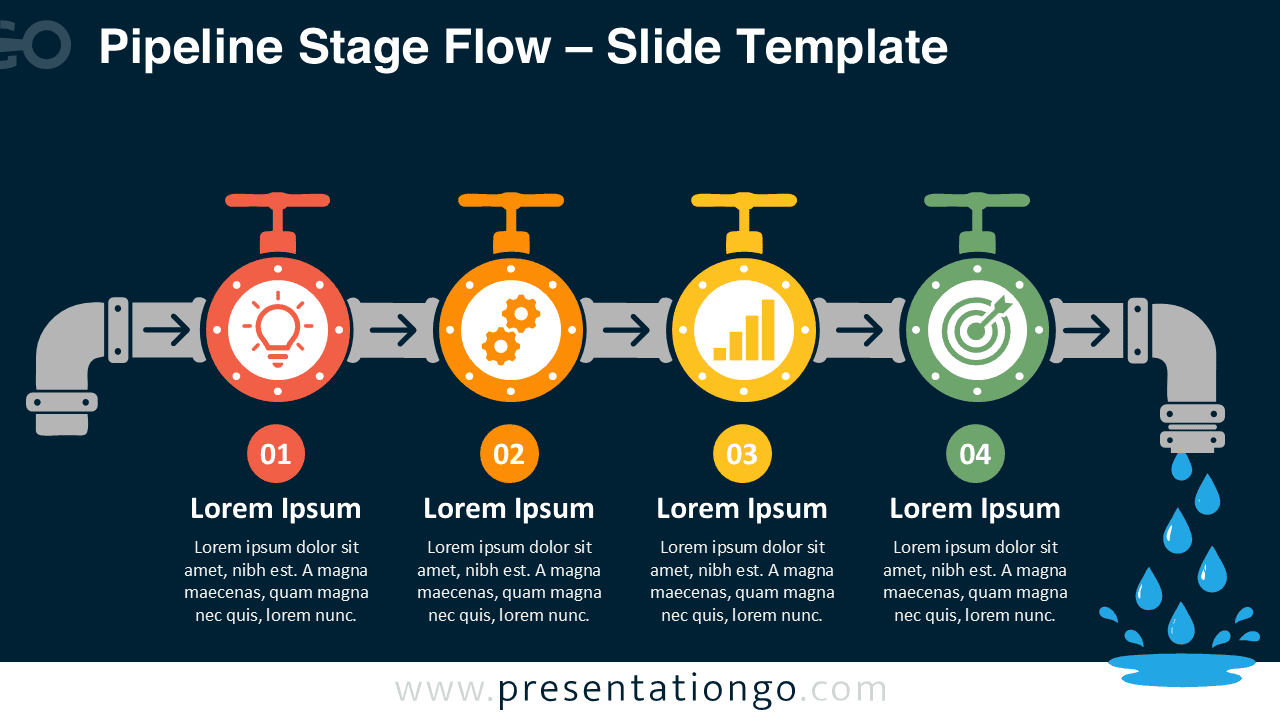


The diagram provides two ready-to-use versions for different slide environments. Both versions maintain the same structure, spacing, labels, and directional logic. Presenters can select the suitable slide and replace the sample content with their own information.
The connected layout helps viewers understand how each stage relates to the next. It also keeps all four checkpoints visible within one balanced process overview.
Features and Customization Options
- Compatible with Microsoft PowerPoint and Google Slides
- Includes 2 editable slides in 2 background variations
- Four-step pipeline process diagram, fully editable
- Editable connectors and directional flow arrows
- Editable text, shapes, and icon placeholders
- Office library icons for illustration only, easily modifiable
- Includes both light and dark background versions
Design and Structure
The pipeline acts as the main visual anchor across the slide. Four circular valves divide the journey into distinct checkpoints. Embedded arrows indicate movement and make the intended reading order immediately clear.
Each checkpoint places its stage number beneath the valve. A heading and short text block provide context without crowding the diagram. Small rivet details reinforce the industrial character, while consistent spacing gives every stage equal visual importance.
Practical Applications
- Map production or service pipelines
- Present project gates and approval checkpoints
- Explain sales, onboarding, or delivery stages
- Track quality reviews across an operation
- Compare responsibilities at each process stage
- Summarize milestones in transformation plans
- Visualize product development workflows
Summary
Pipeline Stage Flow gives presenters a memorable alternative to a standard process chart. Its continuous structure makes relationships easy to follow, while the four checkpoints keep the story focused.
Use the Pipeline Stage Flow PowerPoint diagram when a process depends on sequence, control points, and forward movement. Edit the labels, descriptions, shapes, arrows, and Office icons to match your subject.