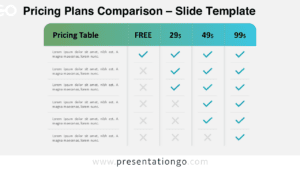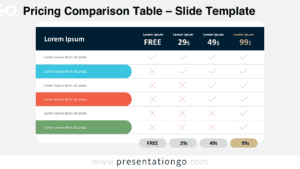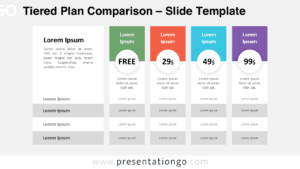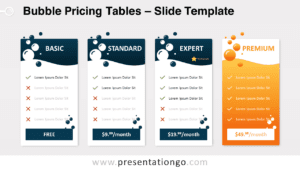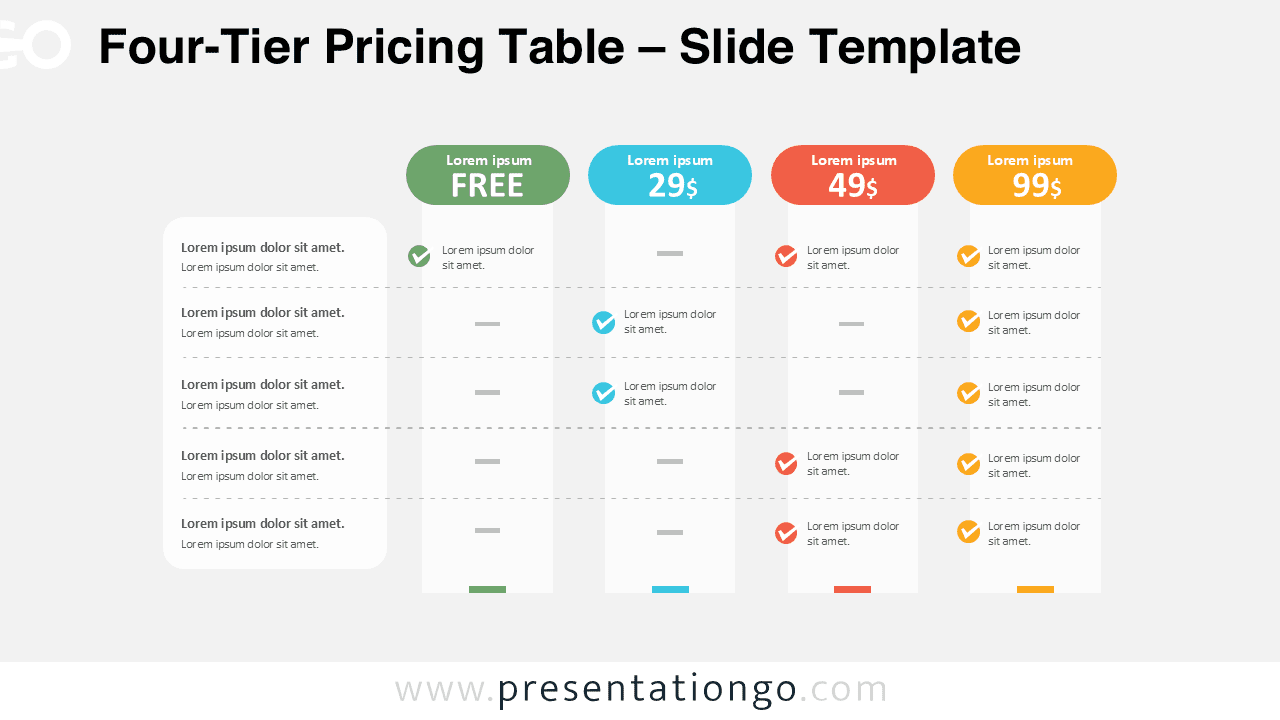
The Four-Tier Pricing Table is a clean and structured diagram designed to help you compare subscription plans, service packages, or product tiers in PowerPoint and Google Slides. It provides a clear visual hierarchy that makes pricing differences easy to understand at a glance.
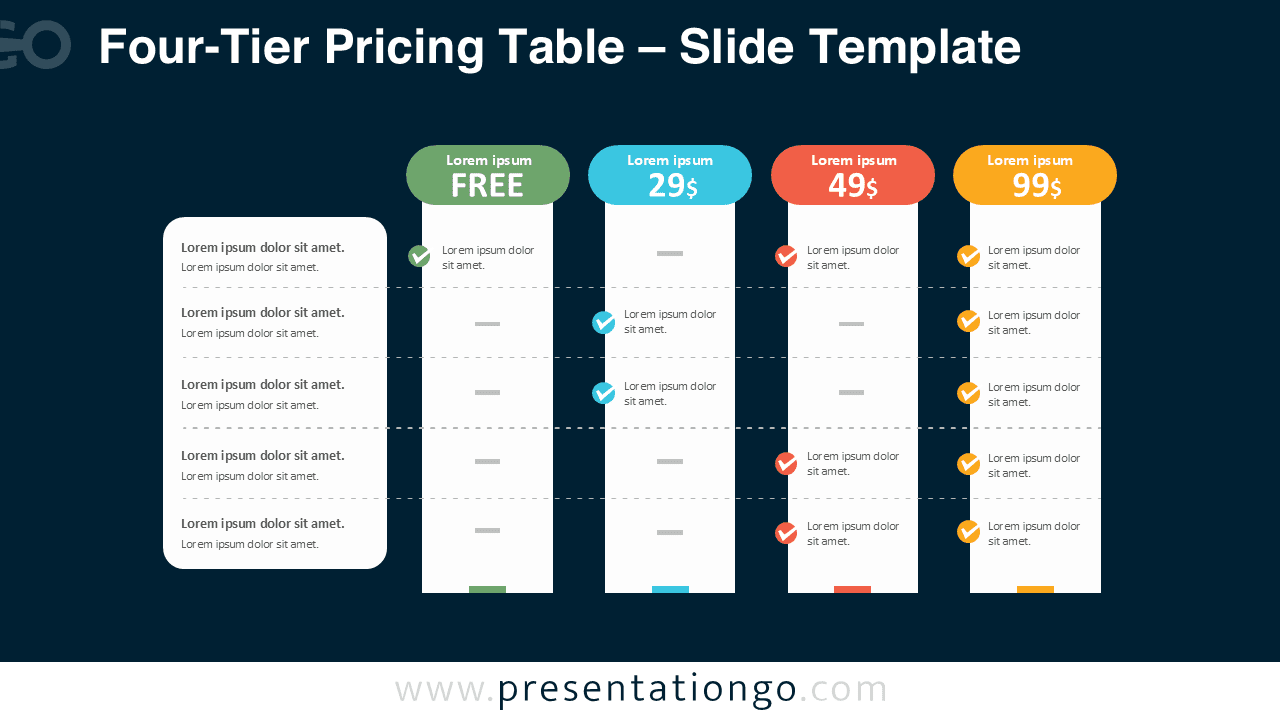
This diagram includes two versions: one optimized for light backgrounds and another for dark presentations. Both layouts maintain strong contrast, modern styling, and balanced spacing to ensure readability in any business setting.
Diagram Preview


Features and Customization Options
- Four vertical pricing tiers with clearly highlighted price badges
- Dedicated feature list column for structured comparison
- Editable checkmark icon placeholders
- Fully customizable colors, pricing, and text
- Compatible with PowerPoint and Google Slides
- Light and dark background versions included
Design and Structure
The layout follows a logical left-to-right comparison format. The first column lists product or service features, while the next four columns represent pricing tiers. Each tier includes a rounded header badge displaying the plan price, helping viewers quickly identify value levels.
Checkmarks visually indicate which features belong to each plan. This reduces text clutter and improves clarity. The consistent spacing and subtle separators create a professional structure that keeps attention on the comparison itself.
The color coding differentiates each tier, making it easier to emphasize premium or recommended plans. You can adjust colors, duplicate columns, or modify feature rows to fit your specific pricing model.
Practical Applications
- SaaS pricing presentations
- Subscription plan comparisons
- Service package overviews
- Product feature breakdowns
- Sales and marketing proposals
- Startup pitch decks
Summary
The Four-Tier Pricing Table helps you communicate value clearly and professionally. Its structured design, editable components, and dual background versions make it a flexible tool for any pricing presentation in PowerPoint or Google Slides.