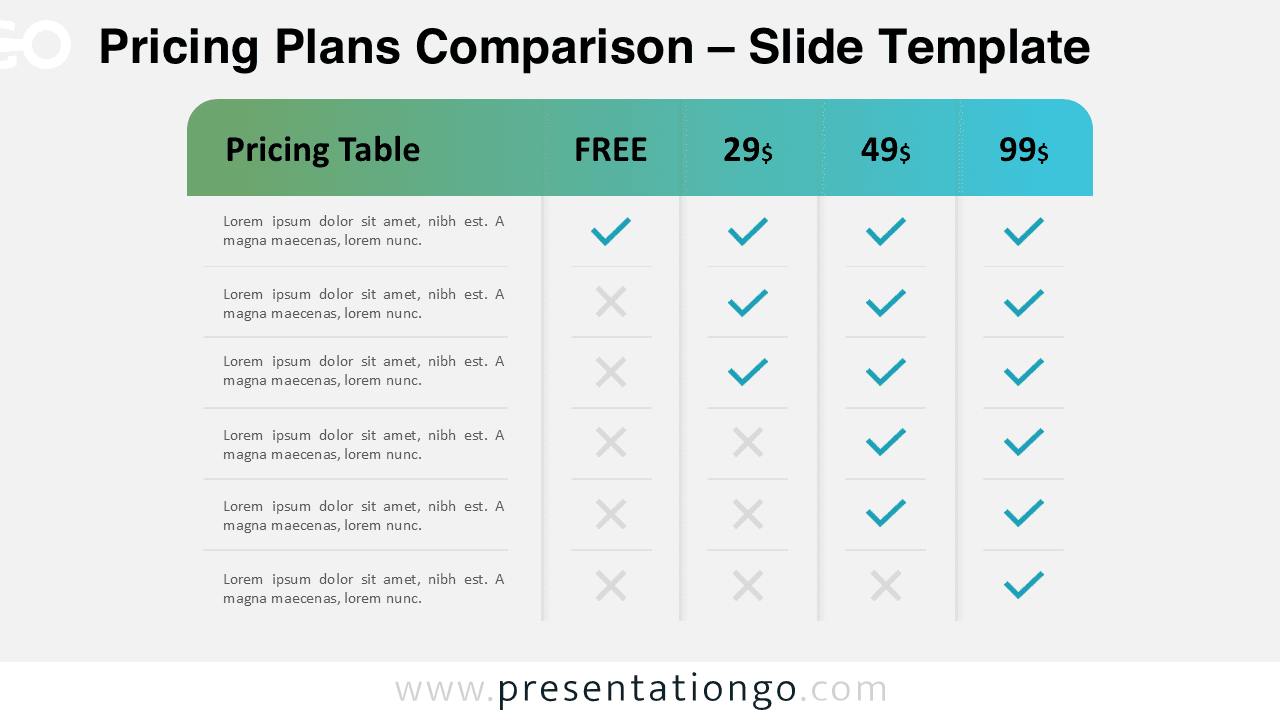
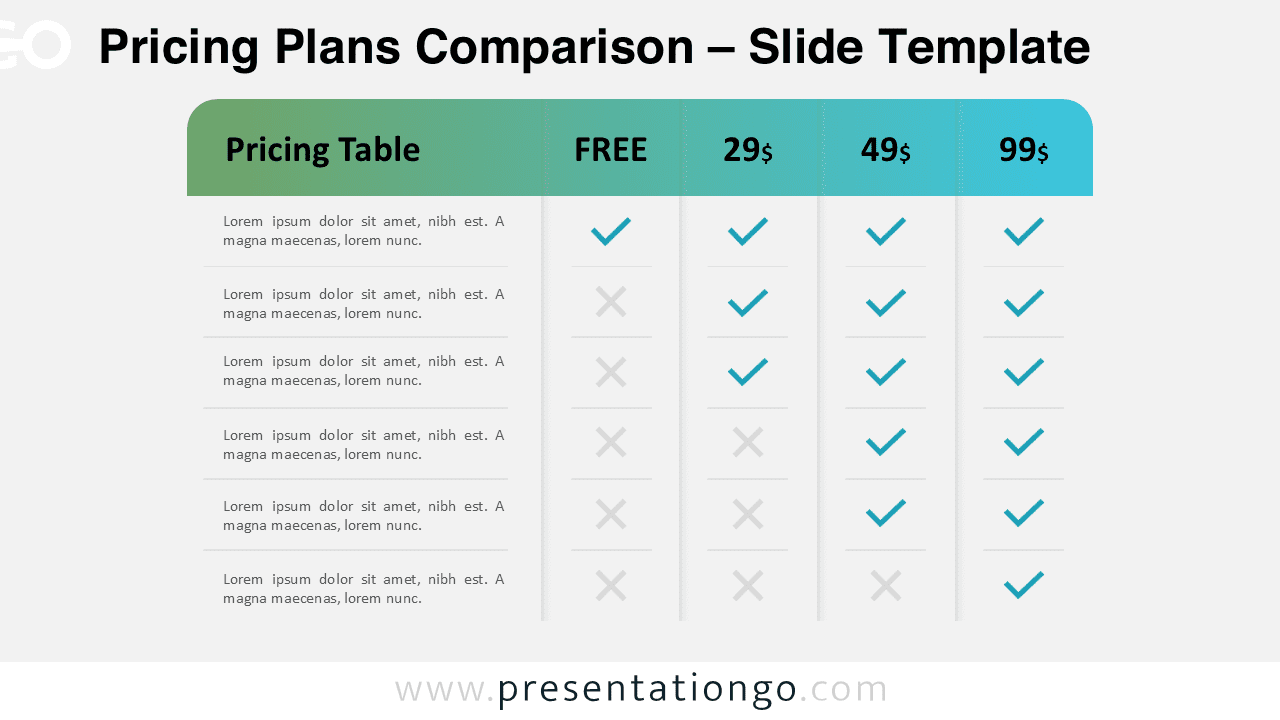
The Pricing Plans Comparison diagram is a practical and visually engaging tool designed to present pricing tiers clearly. It allows you to compare multiple plans side by side using a structured table format. This layout helps audiences quickly understand differences between features, making it ideal for business presentations.
Diagram Preview


Features and Customization Options
- Fully editable shapes, text, and colors
- Clear column-based pricing structure
- Checkmark and cross icons for feature comparison
- Includes editable icon placeholders
- Compatible with PowerPoint and Google Slides
- Easy-to-adjust layout for different pricing models
Design and Structure
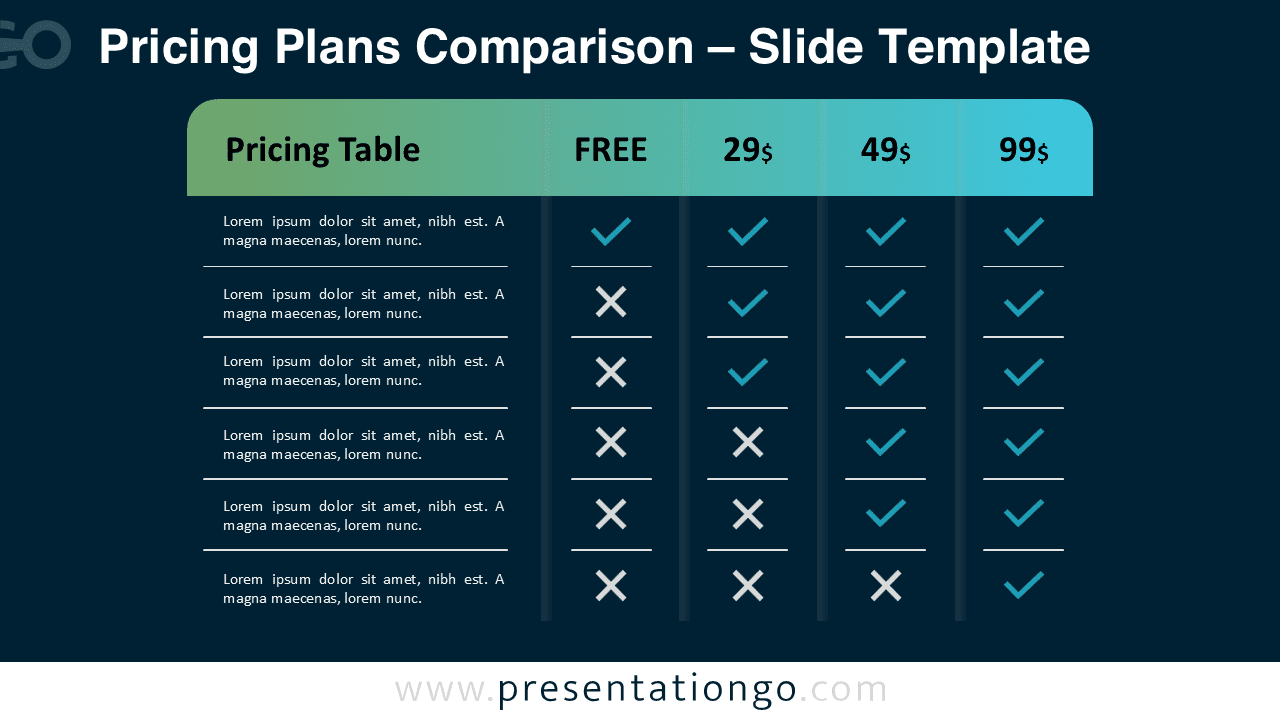
This diagram uses a clean table layout with multiple pricing tiers displayed horizontally. Each column represents a plan, while rows highlight features or services. Checkmarks indicate included features, while crosses show limitations or exclusions. The design uses contrasting colors to differentiate plans and improve readability.
The top section highlights pricing categories such as free and premium tiers. Below, feature lists are aligned for quick scanning. The balanced spacing and alignment ensure a professional and modern appearance.
Practical Applications
- Present subscription plans and pricing strategies
- Compare product or service features
- Support sales and marketing presentations
- Help stakeholders make informed decisions
- Showcase SaaS or product tier differences
Summary
The Pricing Plans Comparison diagram is an effective way to communicate complex pricing structures in a simple format. Its intuitive design ensures clarity, while its flexibility allows full customization. Use it to deliver clear, professional, and impactful presentations.