Pricing decisions shape how people understand your offer. This Pricing Comparison Table helps you present plans with clarity and speed. It uses a clean grid, strong hierarchy, and simple yes/no markers. You can highlight key features per tier without crowding the slide. The layout suits product updates, sales conversations, and pitch decks. You can also adapt it for service packages and internal pricing reviews.
Diagram Preview


Features and Customization Options
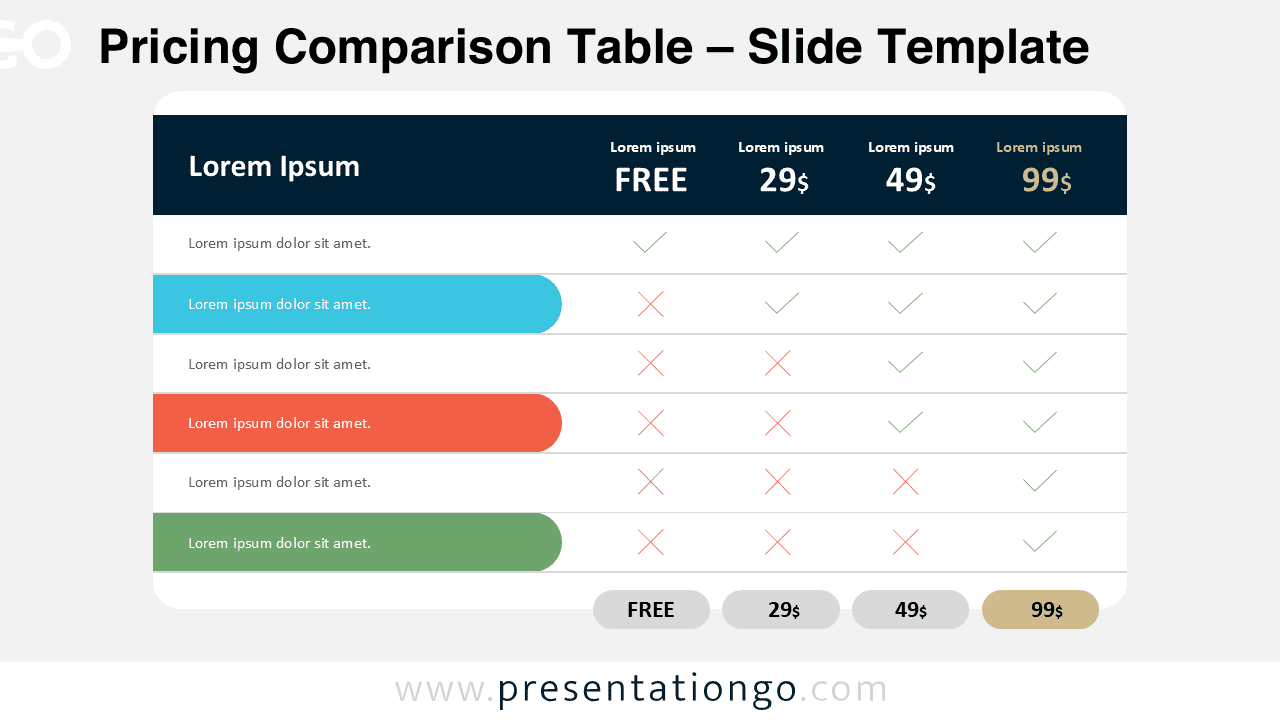
- Includes 2 unique slides for quick plan comparisons.
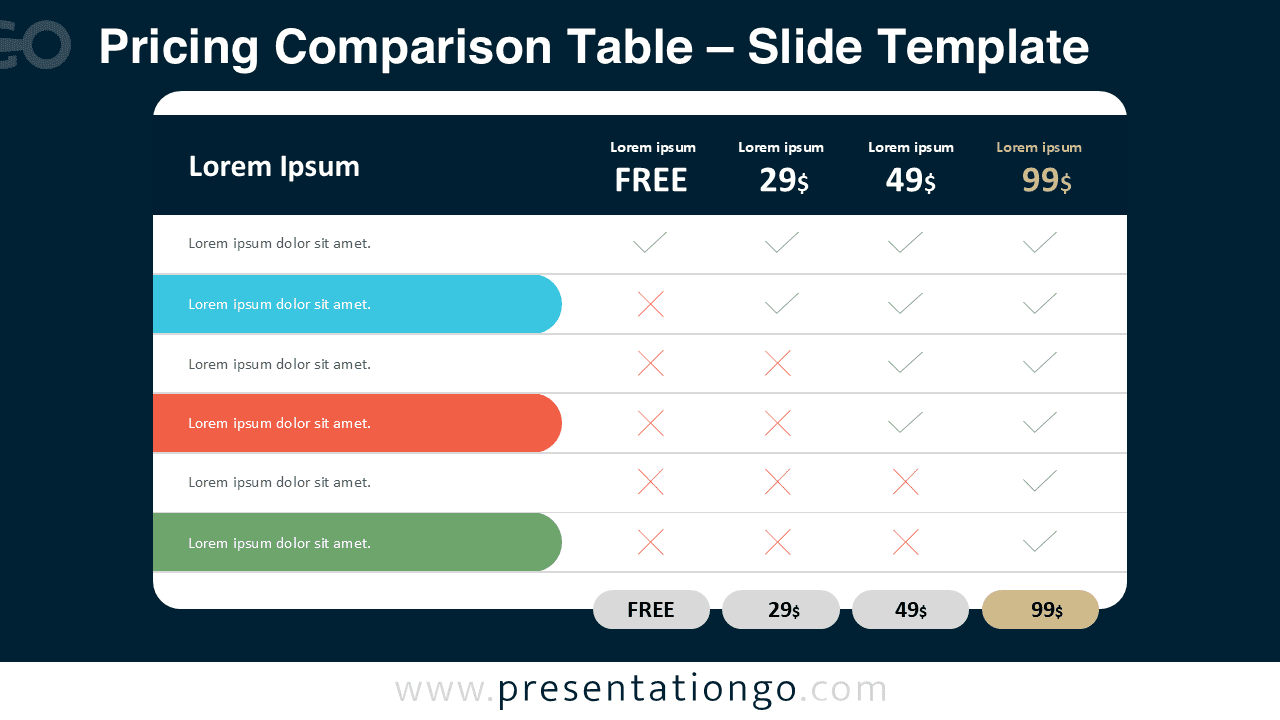
- Offers options for both light and dark themes.
- Pre-populated with icons and text placeholders for fast editing.
- Uses fully customizable shapes for complete control.
- Available in Widescreen (16:9) ratio.
- Offered in both PowerPoint PPTX and Google Slides formats.
- Edit plan names, prices, and feature rows in seconds.
- Swap checkmarks and crosses to reflect plan availability.
- Change accent colors to match your brand guidelines.
- Duplicate rows to expand the comparison without redesigning.
Design and Layout Overview
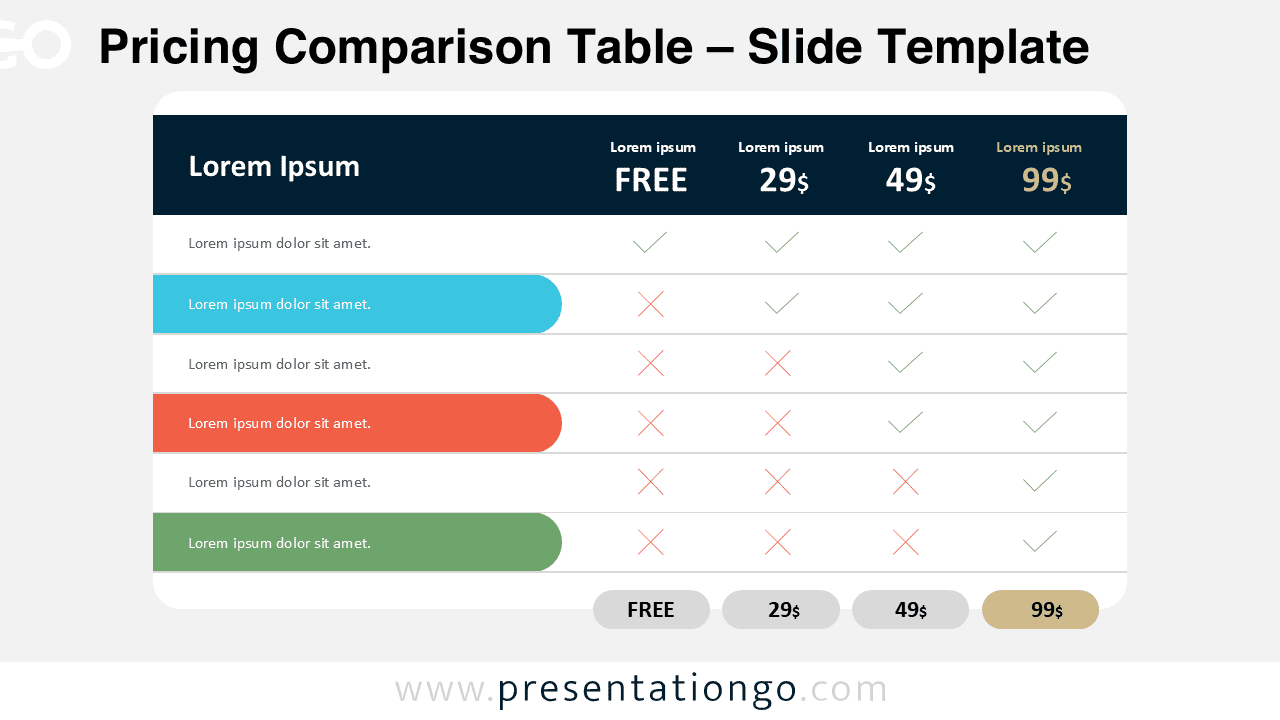
The diagram uses a wide table with four plan columns and a feature list on the left. A dark header band anchors the plan titles and prices. Subtle dividers separate each row for easy scanning. Rounded highlight bars draw attention to priority features. Check and cross symbols create instant pattern recognition. The light version feels clean and airy. The dark version adds contrast for stage screens and modern UI themes. Icons act as editable placeholders, so you can match your product or industry.
Practical Applications
- SaaS pricing slides for pitch decks and product launches.
- Sales enablement decks that compare packages side by side.
- Service proposals that explain inclusions and exclusions.
- Internal workshops for packaging and feature prioritization.
- Marketing reviews that align teams on tier positioning.
- Client presentations that simplify purchasing decisions.
Summary
This Pricing Comparison Table gives you a fast, polished way to explain tiers. You get two theme-ready slides, editable icons, and flexible shapes. You can tailor every label, row, and color to fit your story. Use it to guide decisions, reduce confusion, and strengthen conversion-focused conversations.