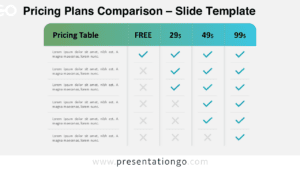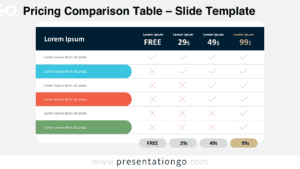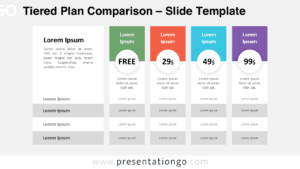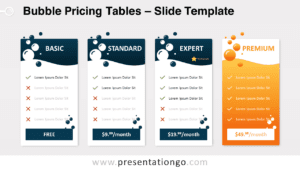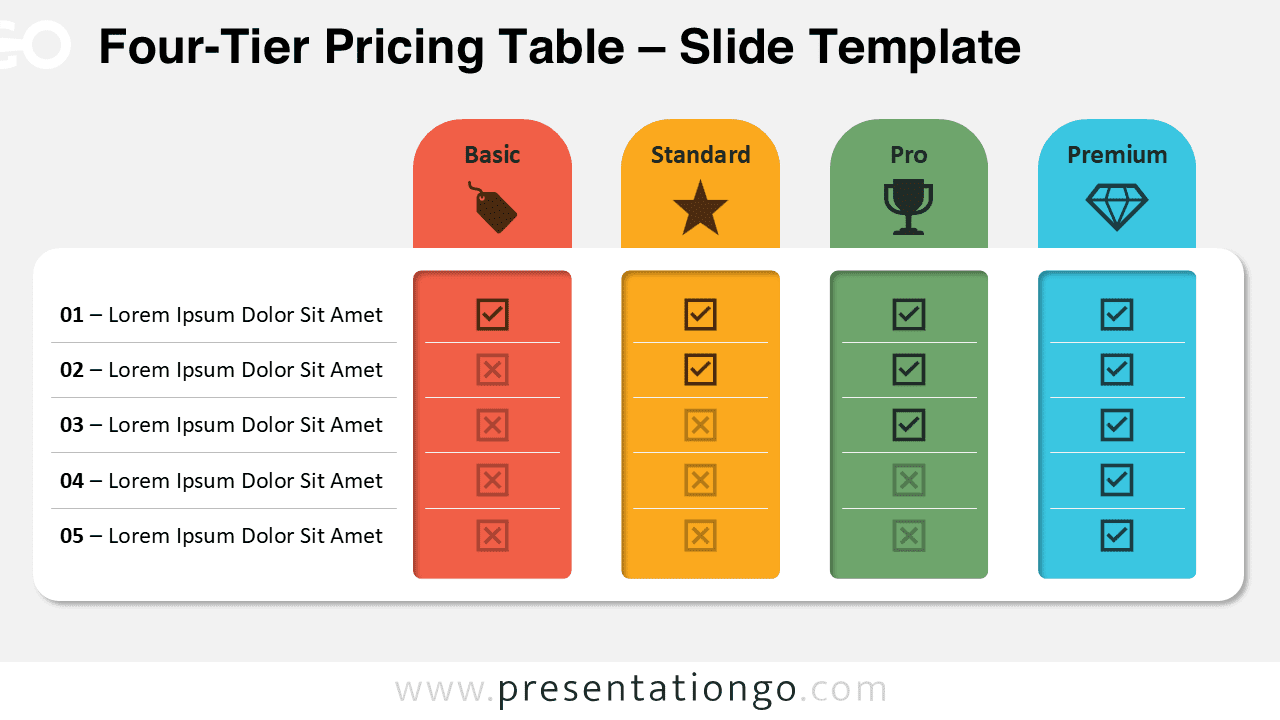
The Four-Tier Pricing Table provides a comprehensive comparison layout featuring five customizable features, designed specifically for PowerPoint and Google Slides presentations.
Four-Part Visual Flow to Highlight Key Phases
This pricing comparison diagram presents a clean 4-column layout that clearly highlights the features of four tiers—Basic, Standard, Pro, and Premium. Each column is vertically aligned, color-coded, and labeled with tier names. Rounded headers feature unique icons, while a 5-row list on the left outlines the plan features, numbered 01 to 05. Checkmarks and crosses inside the grid clarify feature availability. Subtle dividers and bold typography enhance readability. The entire grid follows a minimalist, balanced design to support clarity and visual alignment.
Price tables help clarify plan differences so decision-makers can quickly understand what’s included. This four-tier format supports easy left-to-right scanning, showing added value across tiers. For instance, a SaaS startup might promote the “Standard” plan as the best value, while a consultant could highlight “Premium” for upselling. Icons make each column distinct, guiding attention toward specific options. Marketers and sales teams often use such layouts to compare subscriptions or service levels.
This presentation template offers five unique slide variations. Each version adjusts the header height to emphasize a different plan visually. The slides include pre-filled icons and text placeholders. Users can customize every element—from icons to colors and text—across both light and dark backgrounds. The template is available in Standard (4:3) and Widescreen (16:9) formats and works with both PowerPoint (PPTX) and Google Slides.
Download the pricing table template featuring 4 options, 5 features, and 5 design variations to showcase any subscription model or service plan.
Widescreen (16:9) size preview:


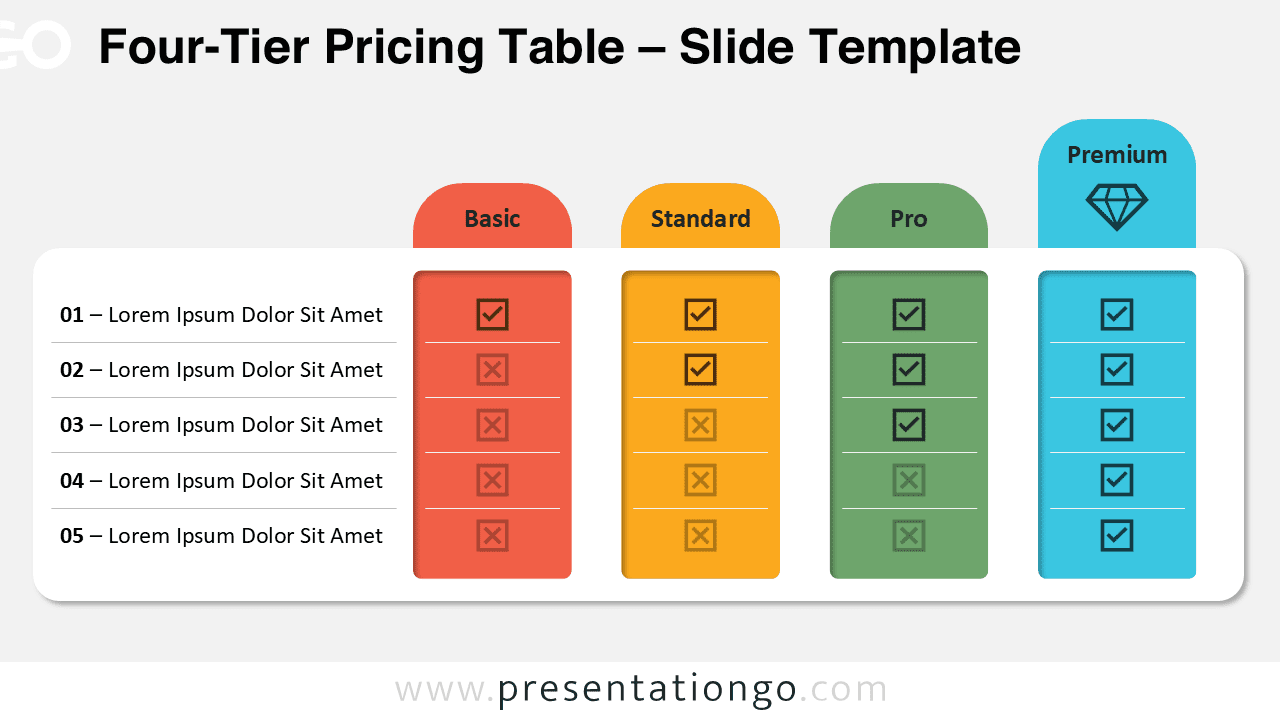


This template offers:
- 5 unique slides
- Options for both light and dark themes
- Pre-populated with icons and text placeholders
- Fully customizable shapes for complete control
- Available in both Standard (4:3) and Widescreen (16:9) ratios
- Offered in both PowerPoint PPTX and Google Slides formats