
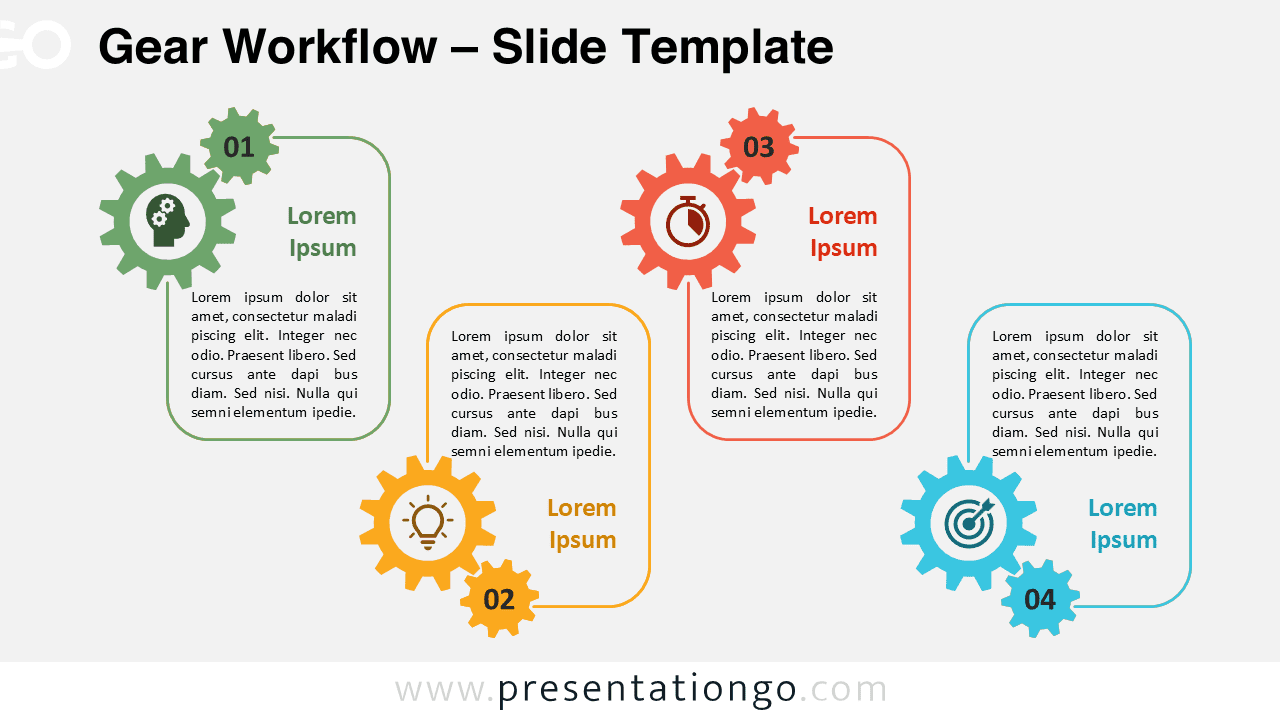
The Gear Workflow is a four-step linear diagram designed for PowerPoint and Google Slides to visually represent sequenced actions.
Sequential Process Flow with Numbered Gears
This template presents four staggered rounded rectangles connected to cogwheels, each displaying a step number and icon. The gear shapes imply motion and progression, which helps reinforce logical sequencing. Each cog visually anchors a distinct step, while the placeholder text beneath each block offers space for clear explanations. Alternating high and low alignment prevents monotony and guides the viewer’s eyes across the slide. As a result, your audience can follow the process without distractions.
Additionally, the design balances consistency and rhythm, making it easier to differentiate stages. Each icon adds meaning to the content, allowing for quicker comprehension. Because the steps stand out individually, the entire workflow becomes more accessible to interpret.
Numbered boxes in presentations serve as clear visual cues. They allow speakers to present ideas in an orderly manner and enhance message retention. This specific diagram simplifies explaining workflows, phased strategies, or development cycles. For instance, a team leader might outline a project’s planning, execution, monitoring, and review stages. Similarly, a consultant could illustrate a client’s onboarding journey in four structured steps. Consequently, the template helps transform complex information into an easy-to-follow format.
This template includes two slides filled with step numbers, icons, and editable text placeholders. It allows customization of shapes, colors, and icons. You can choose between light or dark backgrounds and use either the standard (4:3) or widescreen (16:9) layout. It works seamlessly with both PowerPoint and Google Slides.
Download this clean four-step layout to simplify and clarify your next process-based presentation.
Widescreen (16:9) size preview:
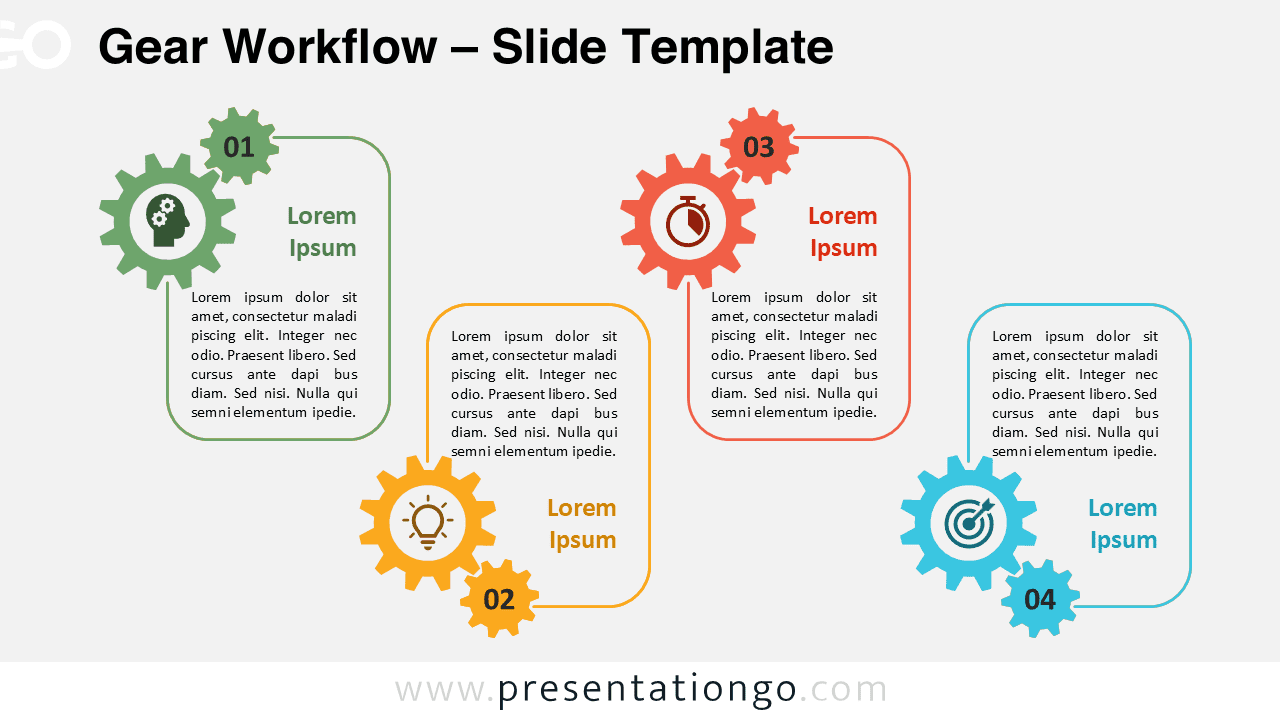


This template offers:
- 2 unique slides
- Options for both light and dark themes
- Pre-populated with numbers, icons, and text placeholders
- Fully customizable shapes for complete control
- Available in both Standard (4:3) and Widescreen (16:9) ratios
- Offered in both PowerPoint PPTX and Google Slides formats







