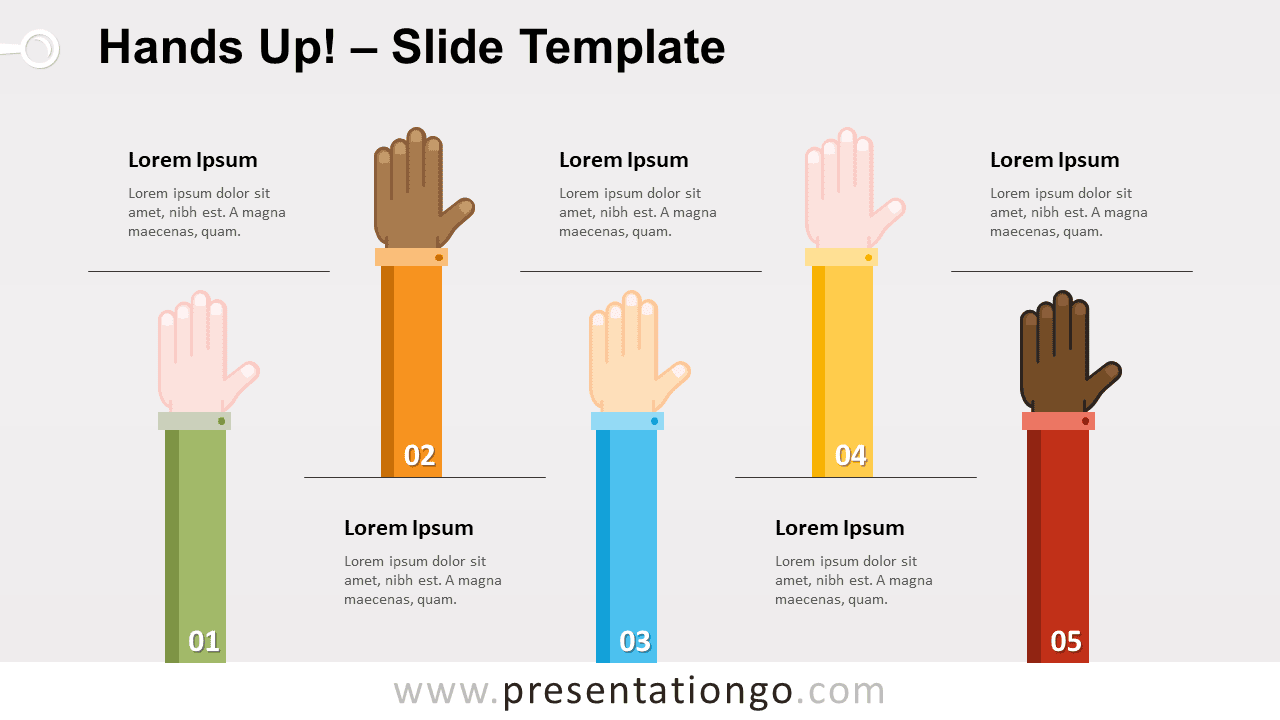
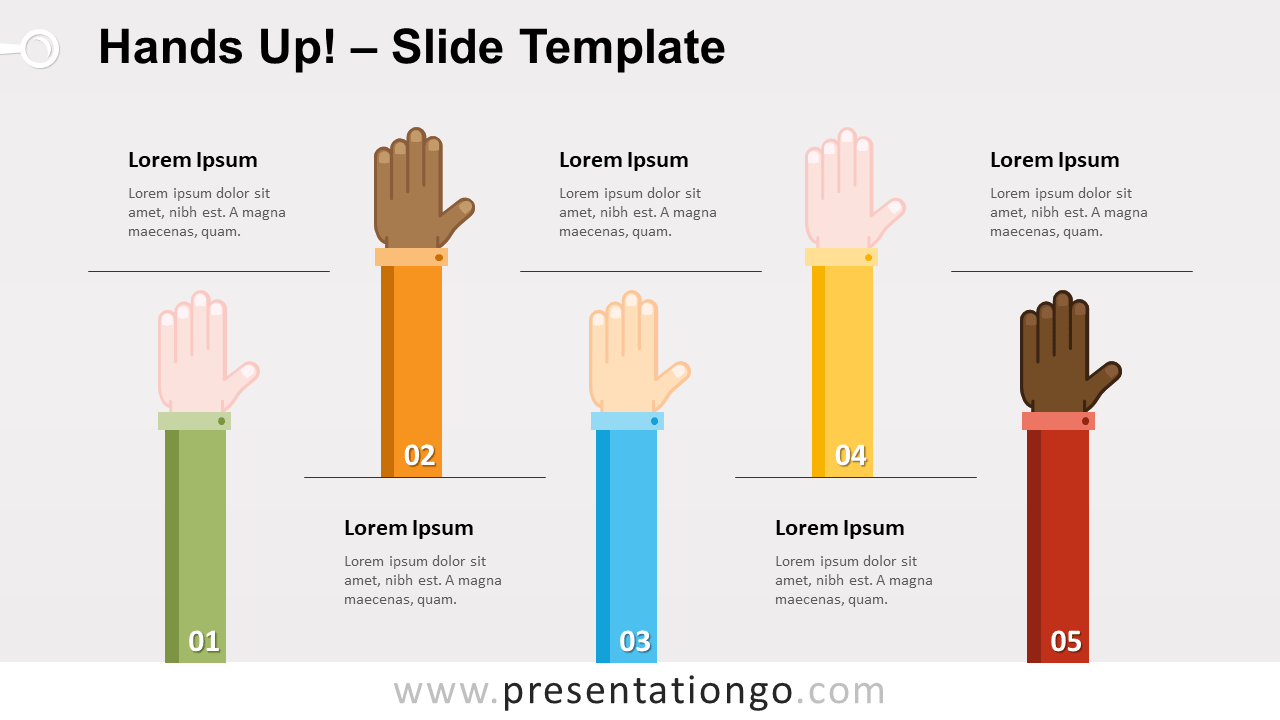
Free hands up infographics for PowerPoint and Google Slides. Illustration of five hands raised in the air. Great to show different ideas. Editable graphics with text placeholders.
Hands Up!
Raise your hand if you like this new infographic! Raising (one’s) hand can have different meanings. That sign can indicate your presence or catch the attention of somebody. For example, in a class students raise their hands to express they want to answer or ask a question. In court, you raise your (right) hand to take the oath. And there is also another meaning for raising your hand during worship at church…
This infographic with hands can then be used for many purposes. In general, it will be perfect to illustrate different ideas or concepts. And more specifically, this can be an appropriate graphics for topics related to education, justice, or religion (for example).
Finally, this graphic can illustrate diversity or different ethnicities.
Shapes are 100% editable: colors and sizes can be easily changed.
Includes 2 slide option designs: Standard (4:3) and Widescreen (16:9).
Widescreen (16:9) size preview:


This ‘Hands Up for PowerPoint and Google Slides’ features:
- 2 unique slides
- Light and Dark layout
- Ready to use template with text placeholders
- Completely editable shapes
- Standard (4:3) and Widescreen (16:9) aspect ratios
- PPTX file and for Google Slides
Free fonts used:
- Helvetica (System Font)
- Calibri (System Font)