Introducing the Hexagon Cycle Radial, a visually captivating and customizable graphic for PowerPoint and Google Slides, perfect for illustrating sequential processes and their connection to a central idea or theme. Editable graphics with icons, and text placeholders.
Hexagon Cycle Radial
Looking for a visually appealing and versatile graphic for your next presentation? Our Hexagon Cycle Radial, compatible with both PowerPoint and Google Slides, is a perfect addition to captivate your audience while effectively conveying your ideas.
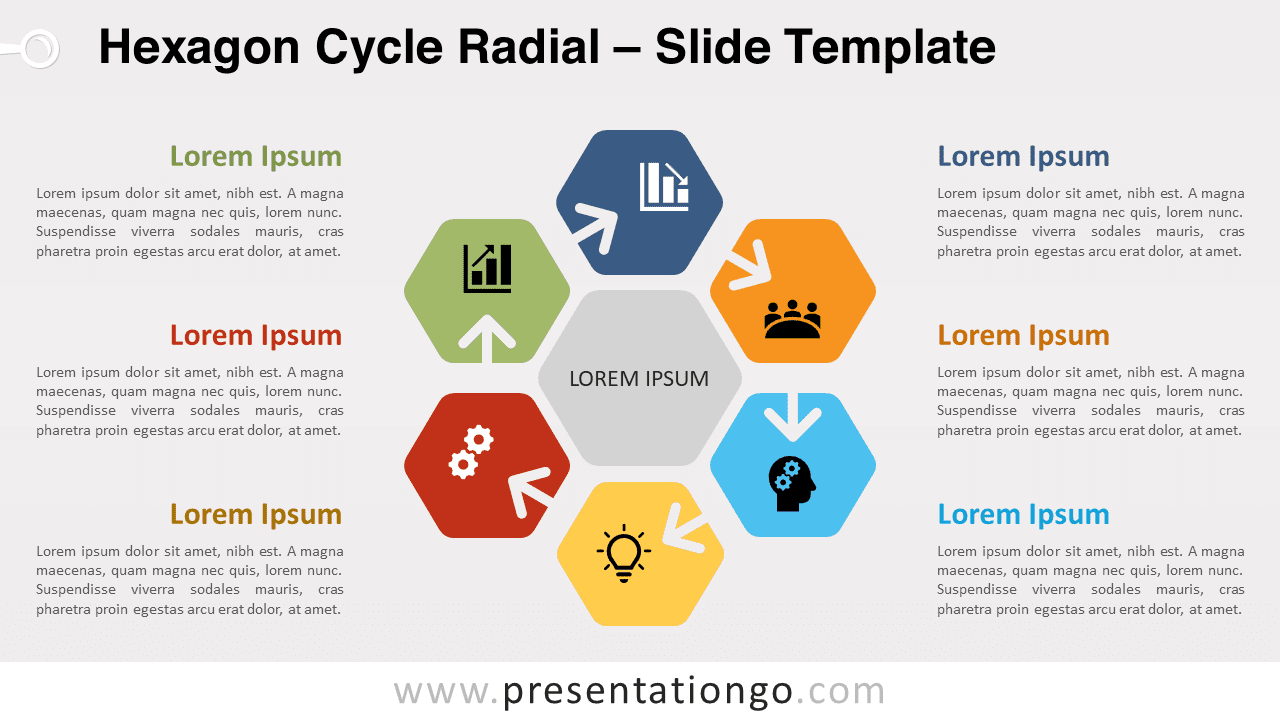
The Hexagon Cycle Radial features a central hexagonal gray shape encircled by six other distinctively colored hexagons. Each surrounding hexagon incorporates a curved arrow, creating a sense of circular flow that emphasizes the relationship between the central idea and the surrounding elements. The editable nature of these shapes allows for easy customization in terms of size and color, making it perfect for tailoring to your specific needs.
This dynamic diagram is ideal for showcasing a sequential process that relates to a central theme or concept. It can effectively represent a continuous sequence of stages, tasks, or events, allowing your audience to follow the flow and understand the interconnectivity of the different elements. Furthermore, you can personalize the graphic by replacing the icons with numbers or selecting from the extensive Office icons library.
The Hexagon Cycle Radial is versatile and can be used across various topics, such as business processes, marketing strategies, project management, product development, or even educational presentations. Its flexibility makes it a valuable tool for any professional presentation that requires clear and concise visualization of related elements.
In conclusion, our Hexagon Cycle Radial for PowerPoint and Google Slides is a powerful and customizable graphic that will elevate your presentation to new heights. Don’t miss out on this opportunity to effectively engage your audience and communicate your ideas with ease and style.
Shapes are 100% editable: colors and sizes can be easily changed.
Includes 2 slide option designs: Standard (4:3) and Widescreen (16:9).
Widescreen (16:9) size preview:


This ‘Hexagon Cycle Radial’ template features:
- 2 unique slides
- Light and Dark layout
- Ready to use template with icons text placeholders
- Completely editable shapes
- Uses a selection of editable PowerPoint icons
- Standard (4:3) and Widescreen (16:9) aspect ratios
- PPTX file (PowerPoint) and for Google Slides
Free fonts used:
- Helvetica (System Font)
- Calibri (System Font)