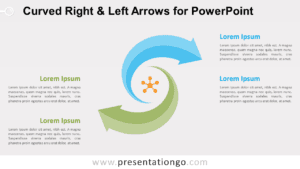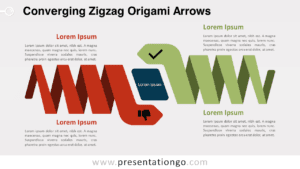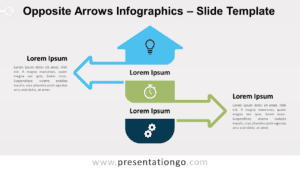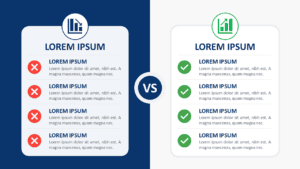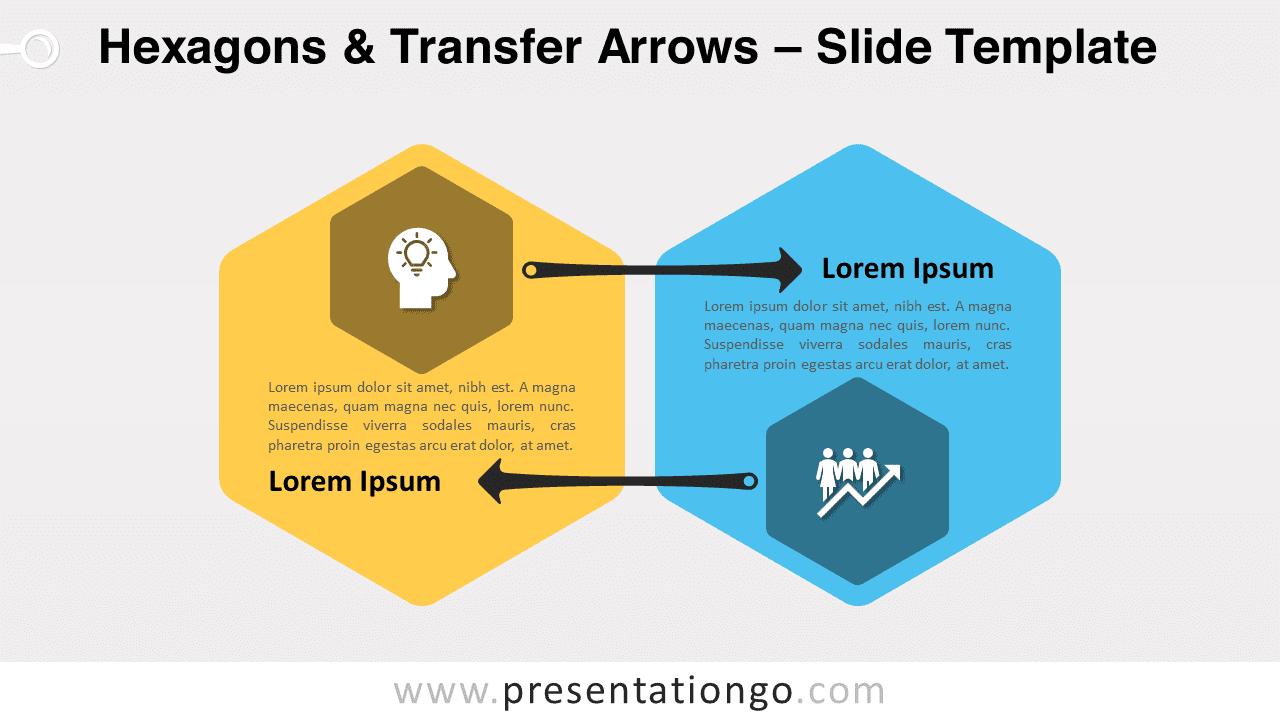
Free hexagons and transfer arrows for PowerPoint and Google Slides that represents a back-and-forth movement between two entities using two arrows pointing in opposite directions. It is ideal for sharing and comparing two ideas while showing the relationships between both. Editable graphics with icons and text placeholders.
Hexagons & Transfer Arrows
How can you visually represent a back-and-forth movement between two entities? A clear and efficient way to do it is with two arrows pointing in opposite directions. That is why this free Hexagons Transfer Arrows template will help you show the relationship between 2 parts.
This simple yet impactful slide shows 2 large hexagons. Indeed, there is a yellow one on the left and a blue one on the right. To explain your 2 options, ideas, or facts, you can write a short text and a title inside each one. Besides, you will find a smaller hexagon inside the big ones to insert an icon illustrating your 2 main ideas. Finally, you can see two horizontal black arrows joining both hexagons, ideal to symbolize movement and comparison.
This Hexagons and Transfer Arrows template for PowerPoint and Google Slides is ideal to share and compare two ideas, while showing the relationships between both.
Shapes are 100% editable: colors and sizes can be easily changed.
Includes 2 slide option designs: Standard (4:3) and Widescreen (16:9).
Widescreen (16:9) size preview:


This ‘Hexagons & Transfer Arrows’ template features:
- 2 unique slides
- Light and Dark layout
- Ready to use template with icons and text placeholders
- Completely editable shapes
- Uses a selection of editable PowerPoint icons
- Standard (4:3) and Widescreen (16:9) aspect ratios
- PPTX file (PowerPoint) and for Google Slides
Free fonts used:
- Helvetica (System Font)
- Calibri (System Font)